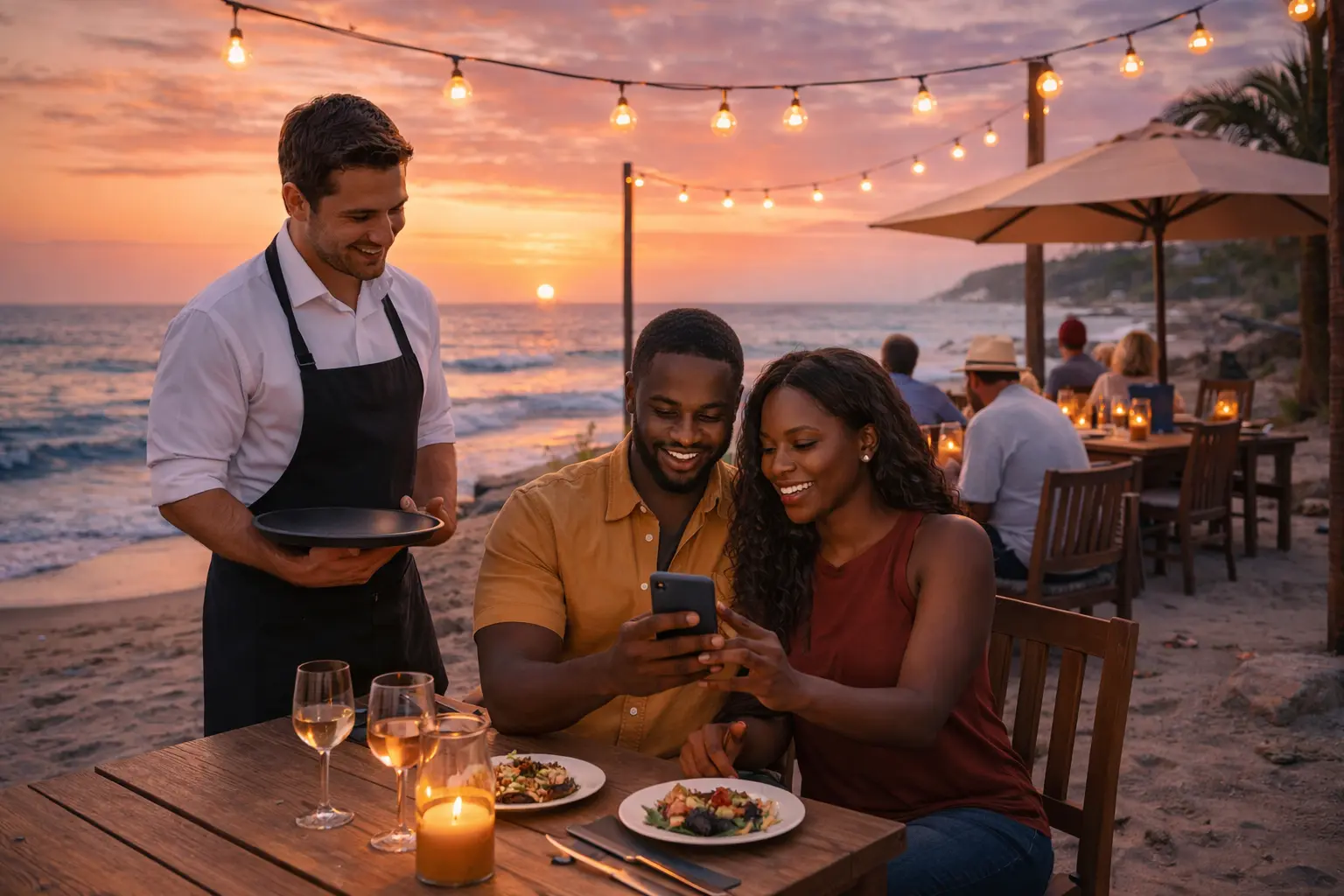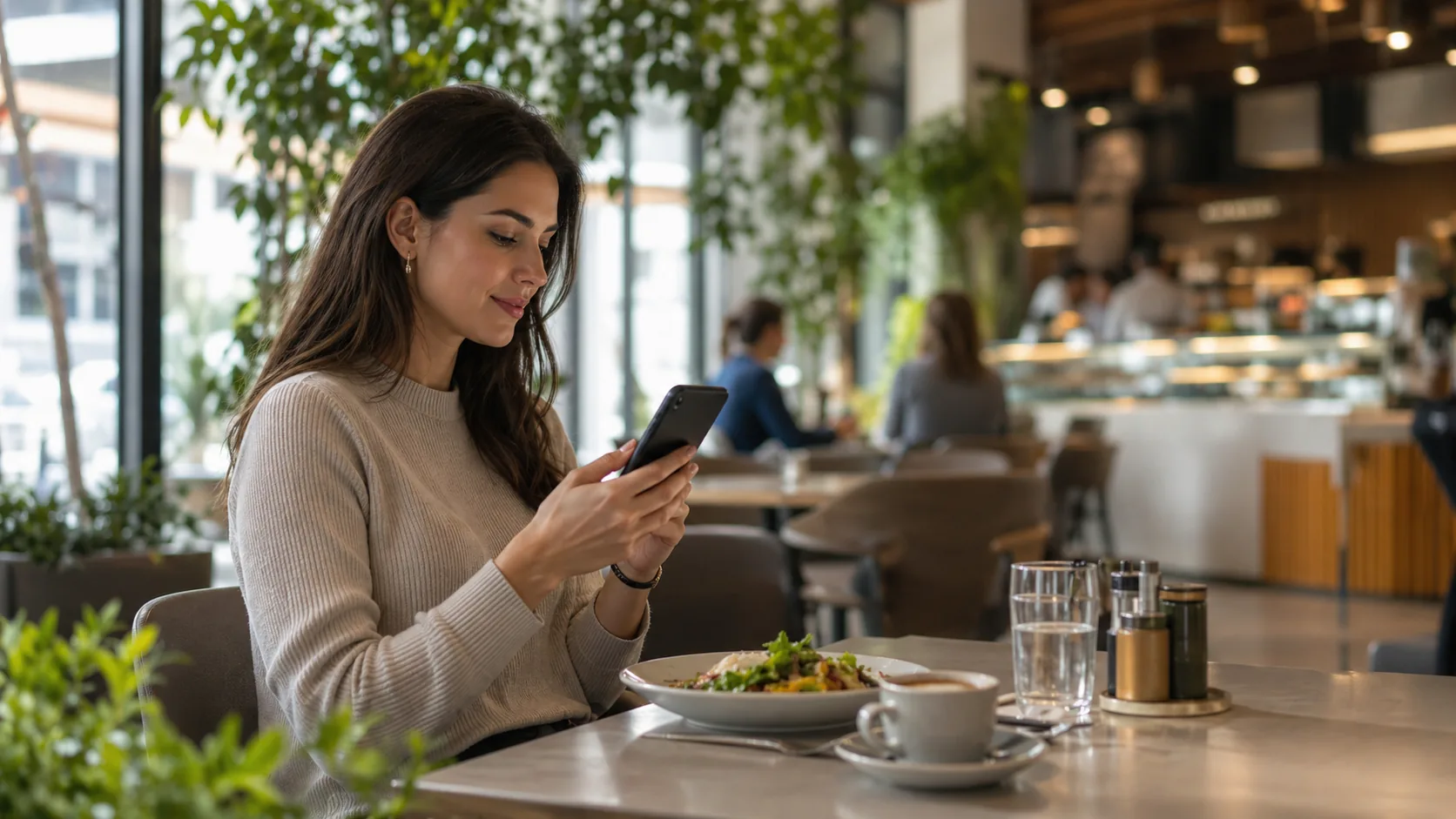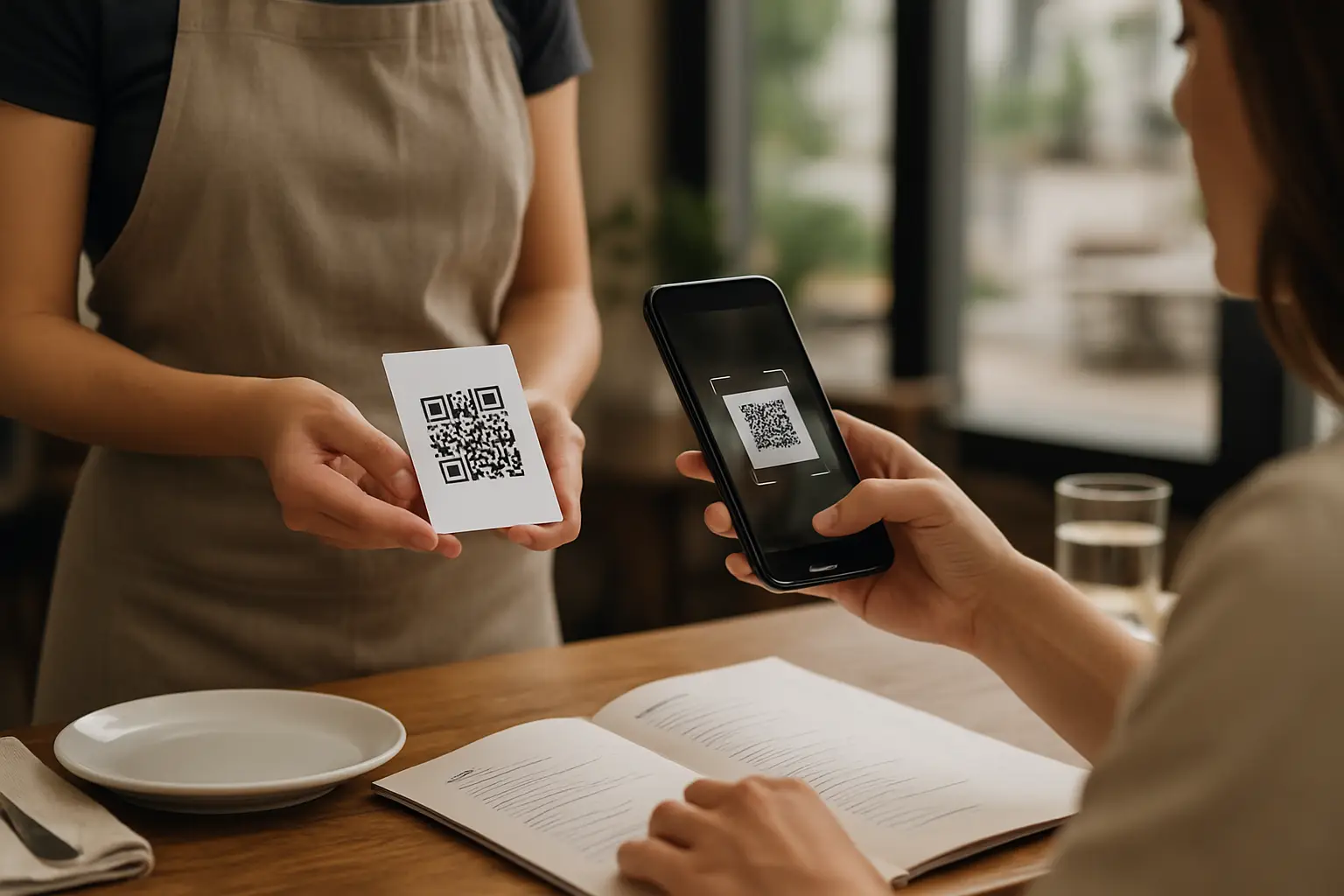
A guest sits down, scans the code, and asks for the one item you just 86’d. You say, “We’re out,” and they say, “But it’s on your menu.” That gap - between what’s real in your kitchen and what’s on the menu - is where QR codes either save service or make it feel sloppy.
That’s why unlimited QR codes for restaurants matters. Not as a tech perk, but as an operations decision: how quickly can you make the menu match reality across every table, every section, every location, and every concept you run?
What “unlimited” actually means in restaurant terms
On paper, “unlimited QR codes” sounds like a pricing line item. In practice, it’s the freedom to place a code everywhere you need it without doing math every time you add a table, open a patio, launch a pop-up, or change your service flow.
If your QR system limits codes, you start making weird compromises: one code for the whole dining room, no codes at the bar, staff printing backup menus “just in case,” or a separate set of links for catering, happy hour, and late night. Those workarounds cost time, create inconsistencies, and make it harder to manage updates.
Unlimited means you can treat QR placement like signage: put it where it reduces friction, not where your plan allows.
Why restaurants outgrow “a single QR code” fast
A single QR code linking to a menu can work for a very small operation. But most restaurants don’t stay that simple for long.
The first pressure point is table count. You add tables, add a patio, change the floor plan, or host an event, and suddenly you need more codes than you expected. The second is service style. Bar guests want faster access. Food truck lines need a big, scannable code. Counter service needs codes at pickup shelves. Third is menu variation. The same kitchen might run brunch, dinner, happy hour, a kids menu, and seasonal features.
Even if every code points to the same digital menu, you still want the flexibility to print, replace, and deploy codes without worrying about hitting a limit.
The real win: edit once, update everywhere
QR codes are only as useful as the system behind them. The operational promise you’re chasing is simple: you edit the menu once, and every QR code instantly reflects the change.
That’s what turns QR codes from a “digital menu” into a control panel. Mid-service, you can remove a sold-out item, change a modifier, fix a price, or clarify an allergen note without running to printers or messaging the team to “just tell people.” Guests stop seeing contradictions, servers stop apologizing, and your kitchen stops getting surprise tickets.
This is also where unlimited QR codes for restaurants becomes more than volume. It’s consistency. Every table sees the same truth at the same time.
Where unlimited QR codes pay off day to day
The value shows up in small moments that add up.
During a rush, your staff can’t be your information system. If the menu is wrong, servers repeat the same explanation over and over, guests feel delayed before they even order, and your line gets hit with substitutions you didn’t want to offer.
Unlimited codes help you place access points wherever guests make decisions: tables, bar rail, host stand, patio gates, waiting areas, private rooms, and check presenters. That reduces the “what do you have?” loop and keeps ordering cleaner.
It also helps with replacement. Codes get scratched, stickers peel, tents disappear. If you can generate and print replacements any time, you stop treating missing codes like a service emergency.
Branding is not a nice-to-have when every guest sees the menu
Your menu is your most-viewed piece of marketing. QR menus make that even more true because the guest is looking at it on a personal device, often before they talk to a server.
If your QR experience feels generic, it quietly lowers perceived quality. If it feels like your restaurant - your colors, your logo, your tone, clean item organization - it reinforces trust. Guests order faster when the menu is easy to scan and the structure makes sense.
Unlimited QR codes don’t automatically fix branding, but they make brand consistency more important. When your codes are everywhere, the experience needs to look intentional everywhere.
Translation and dietary clarity: where digital menus actually earn loyalty
Most restaurants underestimate how many guests need help reading a menu. Tourists. International students. Business travelers. Also guests with dietary restrictions who don’t want a ten-minute conversation at the table.
A QR-accessible menu with built-in translation and clear allergen and dietary labels changes the experience. Guests can self-serve answers, feel respected, and order with confidence. For staff, it cuts down on repeated questions and reduces the risk of miscommunication.
The trade-off is accuracy and process. Auto-translation without review can create awkward phrasing or incorrect ingredient terms. The best approach is to use translation as a starting point, then spot-check the items that matter most (allergens, proteins, sauces, and common modifiers). Digital makes that process realistic because edits take seconds.
Analytics: the quiet advantage of QR menus
Printed menus are blind. You don’t know what guests looked at, what they ignored, or what they almost ordered.
With a digital menu, you can see patterns: which items get the most views, where guests hesitate, and whether a new special is being noticed at all. Over time, that helps you make smarter decisions about placement, naming, pricing, and whether an item should stay.
This is where unlimited QR codes support multi-zone strategy. If you run different experiences in the same space (bar vs dining room, patio vs inside), you may want to track behavior by area. Even if the menu is identical, traffic patterns can change what sells.
Common pitfalls (and how to avoid them)
Unlimited QR codes for restaurants sounds like a green light to print codes and move on. The problems usually come from everything around the code.
First: the code is hard to scan. Tiny prints, glossy reflections, low contrast, or placement at awkward angles can kill adoption. If guests try twice and fail, they hand the phone back and wait for staff.
Second: the landing experience is slow or cluttered. Guests are impatient. If it takes too long, they assume the restaurant is disorganized. A clean, mobile-first menu with clear categories beats a fancy design that loads slowly.
Third: you end up with multiple menu versions floating around. This happens when managers create separate PDFs, different links for different shifts, or duplicate menus per location. It’s not just messy - it creates real service issues when prices or items don’t match.
The fix is governance: one workspace, controlled publishing, and a clear rule that the QR menu is the source of truth.
What to look for in a platform offering unlimited QR codes
“Unlimited” is only valuable if the rest of the system is built for restaurant speed.
You want a tool that lets you update menu content quickly, without design help. You want branding controls that keep the menu on-brand without requiring a creative team. You want translation that supports real guest diversity, and labeling that reduces allergy risk. And you want pricing that stays predictable when you add a second location or decide to run multiple menus.
Watch the hidden limits. Some platforms say “unlimited,” then cap locations, menus, languages, or publishing. Others charge per menu view or per scan, which punishes you for being busy. For most operators, the best plan is the one that doesn’t make you think about growth.
If you want a straightforward example of this approach, Kiuar.menu is built around one workspace where you can create, brand, translate, and publish menus with unlimited menus, QR codes, and locations under one subscription, starting at $5.99/month with a free-to-start model.
How to roll out unlimited QR codes without disrupting service
The smoothest rollouts are boring - and that’s a compliment.
Start by deciding where QR access actually helps. Tables are obvious, but don’t forget the bar and waiting area. Then make sure the menu is structured for speed: tight categories, consistent item names, modifiers that match how your kitchen works, and clear notes for common questions.
Once you print codes, do a real scan test in the dining room at night, not just in the office. Lighting and glare change everything. Have someone who’s not involved try it cold. If they can’t find appetizers in five seconds, your guests won’t either.
Finally, set a simple internal habit: when something changes, update the digital menu first. Not a group text. Not a note at the POS. The menu is the guest promise - keep it accurate.
The decision isn’t about QR codes. It’s about control.
Restaurants change constantly. Inventory shifts, staffing fluctuates, prices move, and seasons force menu resets. Unlimited QR codes for restaurants is valuable because it removes a constraint at the exact moment you’re trying to move fast.
The best setup feels invisible to guests. They scan, the menu looks like your brand, it’s in their language, it answers their dietary questions, and it reflects what you can actually serve right now. Your team stays focused on hospitality instead of explaining exceptions.
Pick a system that lets you keep the menu honest, even on your busiest night. That’s what guests remember.