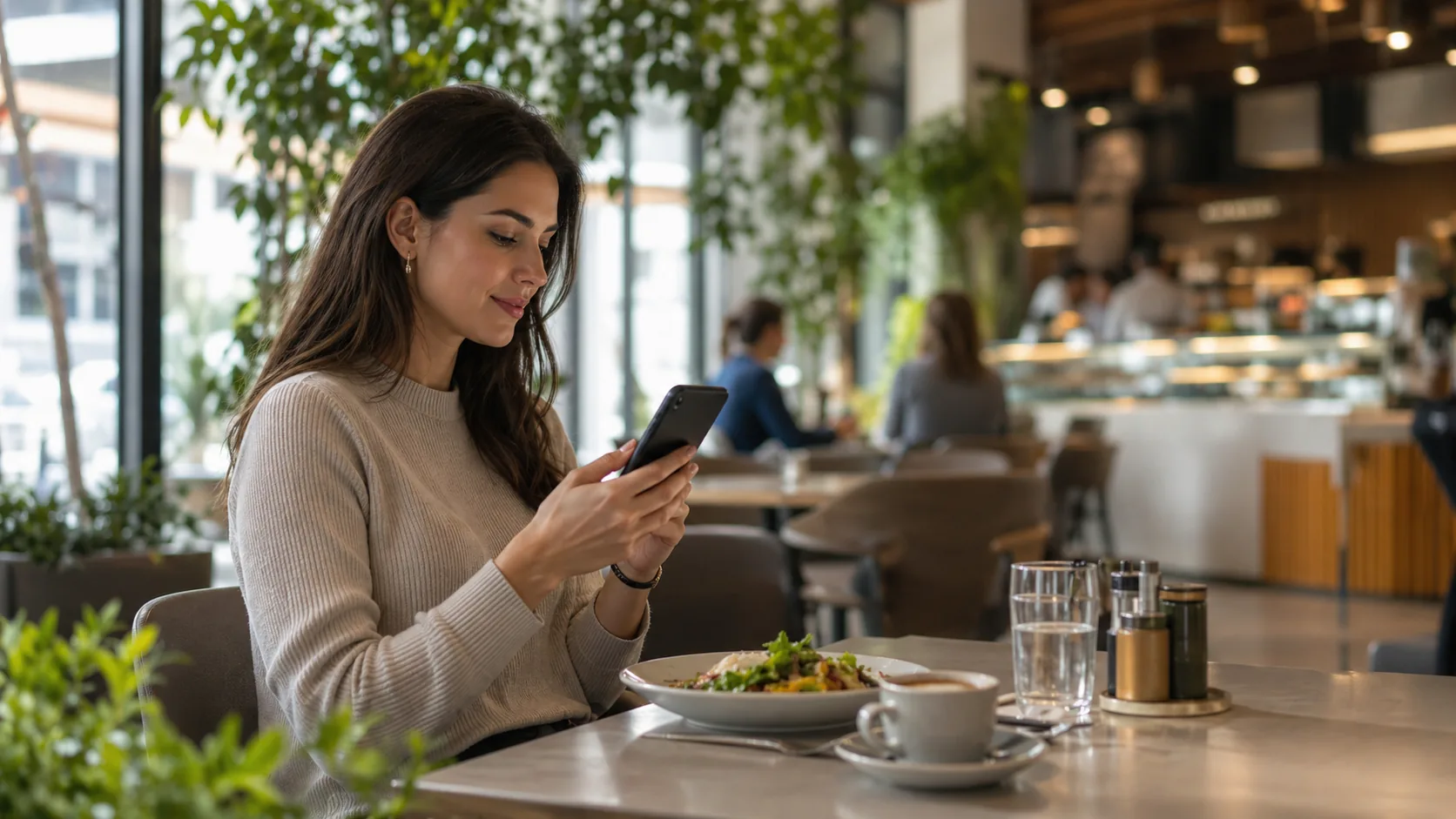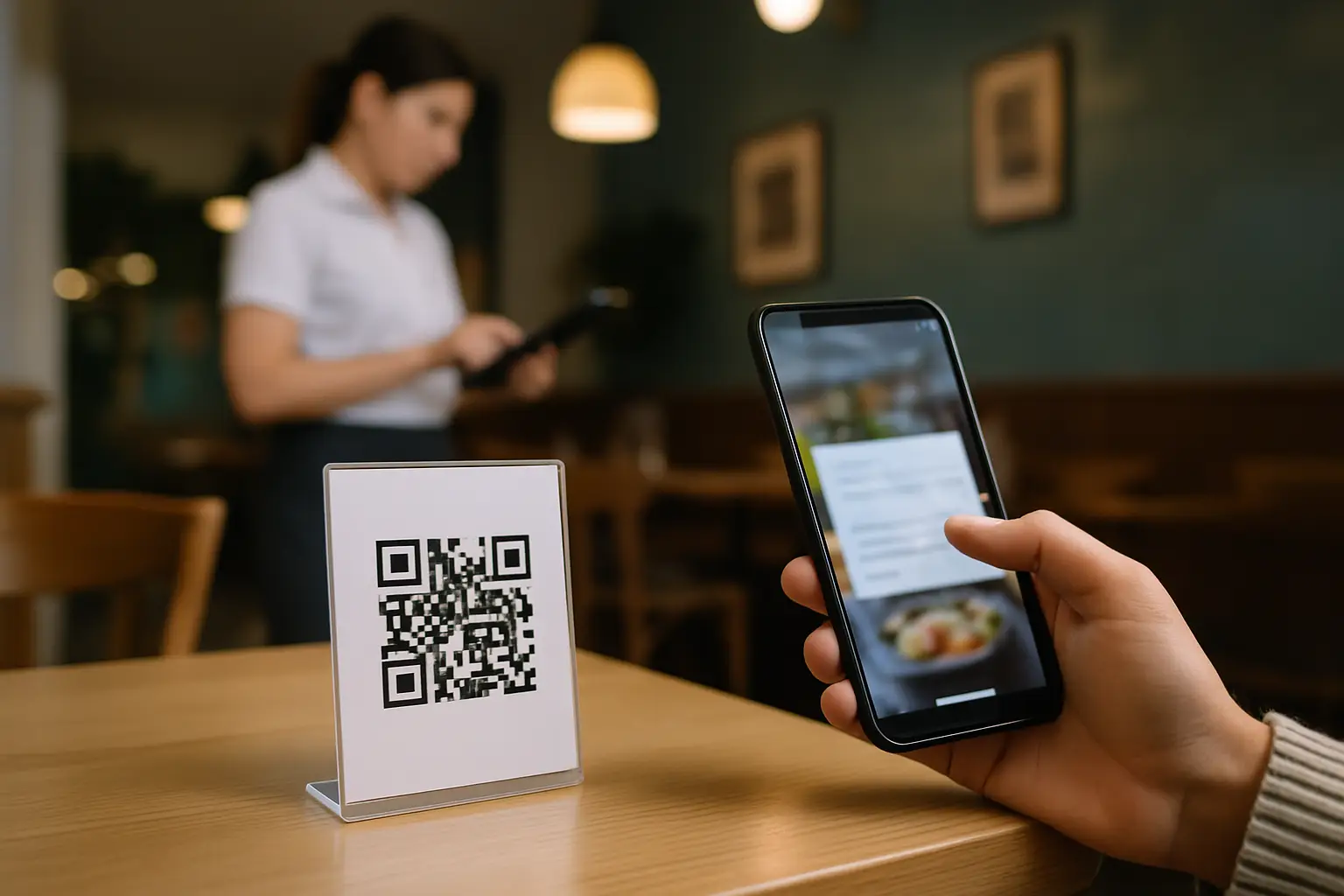
You just 86’d the wings at 7:14 pm. The server tells table 12, the bartender tells the couple at the rail, and someone still orders wings at 7:16 pm because the QR menu is still showing them.
That moment is why operators search for one thing: a way to update qr code menu instantly - without reprinting, without swapping table tents, and without sending your team into apology mode.
This is not about “going digital.” It’s about keeping service clean when real life hits: inventory runs out, prices change, happy hour starts late, the chef adds a special, or you realize an allergen note is missing. The best QR menu workflow is the one where you edit once and every guest sees it right away.
What “instant updates” actually means in a restaurant
Instant sounds simple, but a lot of QR menus aren’t truly instant in practice. The QR code might be static, but the menu behind it can be stuck in a slow approval step, a sync delay, or a PDF upload process that nobody wants to touch during dinner rush.
For operators, “instant” needs to mean three things:
First, one source of truth. You should not be editing a Google Doc, emailing a designer, and uploading a new PDF somewhere else. If there are multiple versions, you will eventually publish the wrong one.
Second, the QR code stays the same. If the code changes, you are back in reprint land. The whole point is that the table code is permanent and the content behind it is what changes.
Third, the change is live as soon as you hit publish (or save, depending on how the system works). Not “within 24 hours.” Not “once it’s approved.” Not “after cache clears.” If you’re 86’d right now, you need the menu to match right now.
The operational wins you feel immediately
When your QR menu updates quickly, you feel it in the parts of service that usually bleed time and tips.
You cut down on server back-and-forth. If a guest scans and sees “Sold out” on the item page, your staff is not stuck delivering bad news after the order is placed. That saves steps and protects the guest’s mood.
You stop price mismatches. Nothing creates friction faster than a guest seeing one price on their phone and a different price at the POS or on the check. Even if the difference is small, it triggers questions, manager visits, and comp decisions.
You protect guests with dietary needs. Allergen notes and dietary labels are not “nice to have.” They’re part of hospitality, and they reduce risk. If you change an ingredient, you need the menu to reflect it without waiting for the next print cycle.
And you keep your brand tight. A digital menu should look like your restaurant, not a generic template. Consistent fonts, colors, and item formatting are not vanity - they reduce confusion and make ordering easier.
Where instant QR menu updates break down
If you’ve tried a QR menu solution and still felt stuck, it’s usually because of one of these bottlenecks.
Some tools treat the menu like a document instead of a living product. If your workflow is “export PDF, upload PDF,” you’re going to procrastinate updates. PDFs also render differently across phones, and they don’t handle language switching or accessibility nearly as well as a real web menu.
Other tools split responsibilities across too many systems. The menu lives in one app, translations live in another, branding is a one-time setup with a designer, and analytics are nonexistent. When it’s fragmented, you hesitate to make changes because you’re not sure what else will break.
Then there’s the caching issue. Some platforms aggressively cache pages for speed but don’t give operators control over refresh timing. The result is a guest seeing yesterday’s menu even after you changed it.
The fix is not more training. It’s choosing a setup where the fastest action is also the correct action.
How to update qr code menu instantly (without chaos)
The most reliable approach is to build your menu like an operator - not like a marketer.
Start with structure that matches how guests order. Categories should be obvious, predictable, and not overly clever. If guests can’t find “Sides” or “Kids,” they’ll ask a server, and the QR menu loses its value. A good structure also makes edits faster because you always know where an item lives.
Next, design your item entries for change. This is where a lot of menus get fragile. If your item descriptions are paragraphs long, every update becomes a rewrite. Keep descriptions clear and scannable, and reserve details for the lines that actually matter: key ingredients, spice level, and allergens.
Then create a simple, repeatable workflow for the three most common update types:
86 and availability edits should be the fastest. Ideally it’s a toggle, a status, or a quick edit that marks an item unavailable and optionally adds a short note like “Back tomorrow.” You want this to take under a minute, because it will happen under pressure.
Price updates should be controlled and consistent. If you run different prices for lunch vs dinner or weekday vs weekend, you need a way to make those shifts without manually rewriting every item each time. Some operations handle this with separate menus (Lunch, Dinner, Late Night) that you can publish or unpublish as needed.
Specials should have a clean home. When specials are an afterthought, they turn into random additions that clutter the menu. Give them a category, keep them time-bound, and remove them just as easily as you add them.
Finally, make publishing part of manager rhythm. If the system requires a “publish” step, treat it like turning on the open sign: quick check, publish, done. If it auto-saves live, set a rule for who edits during service so changes don’t collide.
Multi-location and franchise reality: consistency vs local control
Instant updates get more valuable as you add locations, but the trade-off is governance.
If every location can change everything, your brand can drift. If only corporate can edit, local teams suffer when they need to 86 something fast. The sweet spot is role-based control: corporate controls global items and branding, while location managers control availability, local pricing, and limited-time specials.
It also helps to standardize naming. “French Fries” at one store and “Hand-Cut Fries” at another can look harmless, but it breaks reporting, translation consistency, and guest expectations. If you want clean analytics and fewer mistakes, keep a shared item library or at least a naming convention.
Translation and allergen updates: the edits you can’t delay
If you serve tourists, international students, or multilingual communities, translation is not a luxury. It’s a revenue driver. Guests order faster and with more confidence when they can read the menu.
The operational problem is that translation usually slows updates down. Someone has to copy text, send it out, paste it back, and hope the formatting survives. That’s how you end up with an updated English menu and an outdated Spanish one.
The same goes for allergen and dietary labeling. If you change a sauce, swap a bun, or introduce a new prep method, the label needs to change too. A menu system that keeps translations and labels attached to the same item record makes instant updates realistic. If labels live in a separate spreadsheet, they will fall behind.
What to look for in a platform if you need true instant updates
You don’t need a long feature checklist. You need a few non-negotiables that match restaurant pace.
You want one workspace where you can edit items, prices, photos, labels, and translations without jumping between tools. You want unlimited QR codes so you can place them everywhere without worrying about per-code fees. You want menus that load fast on a phone with no app download. And you want changes to go live immediately across every table code without reprinting.
Cost matters too, but not just the monthly number. The real cost is time and mistakes. If a “cheaper” tool causes daily confusion, it’s expensive.
If you’re looking for an operator-first option built around editing once and having every QR reflect it instantly, Kiuar.menu is designed for exactly that - with branded web menus, translations up to 35 languages, dietary and allergen labeling, and a low-friction model where you can start free and publish when you’re ready.
A realistic rollout plan that won’t derail service
If you’re switching from printed menus or a PDF QR, the safest rollout is staged.
Build your core menu first and keep it tight. Don’t try to perfect photos and prose for every item before you go live. Get accuracy right: names, prices, modifiers, and labels.
Run a soft launch with a few tables or a single shift. Ask staff to scan like a guest would, on different phones, under real lighting. You’re looking for friction: categories that are hard to find, items missing key details, or pages that load slowly on spotty Wi-Fi.
Then train to one simple rule: the menu on the guest’s phone is the truth. If something changes, update it first, then communicate it. That flips the usual pattern and prevents the “we told everyone, but the menu still shows it” mess.
One more practical tip: decide who owns edits during service. It’s usually a manager, expo, or one trusted lead. When everyone can edit at once, you get inconsistent wording and accidental price changes.
A QR menu is only as good as your ability to keep it current. The goal is not a fancy digital artifact. The goal is a menu that keeps up with your kitchen, protects your team from avoidable friction, and makes guests feel like the place is dialed in - even when you’re making changes on the fly.
The next time you 86 an item mid-shift, you should be able to fix it in seconds, get back to the floor, and let the menu do its job quietly.