You 86 the tuna. The server is already at table 12. The host is quoting a 20-minute wait. And somebody just ordered the tuna.
That moment is why operators care about the ability to edit qr menu in real time. Not because it is trendy, but because it is the cleanest way to stop a small inventory change from turning into a guest experience problem.
A real-time QR menu is not just a PDF behind a QR code. It is a single source of truth that you can update once and trust everywhere - every table, every bar seat, every patio sticker, every takeout flyer. When it works, you avoid awkward comps, reduce staff back-and-forth, and keep your menu accurate without reprinting anything.
What “real time” actually means in a dining room
Operators hear “real time” and assume it means “fast.” Speed is part of it, but the bigger point is control during service.
Real time means you can change an item, price, description, modifier, or availability and guests see it on their phones immediately when they open the menu. No waiting for a designer. No exporting a new PDF. No printing table tents. No guessing which version is live.
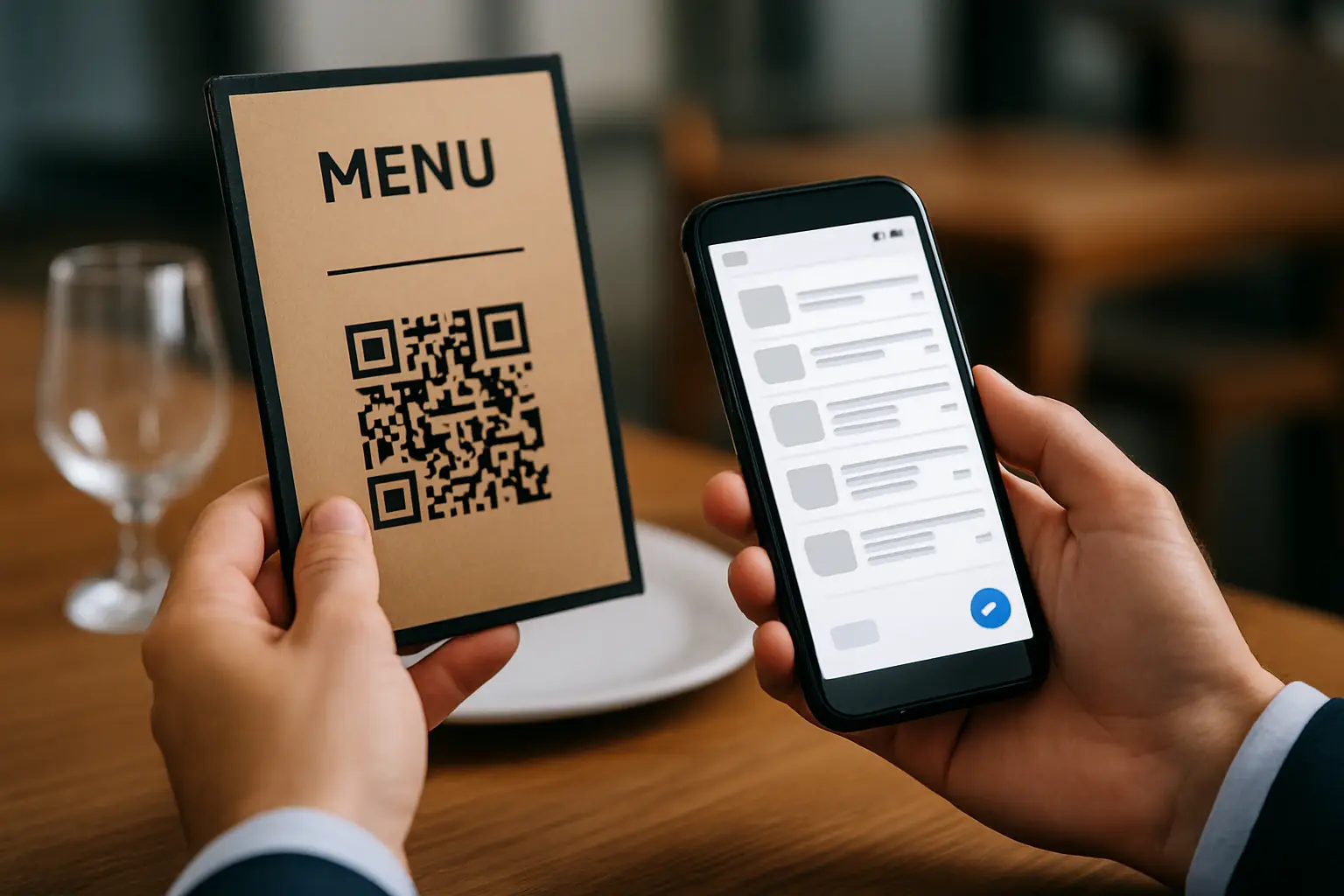
It also means the QR code itself does not change. You do not want to replace stickers every time your menu changes. The code is just the doorway. The menu content behind it is what you manage.
If you are running multiple locations, real time also has a second meaning: consistency. You can choose whether a change is global (every location) or specific (only the store that ran out of tuna). It depends on how your concept is set up, but the goal is the same - fewer surprises for guests and less confusion for staff.
Why editing a QR menu mid-service is harder than it sounds
Plenty of systems let you “edit” something. The question is whether you can do it in a way that matches restaurant reality.
The first challenge is speed under pressure. Mid-rush, nobody wants to dig through settings, fight formatting, or wonder if they hit “save” in the right place. If editing feels risky, managers avoid it, and the menu drifts out of sync.
The second challenge is accuracy. When you rush an update, it is easy to introduce a new mistake - the wrong price, the wrong spelling, the wrong modifier, or a missing allergen note. That is why an operator-friendly editor matters as much as the update speed.
The third challenge is guest trust. Guests notice inconsistencies quickly: a menu that says one thing, a server who says another, and a kitchen that says a third. If you change prices or availability in real time, you need the menu to look intentional, not improvised.
The trade-off is worth calling out: real-time editing gives you power, but it also creates the expectation that the menu is always correct. If your system makes it hard to keep it correct, you are worse off than with a printed menu.
The edits that actually matter (and when to use them)
Real-time editing is most valuable when it prevents a guest-facing problem in the next five minutes.
The obvious use case is 86ing items. If a dish is unavailable, hide it or mark it sold out before guests keep ordering it. The key is being clear. Some operators prefer removing the item entirely to reduce friction; others prefer a “sold out” label so guests know it is a temporary issue. Either approach can work. If your menu changes daily, removing may be cleaner. If it is a signature item, labeling can reduce disappointment.
Price updates are the second big one. Whether it is a market-price shift, a happy hour window, or a seasonal cost increase, real-time updates help you avoid the classic problem of servers explaining why the printed menu is wrong. That said, price changes mid-service can feel abrupt. Many operators choose to schedule them for a natural transition - shift change, daypart change, or the next morning - unless there is a clear reason.
Specials are the fun version of the same idea. You can add a seasonal cocktail, a weekend feature, or a limited batch dessert and publish it instantly. The operational upside is not just speed - it is consistency. Every guest sees the same special, described the same way, with the same price.
Then there are the “quiet” edits that prevent complaints: updating ingredients, clarifying spice level, correcting a typo that changes meaning, or adding an allergen callout when you change a sauce. Those are not flashy, but they protect you.
How to set up a menu so real-time edits are safe
The best time to prepare for mid-service edits is not mid-service.
Start with a structure that matches how your kitchen thinks. Organize by stations or by the way guests order: snacks, starters, mains, sides, desserts, drinks. Keep naming consistent. If you call it “Fries” in one place and “French Fries” in another, your staff will do the same thing verbally, and guests will get mixed signals.
Next, standardize your modifiers. If you offer “gluten-free bun” or “add chicken,” build those once and reuse them. That way, when you update an upcharge or remove an option, you do it once instead of chasing it across multiple items.
Finally, decide how you will handle availability. Some restaurants prefer a hard hide/show toggle. Others prefer an “available today” tag or “limited quantity” note. Pick one approach and stick to it. Consistency makes real-time edits feel deliberate.
Editing in real time without confusing staff
Real-time menu edits fail when the front-of-house is not in the loop.
The simplest workflow is to pair each edit with a short staff note. If you 86 an item, your servers need to know what to suggest instead. If you change a price, they need to know before the first guest notices.
It also helps to define who is allowed to publish changes. Some teams give that power to the manager on duty only. Others allow the bar lead to update cocktails and the kitchen lead to 86 items. It depends on your culture and staffing. More access can mean faster updates, but it can also mean inconsistent voice and accidental edits.
If you operate multiple locations, decide whether edits are local or brand-wide. A sold-out item is usually location-specific. A price change is often brand-wide. This is where a single workspace matters - you want control without calling three managers and hoping everyone updates their own version.
Translation and dietary info: real-time edits with higher stakes
Menus are not just marketing. They are information.
If you serve tourists or multilingual communities, translation is not a “nice to have.” It directly affects ordering confidence, speed, and check size. Real-time editing gets trickier here because a change in English can create a mismatch in other languages.
The same is true for allergens and dietary labels. If you change an ingredient supplier, switch a sauce base, or add a garnish, your allergen notes might need to change too. That is not a design problem - it is a trust and safety problem.
So the practical approach is to treat these fields as part of the item, not as optional add-ons. When you update an item, update the translation and dietary notes in the same pass. If you cannot do that quickly, consider delaying the edit until you can, or temporarily hiding the item instead of leaving outdated info live.
What to look for in a platform built for real-time QR menus
If your goal is to edit qr menu in real time, the feature checklist is less important than the workflow.
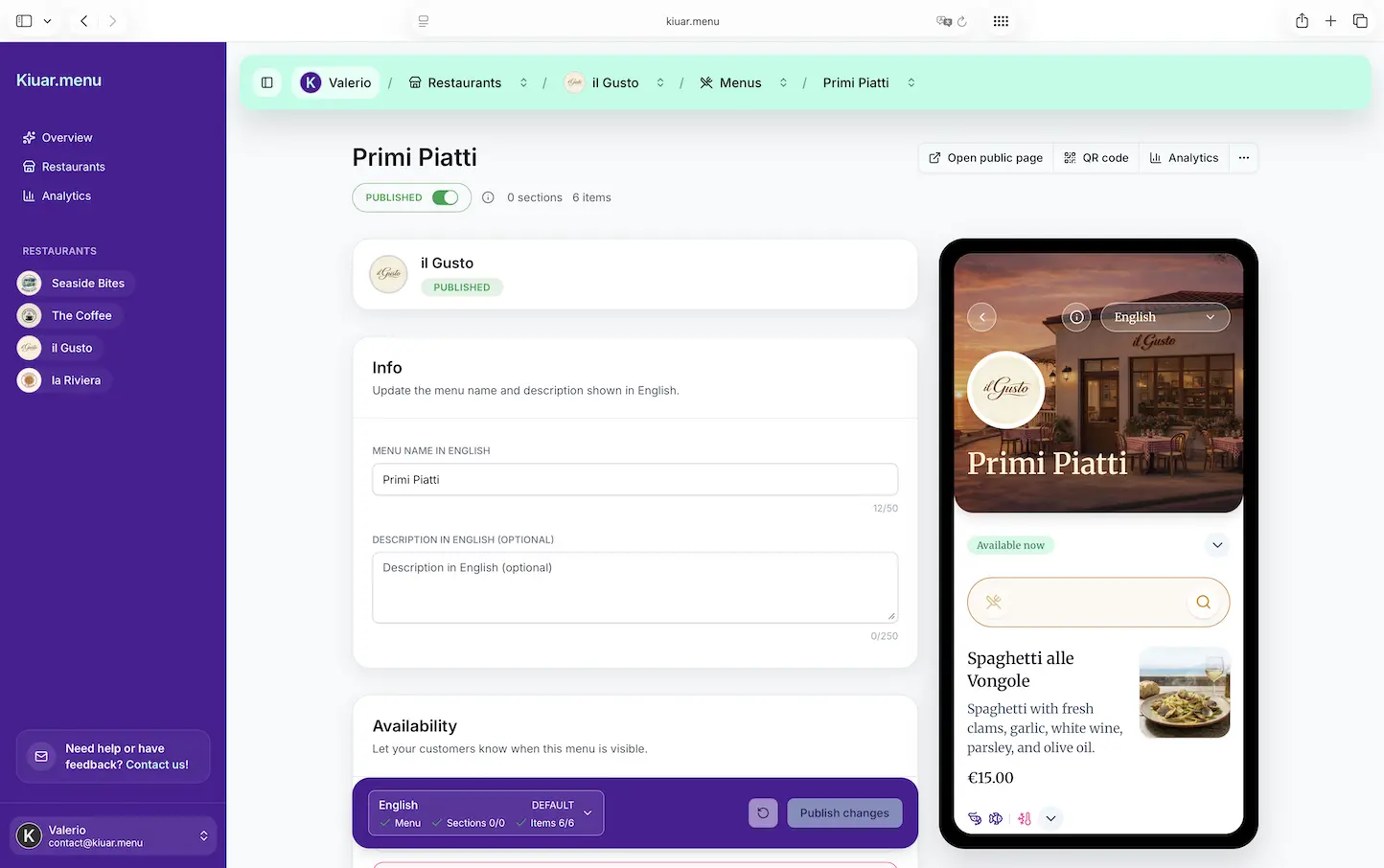
You want a web-based editor that works on a laptop at the office and a phone behind the bar. You want changes to publish instantly to every QR code without reprinting. You want branding controls that keep the menu looking like your restaurant, not like a generic template. And you want analytics that tell you what guests actually click, because that is how you decide what to feature, rename, or retire.
You also want pricing and onboarding that match restaurant decision-making. If you have to book a demo, sign a contract, or buy per-location add-ons, you will delay the rollout. Operators move faster when the tool is low risk and easy to cancel.
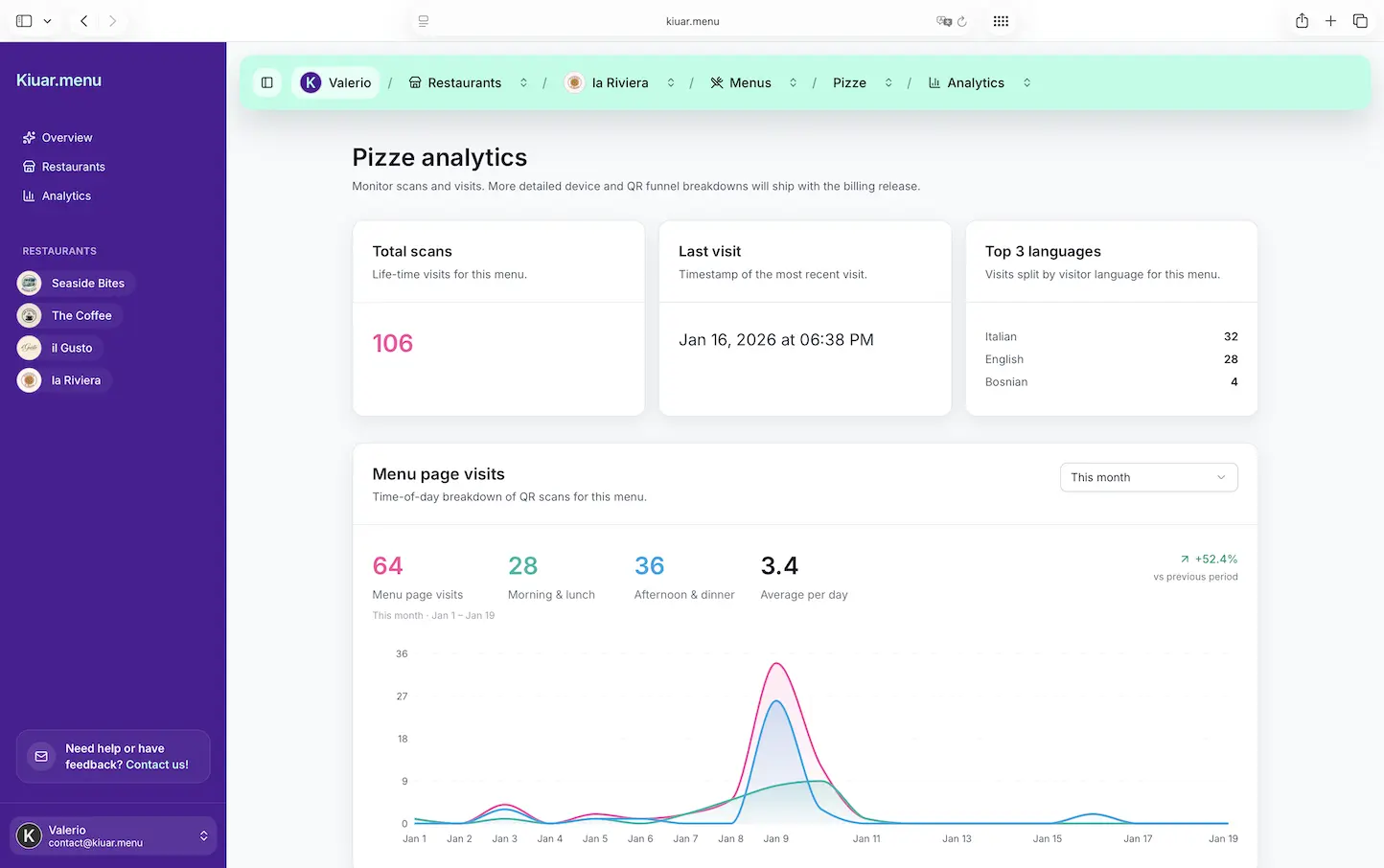
That is the lane Kiuar.menu is built for: one workspace where you can create, brand, translate (up to 29 languages), publish, and update menus instantly across unlimited locations and QR codes, starting at $2.99/month with a free-to-start, pay-when-publishing model.
The real payoff: fewer apologies, more confident ordering
When your menu is accurate, guests order faster. Staff stops doing damage control. The kitchen gets fewer tickets they cannot fulfill. And you stop wasting time explaining why the menu is wrong.
Real-time editing is not about changing things constantly. It is about having the option to change things the moment reality changes - inventory, prep, pricing, or the plan for the night.
A helpful rule of thumb is this: if the change affects what a guest can order right now, the menu should reflect it right now. If the change is strategic, schedule it when your team can support it.
The best part is not the technology. It is the calm it creates when something goes sideways and you can fix the guest-facing truth in seconds - then get back to running service.