A guest scans your QR menu and asks, “Is this dairy-free?” Your server is slammed, the kitchen just swapped an ingredient, and the answer changes depending on which prep station grabbed which container.
That moment is where digital menu allergen labeling either protects your service - or exposes it.
This is not about adding a tiny icon and calling it done. It is about creating a system your team can keep accurate on a busy Friday, across multiple locations, while still making the menu feel clean and on-brand for guests.
What “digital menu allergen labeling” really needs to do
Most operators already understand the stakes. Allergens are high-risk, high-emotion, and high-speed. Guests need clarity fast. Your staff needs confidence fast. You need a workflow that does not fall apart when inventory changes.
Digital menu allergen labeling works when it does three jobs at the same time.
First, it needs to communicate clearly to guests without forcing them to decode your menu. If a guest has a peanut allergy, “contains peanuts” is clearer than a symbol they have never seen before.
Second, it needs to stay accurate operationally. If the label is right only when your most experienced manager is on shift, it is not really a system.
Third, it needs to hold up under real-world complexity: shared fryers, ingredient substitutions, seasonal items, rotating sauces, and staff turnover.
The hidden operational cost of getting it wrong
A wrong label is not just a legal risk. It is a service risk.
When a guest cannot trust the menu, they slow down the line with questions. Servers have to run to the kitchen. The kitchen has to stop and re-check. That is how ticket times stretch and mistakes sneak in.
Even when nothing “bad” happens, the guest experience takes a hit. People with allergies and dietary restrictions are used to being cautious. If your answers are inconsistent, they will order less, skip add-ons, or avoid coming back with a group.
On the flip side, clear allergen info can be a revenue lever. Guests order with confidence. Groups choose your place because one person has an allergy. Regulars stop treating every visit like an interrogation.
Where digital beats print - and where it does not
Digital menus win on speed. If you change a recipe, swap a bun, or bring in a new sauce, you can update the menu immediately. That matters because allergen info changes for the same reasons menus change: supply issues, substitutions, and seasonal rotation.
Print still wins on permanence. A printed menu is a snapshot. You can point to it, and everyone sees the same thing - until someone grabs the old stack from the host stand.
Digital menu allergen labeling is at its best when you treat it like a live source of truth, not a one-time project. The trade-off is that “live” means someone must own the updates.
If your operation changes ingredients weekly, digital is the safer choice. If your menu is static and your team is highly consistent, print can work - but only if you have a disciplined reprint process and you actually remove outdated menus.
The simplest labeling system that guests understand
Guests do not all speak menu.
Some diners want a full allergen breakdown. Others just want to avoid one ingredient. Some do not know the formal names (casein, albumin). Many are scanning fast and making a decision in under a minute.
A practical approach is to keep guest-facing labels straightforward, then support them with a tap-for-details layer.
For the main menu view, use plain language like “Contains: milk, wheat” or “May contain: peanuts (shared kitchen).” Reserve icons for quick scanning, but never rely on icons alone.
Then offer a details view for each item that includes ingredient notes and cross-contact warnings when relevant. This is where you can be precise without cluttering the menu.
The key is consistency. If “gluten-free” sometimes means “no gluten ingredients” and other times means “no gluten and cooked separately,” you will lose trust fast.
Cross-contact: the part operators want to skip
Most allergy conversations fall apart at cross-contact.
Shared fryers, shared grills, shared prep surfaces, and flour in the air can turn a “safe” item into a risky one. Guests with severe allergies often know this, and they will ask. If your menu pretends cross-contact is not a thing, your staff will have to handle it live, under pressure.
You do not need to write a novel on every item. You do need clear, honest language where it applies.
If fries share a fryer with breaded items, that is worth stating. If a “gluten-free” crust is cooked in the same oven on the same surface, that is worth stating. If a pesto is made in-house and sometimes includes pine nuts, that is worth stating.
This is not about scaring guests. It is about letting them decide with the right information - and reducing the back-and-forth that slows service.
A workflow your team can actually keep updated
Allergen accuracy lives or dies on workflow.
Here is what tends to work in real restaurants: one person owns the data model, but updates are easy enough that a manager on duty can handle substitutions in minutes.
Start by standardizing your ingredient set. If you have “aioli” on three items but it is not always the same recipe, split it into distinct components in your back-of-house thinking, even if the menu name stays the same.
Then decide what triggers an allergen review. Ingredient substitution is the obvious one, but also watch for vendor changes, pre-made sauces, spice blends, and “temporary” items that linger for months.
Finally, make the update path short. If updating allergen info feels like a project, it will not happen mid-service. Your team will postpone it, then forget, and now you have a mismatch between what is being served and what is being shown.
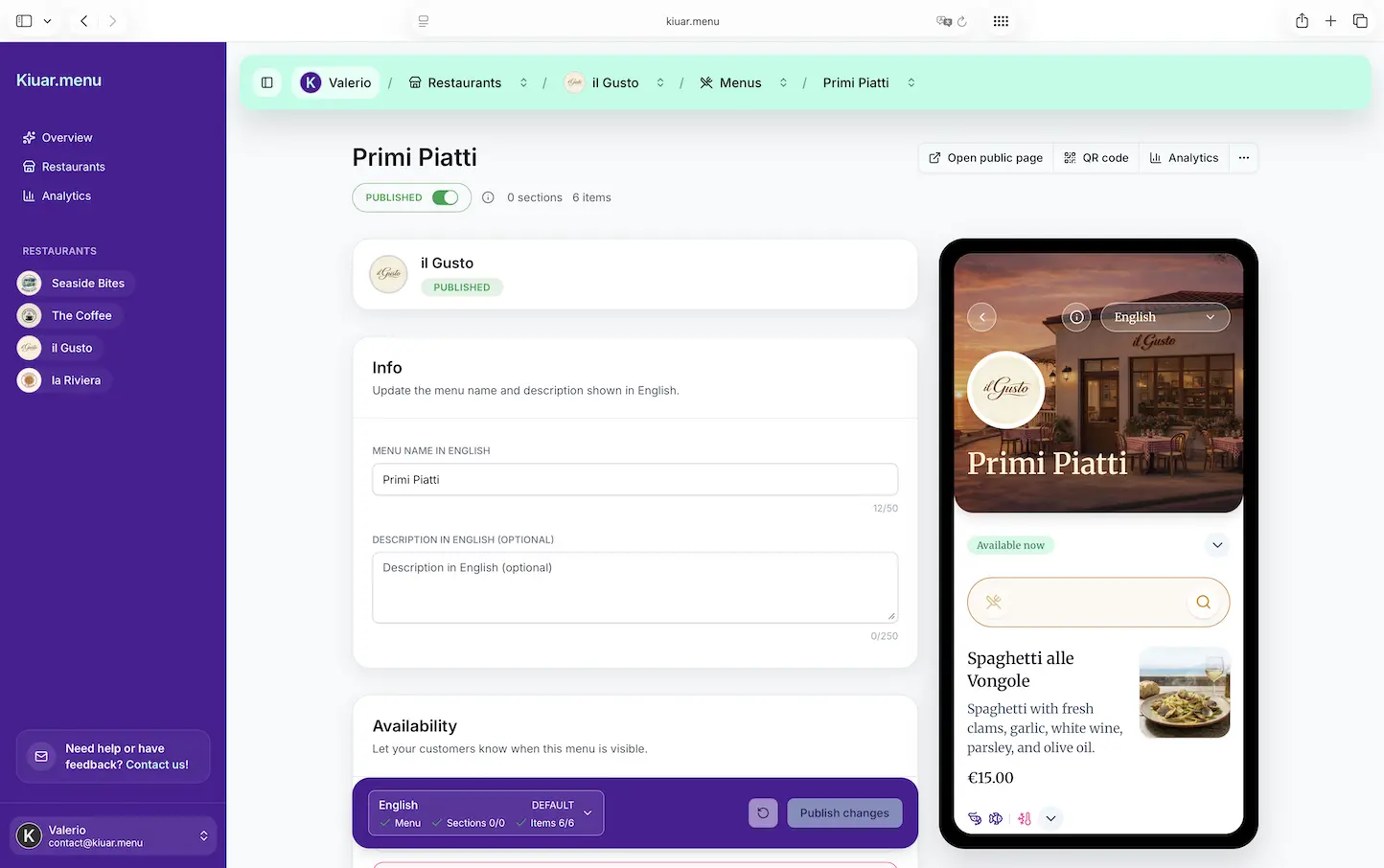
This is where an all-in-one digital menu workspace pays off: edit once, publish, and every table sees the latest version.
Multi-language menus: translation can create allergy mistakes
If you serve tourists, international students, or multilingual communities, translation is part of guest safety.
But translation can also introduce errors. Allergen terms do not always translate cleanly, and some languages use different common words for the same ingredient.
A good rule: treat allergen labeling as structured data, not just text.
When allergens are stored as selectable labels (milk, eggs, fish, shellfish, tree nuts, peanuts, wheat, soy, sesame), you can display them consistently across languages. Your translated item description can still vary, but the allergen set stays accurate.
If you rely on manual translation inside item descriptions, you are betting that every update gets translated perfectly every time. That is a risky bet during a busy season.
If your menu platform supports it, keep allergens as dedicated fields and use translation tools for the rest. You will move faster and reduce “lost in translation” allergy issues.
Designing for real guests, not just compliance
Even when operators do allergen labeling, the presentation often fails.
Common problems: labels buried below the fold, tiny gray text, too many icons, or a disclaimer that says “ask your server” and effectively cancels the whole point of digital clarity.
Good guest-facing design is simple.
Make allergen info visible where decisions are made: category pages, item pages, and modifier selections. If an item becomes unsafe because of a modifier (add cheese, switch bun, add sauce), the menu should make that obvious.
Also think about contrast and readability. Many guests are reading on older phones under low light. If your menu is hard to read, they will not trust it.
Branding still matters, but safety wins. Your menu can look great and still put the important info where guests need it.
What to document behind the scenes
Your digital menu is the guest-facing layer. You still need internal notes.
At minimum, document the source of each allergen label: recipe spec, vendor label, or kitchen process. When someone asks, “Why are we labeling this as sesame?” you need an answer.
Also document the items that change often. Rotating soups, seasonal desserts, and weekly specials are where mistakes happen. If you run specials, your system should make it easy to add allergens before the item goes live.
If you run multiple locations, document differences. One location might use a shared fryer while another does not. One might source a different bun. Digital makes it possible to keep locations consistent - but only if you intentionally control those differences.
Choosing a platform: what matters and what is fluff
When evaluating tools for digital menu allergen labeling, look past the marketing.
The real question is whether the system matches your operating rhythm.
You want fast editing, easy publishing, and structured allergen fields that do not get lost in item descriptions. You also want the ability to show dietary tags and allergens cleanly without hiring a designer every time you add a new icon.
If you are also juggling languages, choose a platform that supports translation without duplicating work. If you are managing multiple locations, make sure updates do not require logging into five different dashboards.
If you want a low-friction way to build and publish QR menus with built-in allergen and dietary labeling plus translation, Kiuar.menu is built for exactly that operator reality - edit once, publish in seconds, and keep every QR code current without reprints.
The promise you should make to guests
Be careful about promising “allergen-free” unless you can truly guarantee it. In many kitchens, you cannot - and guests with severe allergies already know that.
What you can promise is clarity, consistency, and responsiveness.
If a guest flags an allergy, your staff should be able to confirm what the menu says, explain cross-contact honestly, and know what to do next. If an ingredient changes, your menu should change quickly. If a guest points out a possible issue, you should have a simple way to check and correct it.
A menu that stays accurate is not just safer. It is calmer. It reduces interruptions. It helps your team move faster because fewer decisions have to be improvised.
Close with this mindset: your menu is a living document. Treat allergen labeling like you treat item availability and pricing - something you control in real time, so guests can order with confidence and your team can focus on service.