You know the moment: it’s 7:12 pm on a Friday, your best-selling appetizer just 86’d, and a guest is staring at a QR menu that still promises it.
If you run more than one location, that moment gets multiplied. The real problem isn’t the QR code. It’s the management layer behind it - who can change what, how fast it updates, and whether every location stays consistent without turning your team into copy-paste robots.
Multi location qr menu management is really about control. Not “enterprise complexity” control - operator control. One place to update menu content, brand rules, translations, and dietary info, with changes reflected instantly wherever guests scan.
What “multi-location” actually breaks
A single-location QR menu can be managed with good intentions and a shared login. As soon as you add a second store, the cracks show.
First, pricing and availability stop being universal. One location has different food costs, another has a different supplier, and suddenly your “one menu” is three menus that only look the same on the outside.
Second, brand consistency becomes a daily battle. Fonts, colors, item naming, photo style, and even the order of sections drift over time. Guests notice, especially if they’ve been to multiple locations.
Third, speed matters more than perfection. If it takes 20 minutes to update a menu and push it live, you will avoid updating it. Then you’re back to apologizing at the table and comping items to smooth it over.
Good multi-location management prevents those problems by design. It gives you guardrails for consistency and the freedom to make location-specific changes without rebuilding everything.
The goal: edit once, publish everywhere (with exceptions)
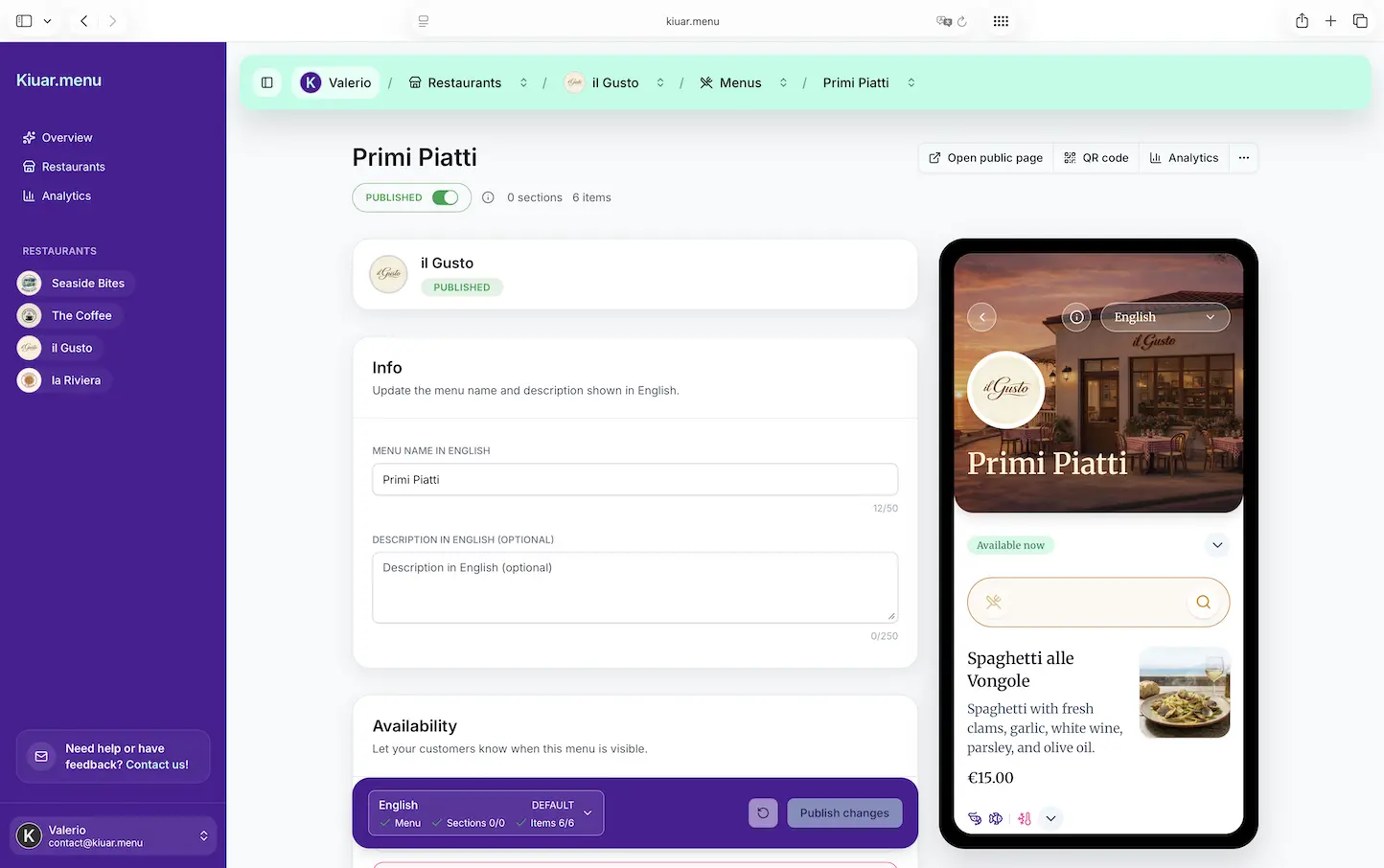
The simplest mental model is “one workspace, many locations.” You should be able to make a change once and have it reflected instantly across every QR code that points to that menu.
That said, not every change should be global. The best setups support both:
Global edits when the brand needs to be uniform - logo, typography, section structure, core descriptions, allergen rules.
Local overrides when operations demand it - a location-specific price, a sold-out toggle, a different beer list, a seasonal special that only one store is running.
The trade-off is governance. If everyone can edit everything, consistency disappears. If only one person can edit, updates slow down and guests pay the price. The right approach is role-based access: corporate controls the template and brand, locations control availability and local items.
How QR code structure affects day-to-day operations
Most operators don’t think about QR structure until they’re stuck reprinting table tents.
A strong multi-location setup separates the QR code from the menu content. In practice, that means each printed QR should stay valid even if you redesign the menu, swap platforms, or change the URL structure internally. The QR is the doorway. The menu is what you renovate behind it.
If your system forces you to generate new QR codes when you make big changes, you’ve created a hidden tax: reprints, staff time, and the inevitable gap where some tables still scan the old code.
When you can keep QR codes stable, you earn the right to update aggressively. That’s where QR menus start saving money and service time.
The operational playbook for multi location qr menu management
There’s a clean way to set this up so it stays easy six months from now.
Start with a brand menu “spine”
Create a core menu structure that every location shares: categories, item naming conventions, modifiers, and dietary labels. This is the spine.
The spine is where you standardize language. Decide whether you say “French Fries” or “Fries,” “Buffalo” or “Buffalo-style,” “Gluten-Free” or “GF.” Little inconsistencies create big confusion when guests compare locations or when you pull analytics later.
Once the spine is set, lock it down to a limited set of editors.
Add location layers, not separate copies
The common mistake is cloning the menu per location and letting each one drift. That feels flexible at first, then becomes impossible to maintain.
Instead, build location layers: one shared menu with location-specific differences. That way, a brand-wide update (new descriptions, allergen warning language, design tweak) doesn’t require you to repeat the work 12 times.
Where you truly need separate menus - different concepts, different dayparts, or a bar program that’s unique - keep them separate on purpose, not by accident.
Decide what can change mid-service
Mid-service edits are the make-or-break feature in real restaurants. But not every type of change should be allowed at 7:12 pm.
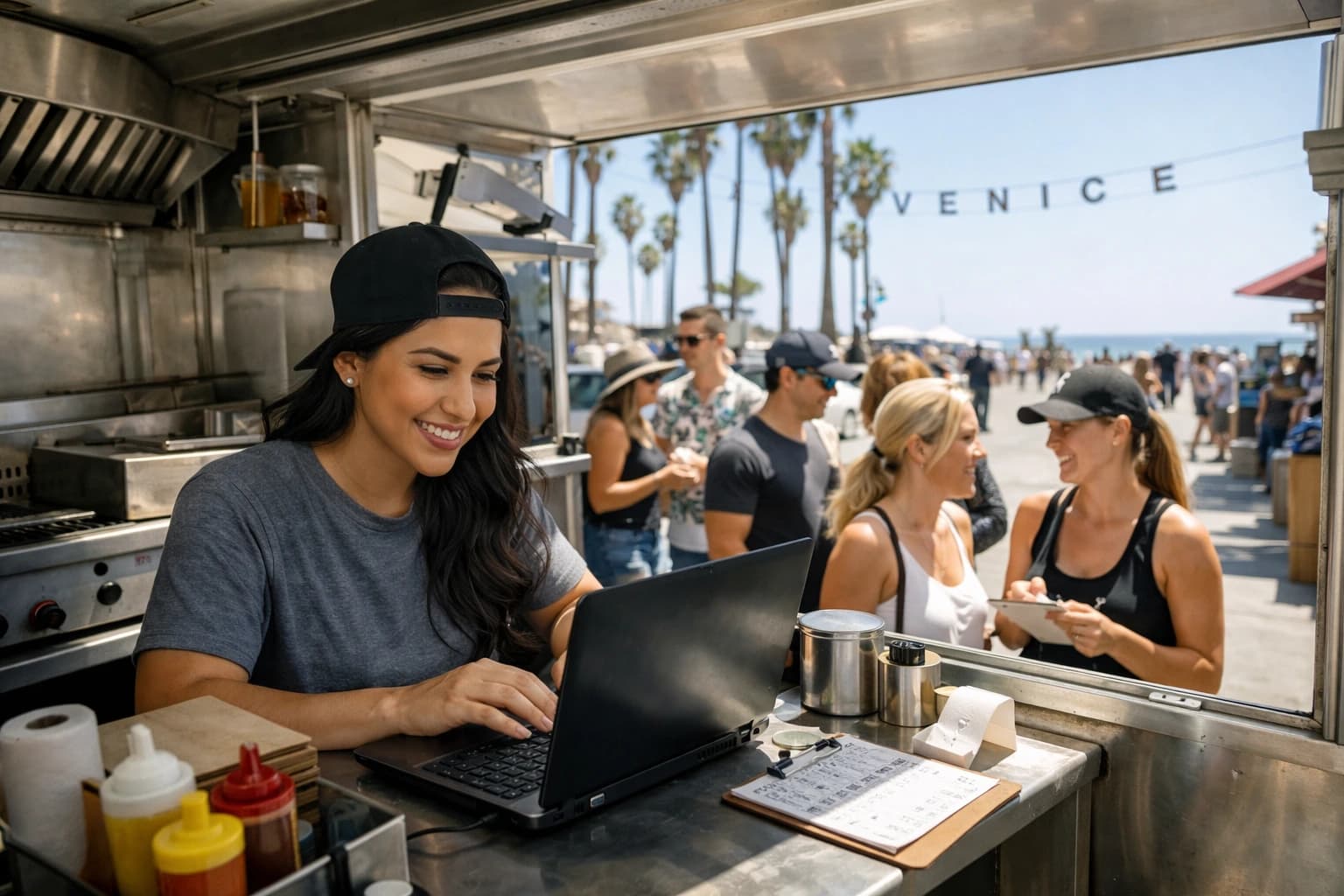
Availability toggles should be easy and safe. Price changes usually should not be mid-service unless you’re in a fast-moving environment like a food truck with market pricing. Item descriptions and allergen tags should be accurate and controlled because guests rely on them.
This is where permissions matter again. Train managers on “86 and specials” updates. Keep pricing and core copy with corporate or ownership.
Build translation into the workflow, not as a side project
Multi-location operations usually serve mixed audiences - tourists, international business travelers, bilingual neighborhoods. Translation isn’t a marketing extra. It’s a guest experience and safety issue.
If translation is handled in a separate document or by copying text into a tool, it won’t stay current. The minute you add a new item or change an ingredient, your translated menus fall behind.
A better setup keeps translations attached to each menu item so updates are obvious and incomplete translations are visible. The trade-off is upfront effort, but it pays back every week you don’t have to answer “What is this?” at the table.
Make dietary and allergen labeling consistent across every store
Guests don’t care which location they’re in - they care whether the menu is clear. If one store labels allergens and another doesn’t, it creates risk and frustration.
Standardize your tags: vegetarian, vegan, contains nuts, dairy-free, gluten-free, spicy. Then enforce the same labeling rules across every location. If a dish varies by store, be explicit. “Gluten-free” at one location and “can be made gluten-free” at another is a real difference.
This is a place where “it depends” matters. Some operators want minimal tags to keep the menu clean, others want detailed icons and notes. Choose a style that matches your concept and your guest expectations, then apply it everywhere.
What to look for in a platform (without buying an enterprise headache)
Most multi-location operators don’t need a custom build. They need a tool that respects restaurant reality: fast edits, no training, and no designer bottlenecks.
Here’s what actually matters.
First, a single workspace where you can manage unlimited locations without paying per store. If every new location adds a new bill, you’ll hesitate to standardize.
Second, instant publishing. If your change doesn’t show up immediately after you hit publish, your staff won’t trust it and will stop using it.
Third, branding controls that let you match your concept without hiring a designer every time you want to adjust layout or colors.
Fourth, multi-language support that’s built in, not bolted on.
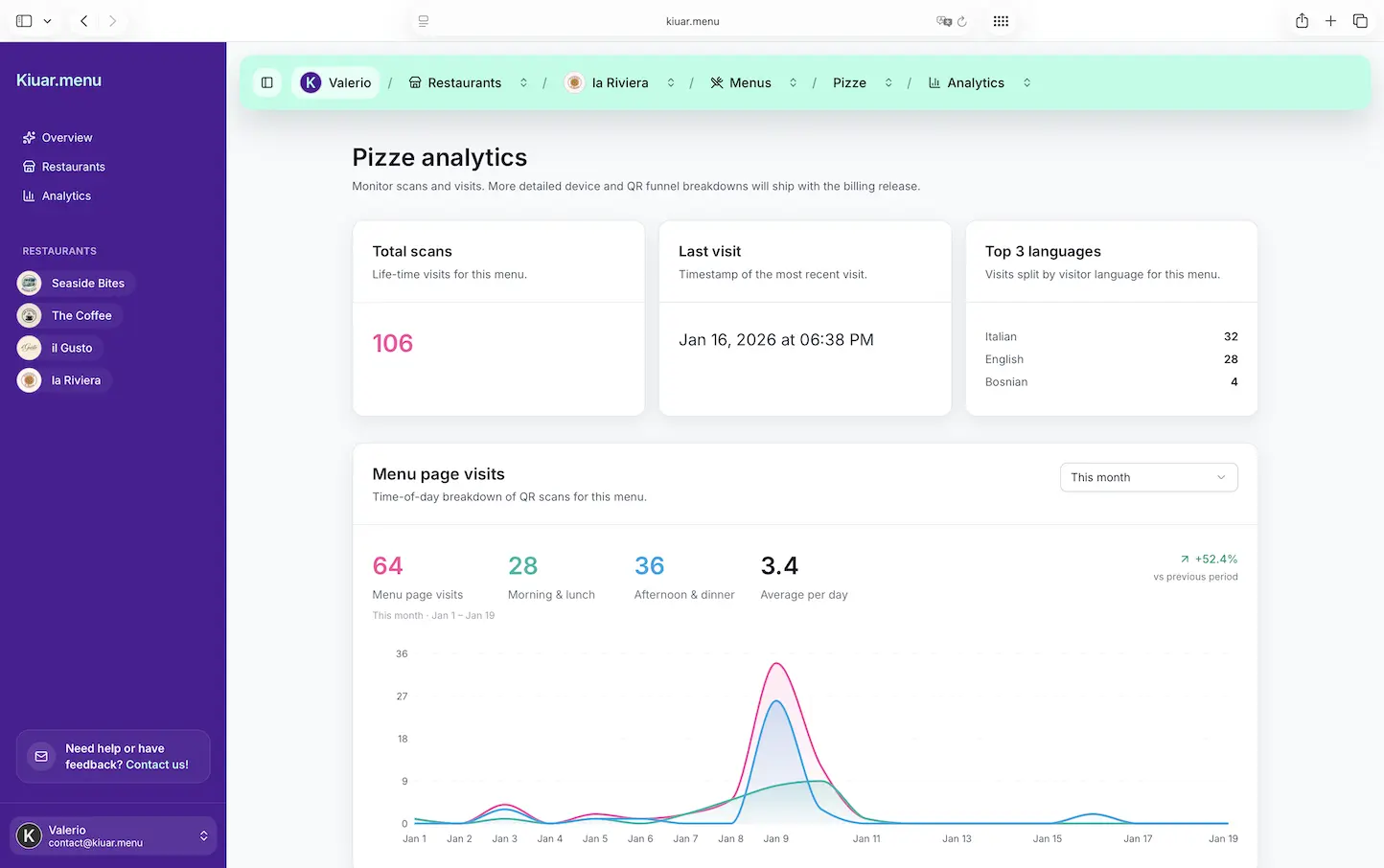
Fifth, analytics that tell you what guests are viewing and what’s getting ignored. The key is usefulness, not vanity. You want to know which items get attention, which sections get skipped, and whether a promo is actually being seen.
If you want an example of an operator-friendly approach, Kiuar.menu is built around exactly this kind of centralized control: edit once, publish fast, keep every QR updated, and manage branding and translations from one workspace.
A realistic scenario: three locations, one sold-out item
Let’s make it concrete.
You operate three pizzerias. Location A runs out of pepperoni at 6:45 pm. Location B is fine. Location C has a substitute and wants to keep the item but add a note.
With strong multi-location QR menu management, Location A manager taps one control to mark “Pepperoni Pizza” as unavailable. Guests scanning at Location A stop seeing it or see it clearly marked as sold out. Location B stays unchanged. Location C adds a short note like “limited supply” or swaps the topping description locally.
No reprint. No staff scrambling to warn every table. No surprise at checkout. That is the operational win.
The hidden benefits most operators don’t plan for
Once you centralize menus, a few secondary advantages show up fast.
Training gets easier because the menu language is consistent and new staff aren’t learning three versions of the same dish. Marketing gets cleaner because the items you promote match what guests see when they scan. And guest trust improves because the menu feels current, not like a PDF that was forgotten.
There’s also a financial benefit that’s easy to miss: fewer comps and fewer “we can’t do that” moments. When the menu is accurate, guests order what you can actually serve.
The only hard part: deciding who owns the menu
Technology doesn’t solve unclear ownership. You still need to answer one question: who is responsible for menu accuracy?
For many multi-location groups, the best answer is shared ownership with clear lanes. Corporate or ownership owns structure, brand, pricing rules, and compliance language. Each location owns availability, local specials, and day-to-day edits that keep guests from hitting dead ends.
If you get that right, the tool becomes an amplifier. If you get it wrong, even the best platform turns into a mess of conflicting edits.
Closing thought: if your menu changes weekly (or nightly), treat it like a live operational system, not a design project. The more your QR menu behaves like a control panel for service, the calmer your dining room feels - even when the kitchen is sprinting.