Your menu changes on a Tuesday at 6:12 pm.
The salmon is 86’d. Fries are back. A supplier swapped an ingredient that changes an allergen callout. Or you finally decided to raise the price of your top seller by a dollar because food costs are not taking a break.
If your menu lives on paper, that moment turns into a familiar chain reaction: staff improvises, guests get mixed messages, and you either live with an inaccurate menu or you burn another print run.
If you want to reduce menu printing costs with qr codes, the win is bigger than skipping ink and paper. The real savings come from removing reprints as a default operating expense and replacing them with something you can change in seconds.
Why printed menus keep getting expensive
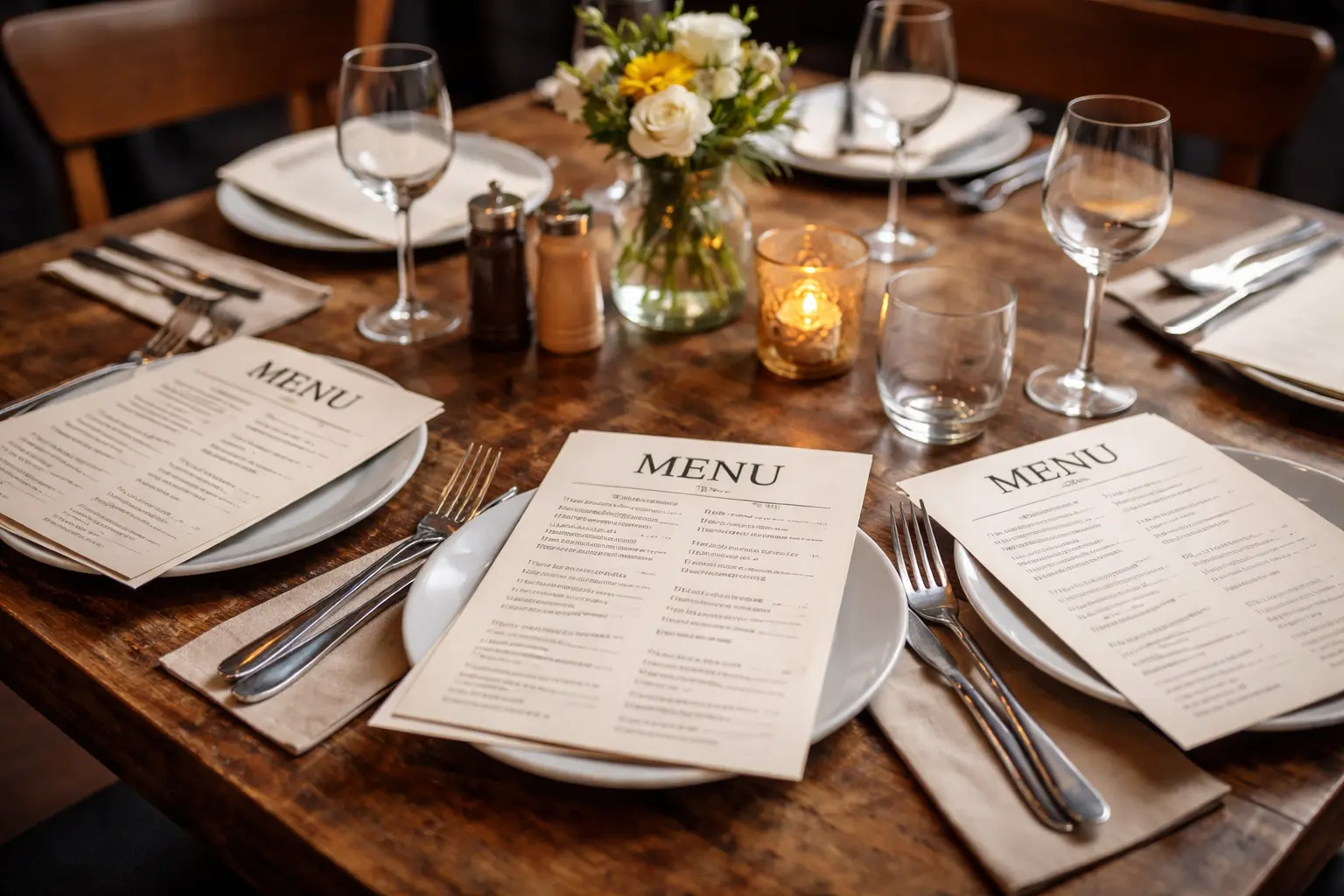
Printing is rarely a one-time cost. It is a subscription you never signed up for.
Menus wear out, get stained, disappear, and need to be replaced. Seasonal updates turn into a full reprint. Prices shift, and suddenly you are deciding between margin and accuracy. Even “small” changes like swapping a side or adding a limited-time cocktail can force a new layout so the menu still looks intentional.
There is also the hidden labor cost. Someone has to track versions, email files, proofread, coordinate with a printer, pick up boxes, and rotate menus on the floor. Multiply that by multiple locations and the workload becomes a constant background task that does not help you serve more guests.
A QR menu does not eliminate design standards or oversight. It eliminates the printing cycle that makes every menu update feel like a project.
How QR menus actually cut costs (and where they don’t)
The simplest math is obvious: fewer reprints means lower printing bills. But most operators see savings in three additional places.
First, you stop paying the “emergency tax.” When you run out of menus or the menu is suddenly wrong, you often pay rush fees, accept lower quality, or print a temporary insert that looks like what it is. QR menus remove the need for last-minute print decisions because the menu is always current.
Second, you cut waste. With paper menus, you overprint to avoid running out. Overprinting becomes inventory that ages poorly the moment you change a price or discontinue an item. Digital menus do not go stale.
Third, you save service time. When a guest asks, “Is this still available?” your staff should not be guessing. The cost of confusion shows up as comps, remakes, and longer table touches. A QR menu that reflects real availability reduces those little operational leaks that add up.
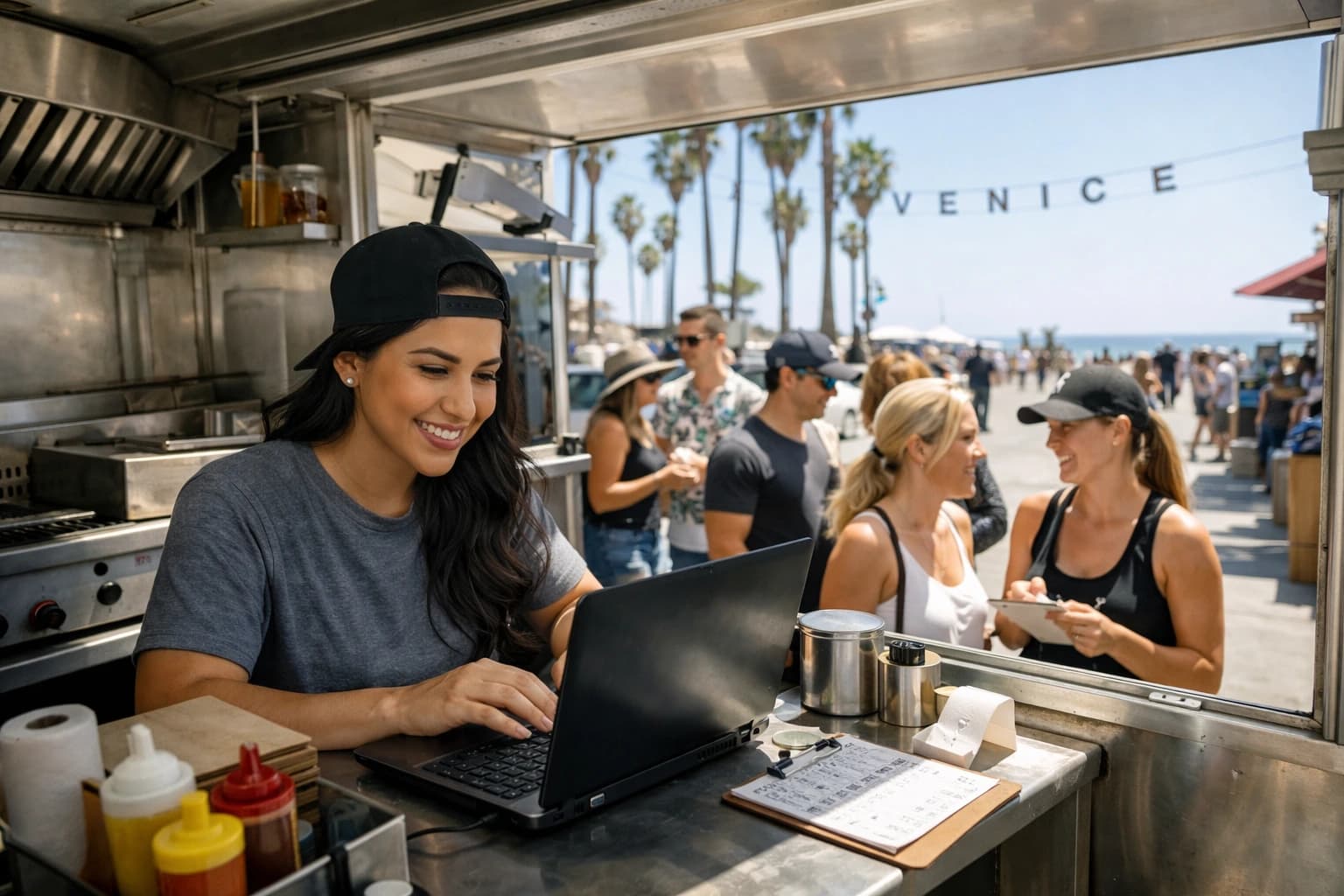
Where QR does not automatically save money: if your menu never changes and your brand depends on a premium printed presentation, you may still want paper in the mix. QR is not a religion. It is a lever. For fast-changing menus, specials-heavy concepts, bars with rotating drafts, and food trucks that pivot daily, it is one of the highest-impact levers you can pull.
The operator playbook to reduce menu printing costs with QR
Cutting print spend is straightforward when you treat your menu like an operational system, not a PDF.
Start with a “living menu” mindset
The biggest shift is deciding that the menu is allowed to change whenever the business needs it to. Price adjustments, item availability, seasonal swaps, and new photos should not trigger a new print run. They should be routine.
When your team expects updates to be easy, they are more willing to keep the menu accurate. Accuracy drives trust. Trust drives ordering.
Build one source of truth
The fastest way to lose the benefit of QR is letting different versions of the menu exist across devices, locations, or social channels.
Pick one workspace where your menu is edited and published. If you run multiple locations, standardize naming and structure so updates do not turn into a scavenger hunt. Your goal is to edit once and know every table sees the change.
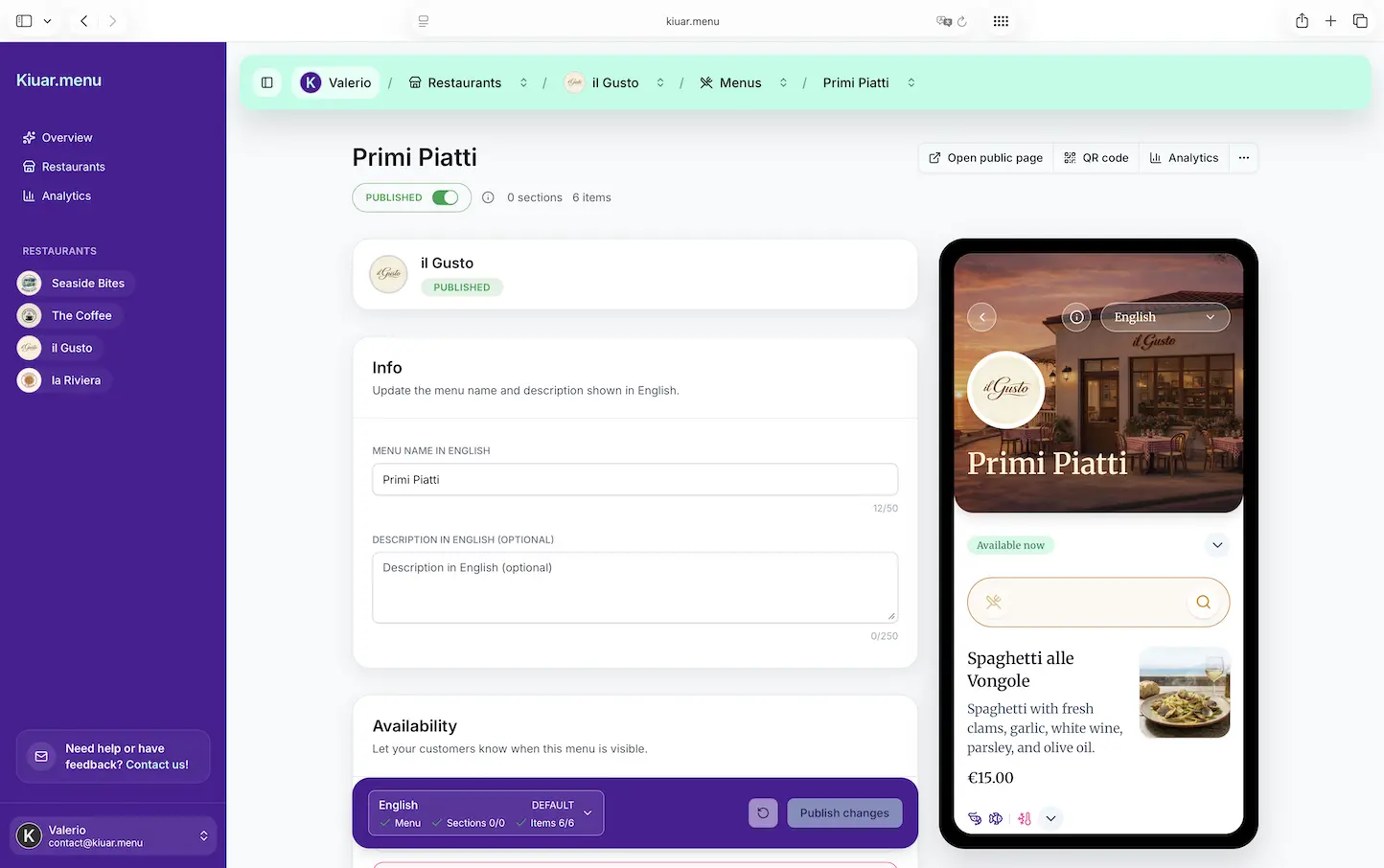
This is where a platform like Kiuar.menu fits naturally for operators who want an all-in-one workflow: build and brand the menu, translate it, label allergens, publish QR codes, and make mid-service edits without juggling separate tools.
Design for the guest’s phone, not your printer
A QR menu that feels like a shrunk-down paper menu can frustrate guests and create new service friction. You want quick scanning, clear categories, and zero hunting.
Keep category names obvious. Put your best-selling sections where they are easy to reach. Make modifiers and add-ons clear. If you run a bar program, clarity on size, pour, and pricing matters more than clever copy.
Also, make sure the first screen is doing its job. Guests should understand within seconds that they are in the right place and can start ordering decisions immediately.
Use branding to replace the “nice paper” effect
Some operators worry that QR equals cheap. It does not have to.
Branding controls matter because the menu becomes part of the dining experience, not just a list. Your colors, typography, logo placement, and photography style should match the room. When your digital menu looks polished, guests read it the same way they would a well-designed printed menu.
If you were spending on premium paper to signal quality, you can often move that investment into better photography and a more intentional layout, then stop paying for reprints.
Add translations without hiring a separate workflow
If you serve tourists, international guests, or multilingual neighborhoods, printed translations are expensive and usually out of date first.
A QR menu can offer multiple languages without duplicating your entire print inventory. The cost savings are real, but the bigger win is guest confidence. When someone can read the menu comfortably, they order faster and complain less.
The trade-off is responsibility. You still need to sanity-check translations for tone and accuracy, especially for ingredients and dietary statements. But once your translations are set, updates are far easier than reprinting multiple language menus.
Make allergens and dietary labels part of the menu, not a side conversation
Every operator knows the dance: server gets a question, goes to the kitchen, comes back, and everyone loses time.
Digital menus let you label allergens and dietary attributes directly on items. That reduces repetitive questions and protects your staff from having to remember details under pressure.
Be careful here. Labels should reflect your actual kitchen practices and cross-contact realities. QR does not replace training. It reduces the number of times your team has to explain the same information.
Keep a small “backup print” option for edge cases
Going QR-first does not mean QR-only.
A few laminated menus for guests who need them is often the right balance. This is also smart for patio dead zones or older buildings where cellular reception is inconsistent. The point is to stop treating printed menus as the default for everyone.
When you print fewer menus, you can afford to make those backups higher quality and keep them clean.
What to track so the savings are real
Operators like simple math. Here is the operational math that matters.
First, track your historical reprint frequency. Not your “planned” updates - your actual ones. If you reprint every season plus surprise edits, you already have a baseline.
Next, track how often you 86 items or swap ingredients. If it happens weekly, your printed menu is functionally wrong part of the time. QR eliminates the cost of being wrong, which is harder to measure but shows up in fewer comps and smoother service.
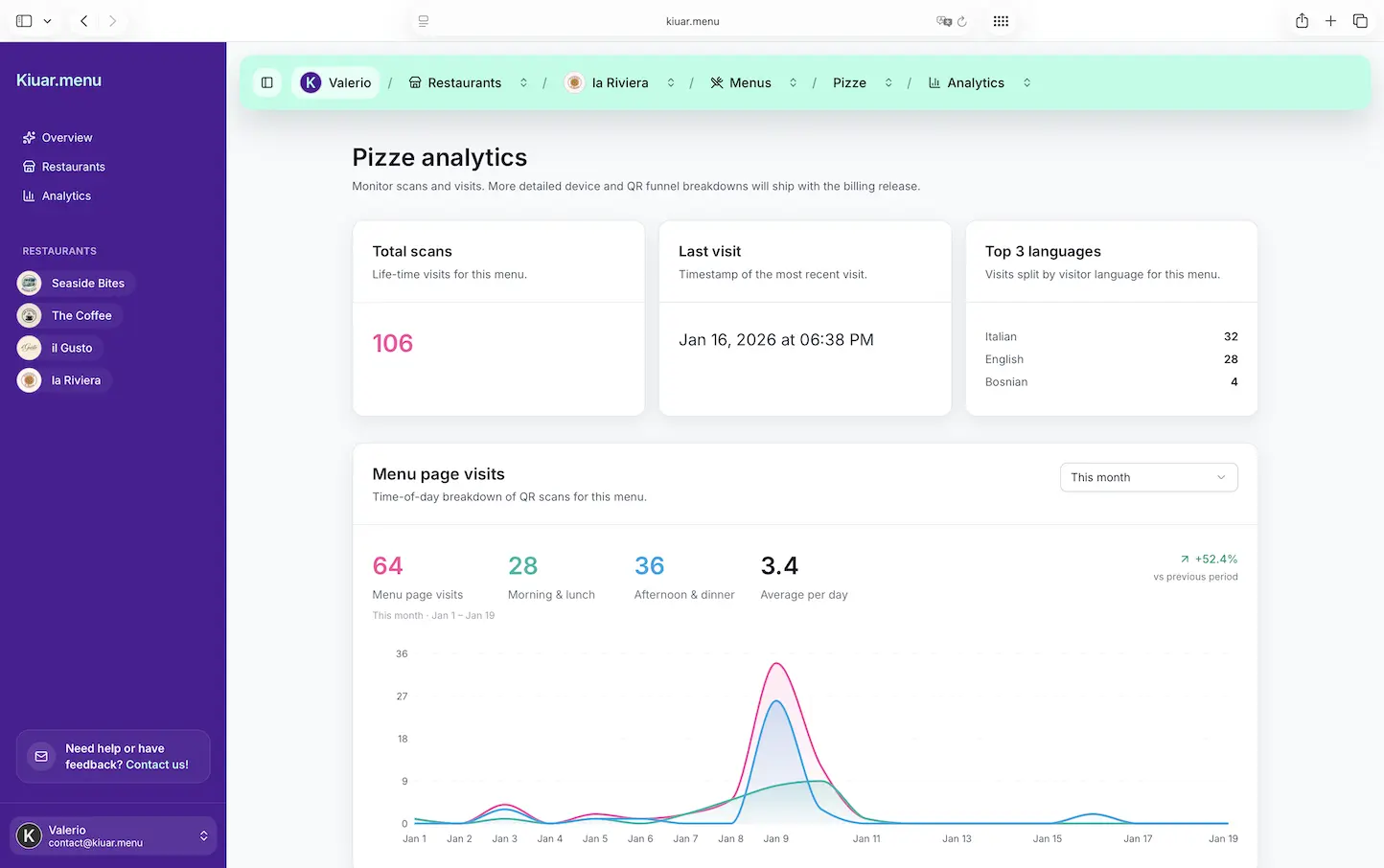
Finally, look at menu performance. Digital menus can show what guests view and what they ignore. That helps you tighten the menu, spotlight higher-margin items, and retire low performers faster. Even small mix shifts can beat your printing savings.
Common objections (and practical answers)
Some guests prefer paper. That is true. The fix is not a debate, it is optionality. Keep a few printed menus and train hosts to offer them naturally.
Some operators worry QR feels impersonal. In practice, guests care more about speed, clarity, and accuracy than the medium. A clean, branded menu that loads fast feels professional. A sticky menu with outdated prices does not.
Some teams worry about mid-service edits creating confusion. The answer is process: decide who can edit, set a quick approval habit, and communicate big changes in pre-shift. The benefit of instant updates is real, but you still want operational discipline.
The bigger payoff: fewer reprints, more control
Printing costs are the obvious target, but control is the real prize.
When your menu is easy to update, you can respond to inventory, weather, events, and demand in real time. You can run specials without designing inserts. You can correct mistakes without waiting for the next print cycle. And you can keep brand consistency across every location without chasing files.
That is what it looks like to reduce menu printing costs with qr and get something better than savings: a menu that behaves like the rest of your operation - fast, flexible, and built for service.
A helpful way to think about it is this: the best menu is the one your guests can trust. When the menu stays accurate without extra work, you will stop treating updates as a burden and start using them as a tool.