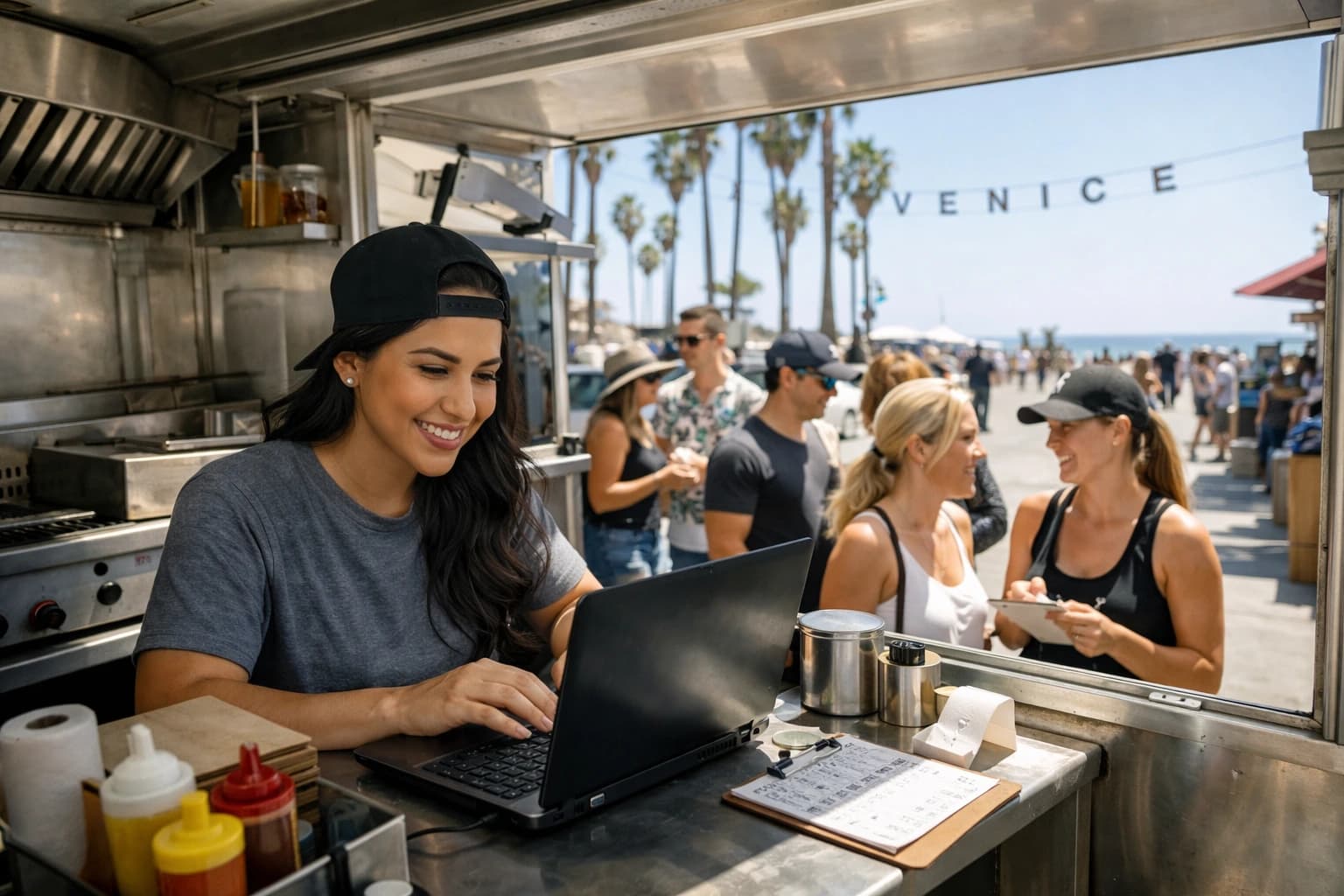
You’re 20 minutes into a dinner rush and the server tells you the salmon is 86’d. With a paper menu, you have two options: verbally warn every table and hope nothing gets missed, or eat the comp when someone orders it anyway. With a QR menu, you change one line and it’s done - every table sees the update.
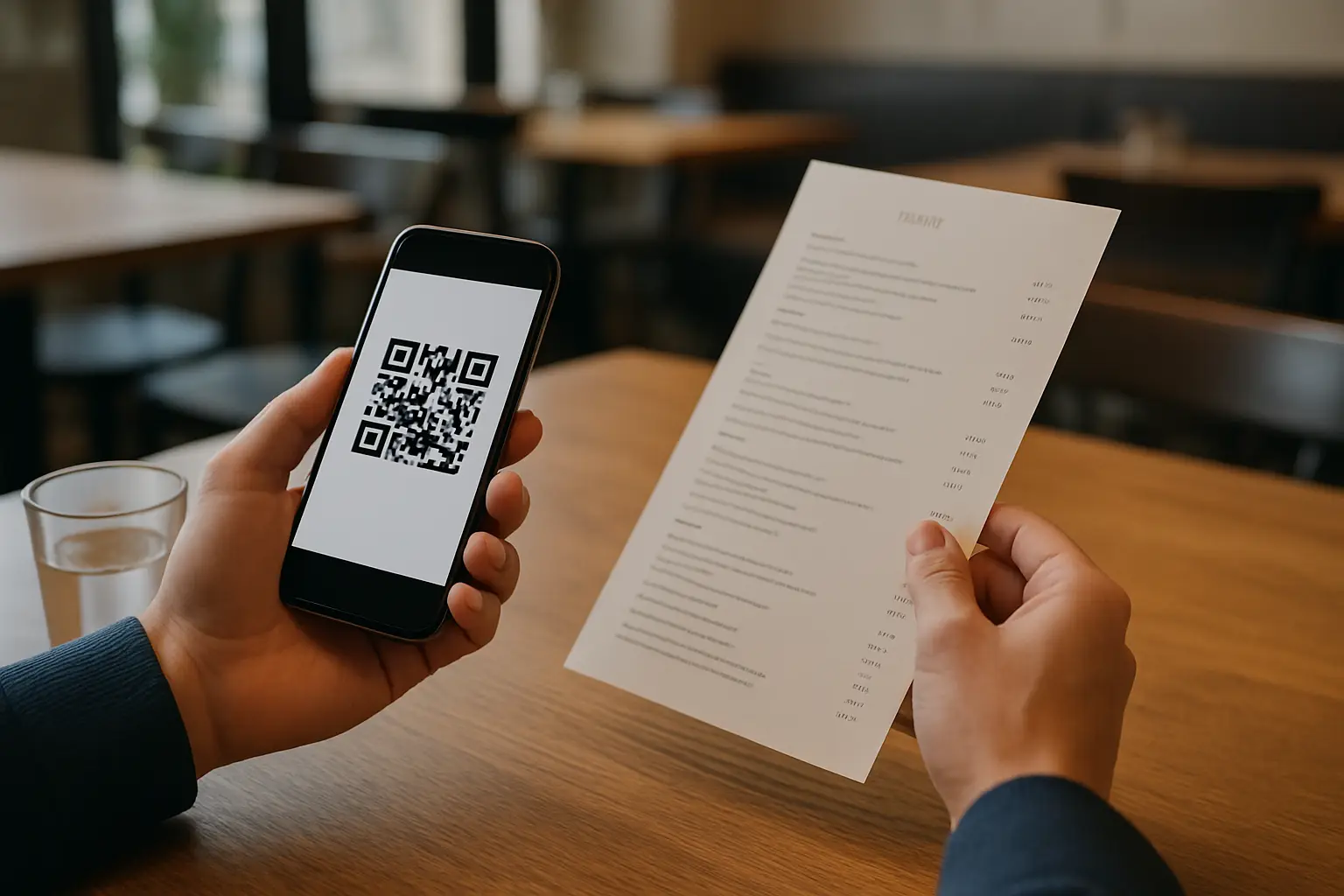
That single moment is why the qr menu vs paper menu debate isn’t really about “digital vs print.” It’s about control during service, consistency across locations, and how much time (and money) you want to spend maintaining something as basic as your menu.
The real question in qr menu vs paper menu
A menu isn’t décor. It’s an operating system for ordering. It affects pacing, accuracy, check size, staff workload, guest confidence, and how fast you can respond when prices move or inventory doesn’t show up.
Paper menus still work, and in some concepts they’re part of the experience. But paper also assumes your menu is stable. If you run specials, rotate seasonal items, change pricing, serve tourists, or deal with supply swings, “stable” isn’t your reality.
A QR menu assumes the opposite: change happens, so the system should be built for change.
Speed and accuracy during service
Paper menus are fast in one sense: guests don’t need a phone, a camera, or Wi-Fi. You put it down and they read. That’s hard to beat for frictionless access.
But paper menus are slow where it hurts operators the most - when something changes. If you run out of an item mid-service, the menu becomes inaccurate instantly. Servers try to catch it table-by-table, and that’s where mistakes happen. Even a great team will miss a table when the dining room is full.
QR menus flip that dynamic. The guest always sees the current version. That reduces the “sorry, we’re out” loop, cuts down on re-fires, and saves your staff from repeating the same update 50 times.
The trade-off is connectivity and device readiness. If your dining room has dead zones or your guests can’t (or won’t) scan, you need a backup plan. Many operators solve this by keeping a small stack of paper menus on hand rather than running paper as the primary system.
Cost isn’t just printing - it’s reprinting
When operators compare qr menu vs paper menu, they often compare the cost of a subscription to the cost of printing one batch of menus. That’s not the real comparison.
Paper has a predictable hidden cost: every time you change anything, you pay again. Price updates, cocktails rotating, brunch additions, new allergen notes, seasonal items, happy hour changes - every update creates either reprint expense or in-service confusion.
Paper also has replacement costs you feel slowly: menus get stained, torn, or walked out. Laminating helps, but then you’re locked into fewer updates because changing laminated menus is a bigger production.
QR menus turn those recurring print cycles into ongoing control. Your cost becomes a tool cost rather than a reprint tax. Whether that’s “cheaper” depends on how often you change your menu and how expensive your printing is in your market. If you rarely change anything, paper stays competitive. If you change weekly (or daily), digital usually wins quickly.
Brand experience: tactile vs polished and consistent
Paper has a strength QR can’t replicate: physical presence. A well-designed menu on good stock signals quality. For tasting menus, wine programs, or high-touch concepts, that tactile moment can be part of the brand.
But paper is also where brand consistency breaks down. Locations drift. One store has the “old” dessert list. Another has a sticker over the price. Someone prints from the wrong file. You end up with a menu that’s technically on-brand, but operationally messy.
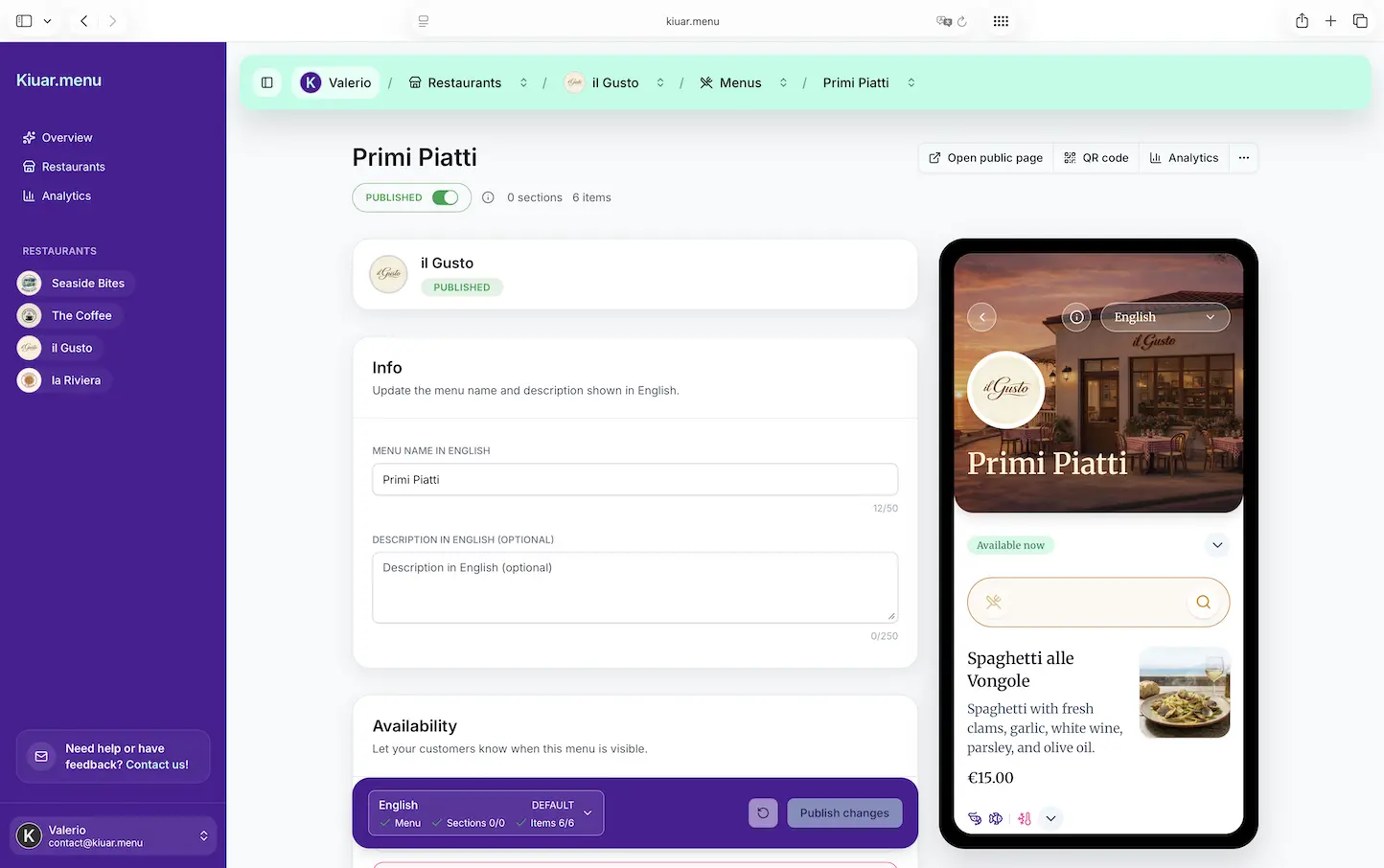
QR menus can be extremely on-brand when they’re built with real branding controls. Fonts, colors, layout, and imagery can match your identity across every location without relying on someone to print correctly.
If you’re running multiple units, consistency is not a nice-to-have. It’s part of guest trust. Guests notice when the menu looks different than your website, your signage, or your social posts. A centralized QR menu keeps the guest-facing experience aligned.
Translation and dietary clarity: where digital quietly outperforms
If you serve international guests, paper translation gets complicated fast. You either print multiple versions (and manage which table gets what), or you keep one version and rely on staff to explain. Both approaches increase friction.
QR menus can offer language switching without doubling your printing burden. That matters in tourist-heavy areas, airports, college towns, and anywhere you regularly serve non-native English speakers.
The same goes for dietary and allergen labeling. Paper menus can include icons, but they become cluttered quickly. And when a recipe changes, your labeling can become wrong until the next print.
With a QR menu, you can keep dietary tags current and visible. That’s not just a guest experience win - it’s a risk management win. Clear information reduces misunderstandings and creates more confident ordering.
Upsells and ordering behavior
Paper menus are static. They can sell well if they’re designed well, but they can’t adapt.
QR menus can influence ordering with structure: placing high-margin items in prominent sections, using photos selectively, and making add-ons easy to spot. Done right, this doesn’t feel pushy. It feels helpful, like “make it a combo” without the awkward script.
The key is restraint. Too many photos, too many pop-ups, or too much scrolling will annoy guests. A QR menu should feel like a clean, fast web page - not an ad.
Data: knowing what guests actually look at
Paper menus give you almost no insight. You can infer what sells from POS data, but you can’t see what guests considered and skipped.
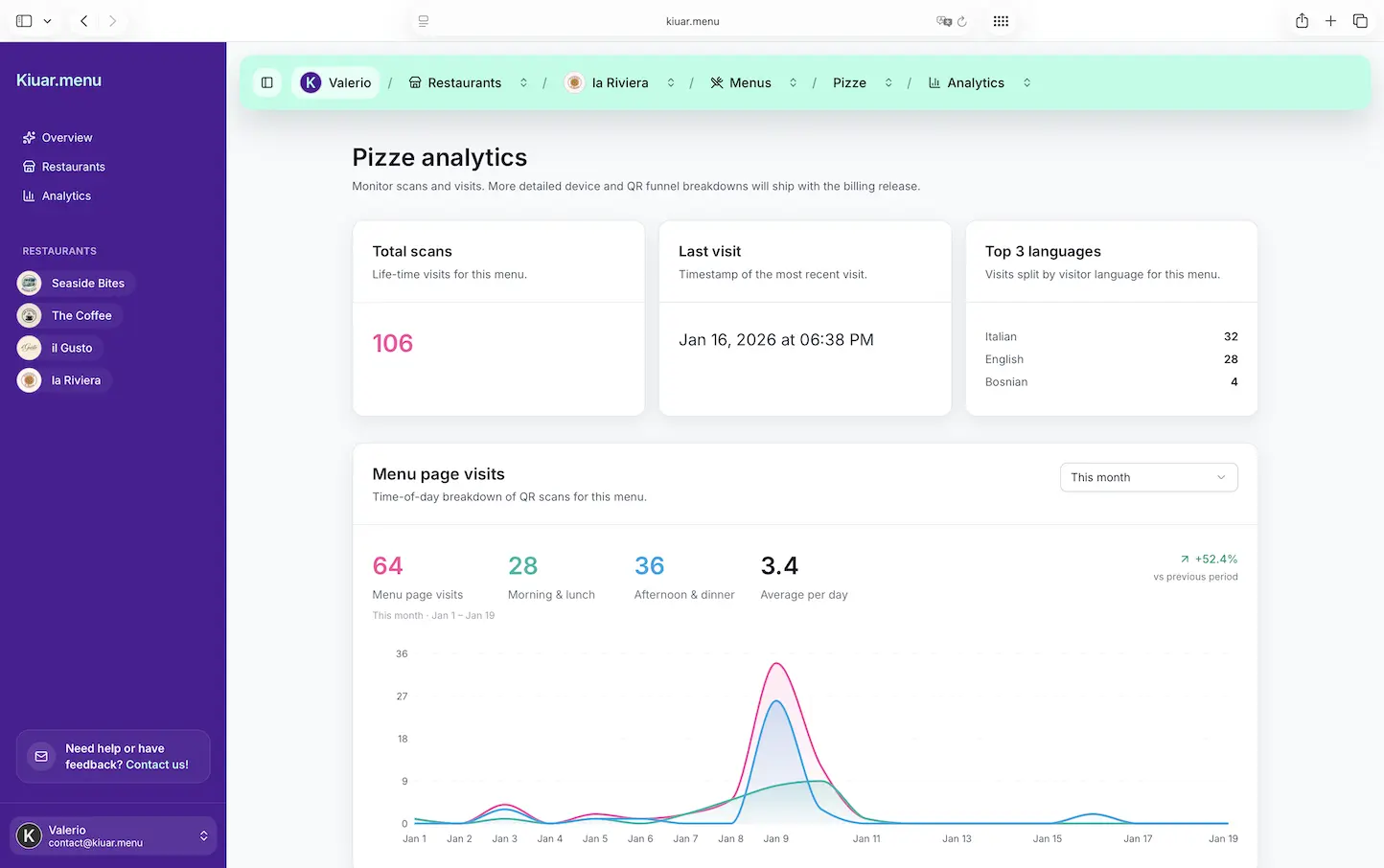
QR menus can show what gets attention - which items are viewed most, which sections get ignored, and how behavior changes when you move an item or rename it. For operators who test specials or rotate cocktails, this can be the difference between guessing and managing.
Analytics aren’t mandatory for a QR menu to be worth it, but once you have them, you stop running the menu purely by instinct.
Accessibility and guest friction: the honest downside of QR
Not every guest wants to use a phone at the table. Some forgot glasses. Some have limited data. Some are tired of scanning things. And some just prefer paper.
If you go QR-first, you need to plan for that. The most guest-friendly approach is simple: offer paper menus on request and make the QR experience fast. No app downloads. No forced sign-ins. No confusing landing page.
Also consider lighting and camera focus. Tiny QR codes on glossy surfaces can fail. Put codes where guests can scan quickly without contorting, and print them large enough to work in real dining room conditions.
Accessibility also includes readability. QR menus should use clear type sizes, strong contrast, and a layout that doesn’t punish older guests with endless scrolling.
Hygiene and maintenance: the post-2020 reality
Paper menus can be sanitary if they’re single-use, but that increases printing costs and waste. Reusable paper menus require cleaning or handling protocols, and laminated menus show wear fast.
QR menus reduce touchpoints, but they don’t eliminate cleanliness needs. Table tents, stickers, and signage still need to be wiped. The difference is you’re cleaning a small surface, not a stack of menus.
For many operators, the bigger “maintenance” win is time. QR reduces the behind-the-scenes work of managing versions, files, and reprints.
So which should you choose?
If your menu changes frequently, you run specials, you manage multiple locations, or you hate the idea of a menu becoming wrong mid-service, QR is usually the operational choice.
If your concept is built on a tactile, high-touch experience and your menu is stable, paper can still be the right call. There’s nothing outdated about paper when it’s intentional.
For most restaurants, the best answer is a hybrid: QR as the source of truth, paper as a guest-friendly fallback. That gives you control without forcing every diner into the same behavior.
If you want QR without complexity, platforms like Kiuar.menu are designed for operators who need to edit once and keep every table instantly updated, with branding, translations, dietary labels, and analytics in one place.
The closing thought to keep in mind is simple: your menu will change whether you plan for it or not. The best menu format is the one that lets you respond fast, keep guests confident, and protect your staff from avoidable chaos.