A guest asks, “Does this have nuts?” and everyone freezes for half a beat. The server turns to the kitchen. The kitchen turns to a prep list. The answer arrives late, uncertain, or both.
Allergen labels prevent that moment. They reduce back-and-forth during service, help guests order with confidence, and keep your team consistent across shifts and locations. The trick is doing it in a way that is accurate, easy to maintain, and fast to update when recipes or suppliers change.
This is a practical, operator-first approach to how to add allergen labels to menu content without turning your menu into a legal document or your staff into detectives.
What “allergen labeling” actually needs to do
A good allergen system does two jobs at once: it warns guests clearly and it gives staff a reliable source of truth. If it only looks nice but can’t be kept up to date, it will fail the first time you 86 an ingredient or swap a sauce.
Most menus also need to balance clarity with readability. Too much detail clutters the page and slows ordering. Too little detail forces guests to ask, which puts you right back into the service interruption you were trying to avoid.
The right level depends on your concept. A food truck with a tight menu can be more explicit item-by-item. A bar with 70+ items may need consistent icons plus a “ask your server” prompt for edge cases.
Start with a single source of truth: your ingredient map
Before you add anything to the menu, get your internal data straight. You do not need a complicated database, but you do need consistency.
Create an “ingredient map” for every menu item - including garnishes, finishing oils, breading, sauces, spice blends, and prep components that tend to get forgotten. If a component is made in-house, list its ingredients too. If it comes from a supplier, save the spec sheet or label photo in the same place your managers can find it.
This is where most allergen labeling breaks down: not on the menu, but in the prep reality. If one cook uses a different bun, or one location uses a different fryer oil, your label becomes a guess.
If you run multiple locations, decide whether labels are brand-wide (same item, same allergens everywhere) or location-specific (regional sourcing, different prep). “It depends” is a real answer here - just make the decision on purpose.
Choose which allergens and dietary tags you will label
For US operations, the core set most guests expect to see aligns with common major allergens: milk, eggs, fish, shellfish, tree nuts, peanuts, wheat, soy, and sesame. Many operators also label gluten-containing ingredients separately from wheat, since guest expectations don’t always match legal definitions.
You can also add dietary tags like vegetarian, vegan, or contains alcohol. The trade-off is maintenance. Every new tag increases the chance something is mislabeled during a rush update.
If you are starting from scratch, pick a tight set you can defend operationally. You can expand later once your workflow is steady.
Decide your labeling style: icons, abbreviations, or full text
There are three common ways to label allergens on a menu. Each works if you’re consistent.
Icons are fast for guests to scan and work well on digital menus. The downside is they require a legend and careful design so they don’t look like random decorations.
Abbreviations like “GF” or “NF” can work, but only if your guests understand them. “GF” is widely recognized. Others are not. Abbreviations also risk confusion for international guests or anyone ordering quickly.
Full text like “Contains: wheat, milk” is the clearest but can make a menu feel dense, especially if many items share the same allergens.
Many restaurants land on a hybrid: icons next to each item, plus a short note on the menu that clarifies what the icons mean and encourages guests with severe allergies to alert staff.
Build a workflow that survives mid-service changes
Allergen labels fail when they are treated like a one-time project. In real operations, you swap ingredients, add specials, adjust recipes, and run out of things. If your menu can’t keep up, the labels become stale.
A durable workflow has three parts:
First, decide who can change allergen tags. Ideally, it’s one or two accountable roles (GM, chef, or operator) rather than “anyone with the login.”
Second, decide what triggers a review. Supplier substitutions, recipe tweaks, new prep items, and new specials should automatically trigger an allergen check before the item is published.
Third, create a quick verification habit. When a change is made, someone else should spot-check it. This is not bureaucracy - it’s how you avoid a costly mistake.
How to add allergen labels to menu items (step-by-step)
The practical steps are straightforward, regardless of the tool you use.
Start by organizing your menu into sections that match how guests order. If you label allergens but your menu structure is confusing, guests will still ask questions. Clean categories reduce friction.
Next, for each menu item, attach allergen tags based on your ingredient map. Be careful with “hidden” sources: soy in marinades, wheat in soy sauce, milk in buttered finishes, nuts in pesto, sesame in buns, shellfish in fish sauce, and shared fryers.
Then, handle modifiers and choices. If a burger can be ordered with a gluten-free bun, don’t label the entire item “gluten-free.” Label it as “gluten-friendly option” or “GF bun available” depending on how your kitchen manages cross-contact. Guests appreciate honesty more than optimistic labels.
Finally, add a short, visible note near the bottom of the menu that sets expectations. If you have shared equipment, say so. If you can accommodate substitutions, say how to request them.
If you’re using a digital menu system, this is where speed matters. When labels are part of the item record, you can update once and publish instantly instead of re-exporting designs and reprinting.
Special cases that need extra care
Some items are easy: a peanut butter dessert contains peanuts. Others are operationally messy.
Shared fryers are the biggest source of confusion. If you fry breaded items in the same oil as fries, you should not label fries as gluten-free. You can still label the ingredients correctly, but you should avoid implying the dish is safe for someone with celiac disease.
“May contain” language is another gray area. If you are not a packaged food manufacturer, you usually don’t need to mimic packaged labeling language. Guests mostly want to know what’s in the dish and what your kitchen can reliably do. Clear notes about shared equipment and staff guidance often help more than vague warnings.
Cocktails deserve real allergen attention. Egg whites, dairy-based liqueurs, nut syrups, and flavored vodkas can introduce allergens fast. If you have a cocktail program, treat it like food, not like a separate world.
Make it readable on both QR menus and printed menus
Even if you’re QR-first, you will likely still have printed menus, bar inserts, or catering sheets. Your allergen system should translate cleanly.
On digital menus, you can give guests more detail without clutter. You can show icons on the main list, then include a “details” view that spells out allergens or ingredients. On print, keep it minimal: icons plus a legend, or a clean “Contains:” line for the handful of items where it truly matters.
The real goal is consistency. If the printed menu says one thing and the QR menu says another, guests will trust neither.
Multilingual guests: translation can’t be an afterthought
Allergen labeling is only as useful as it is understandable. If you serve international travelers, bilingual communities, or you operate in areas with heavy tourism, translations matter.
The nuance is that allergen terms are not always translated the way you expect. “Tree nuts” versus “nuts” is a common one. “Shellfish” can be misread if translated too literally. If you rely on translations, spot-check them with a native speaker when possible, especially for the most common allergens in your region.
A system that supports multi-language menus helps, but you still need operational ownership of the terms you use.
Digital menus make allergen labels easier to keep true
Allergen labels are only helpful if they match today’s reality, not last month’s design file. If you’re updating prices, 86’ing items, running specials, or changing suppliers, a digital workflow saves time and reduces inconsistencies.
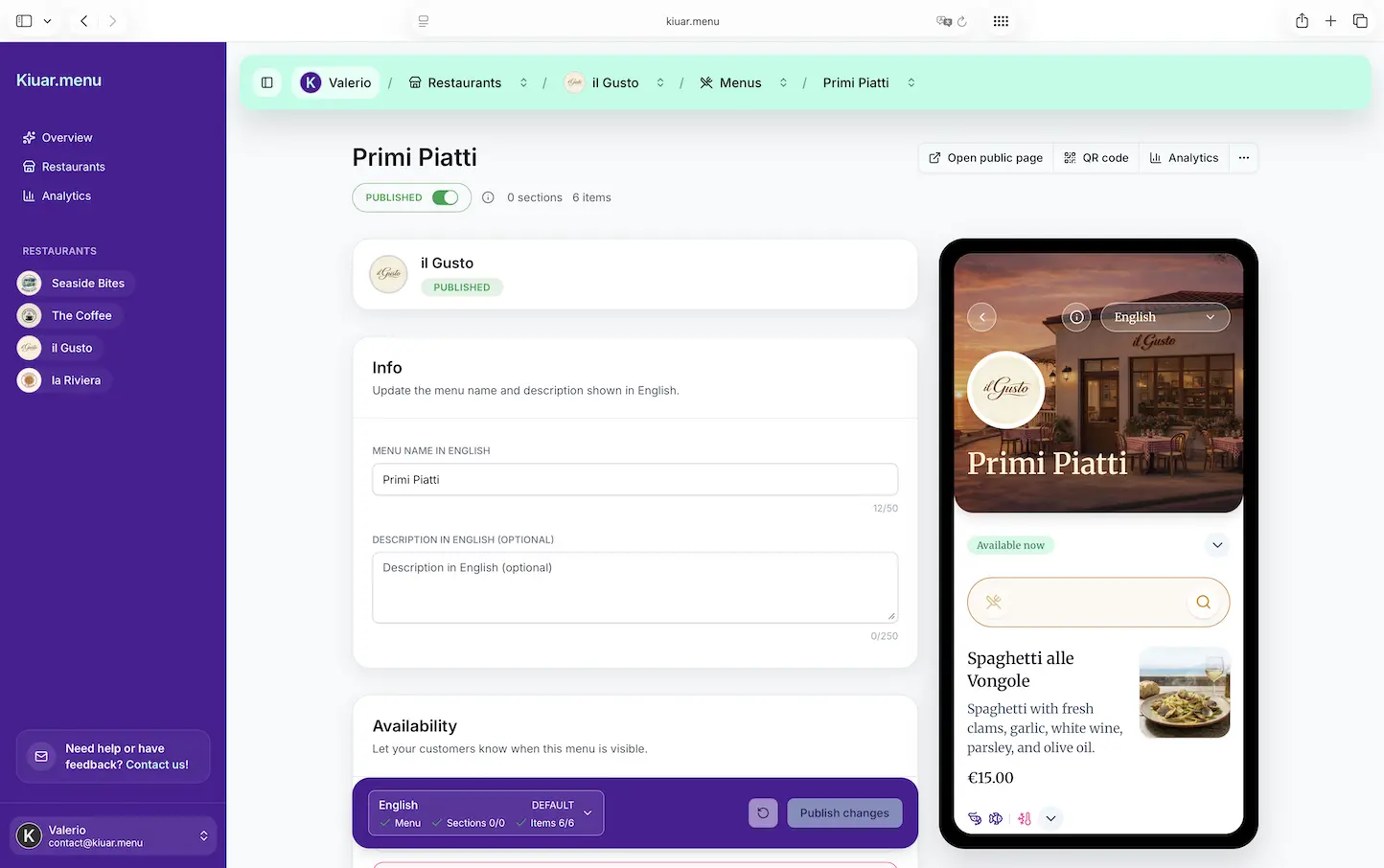
With a platform like Kiuar.menu, operators can attach allergen and dietary labels directly to menu items, publish updates in seconds, and keep every table’s QR code in sync across locations - without reprints, designers, or extra tools.
The quick compliance reality check (without pretending to be your lawyer)
Allergen requirements vary by jurisdiction and change over time. Your safest operational posture is to label what you know, avoid overpromising, and train staff to treat allergy questions seriously.
If you want to be extra careful, have your core menu reviewed by someone qualified (your chef plus a manager at minimum, and legal or consulting support if you operate at scale). The menu is public-facing, but the real risk lives in inconsistent prep.
Train your team to use the labels, not ignore them
The best menu labels still need a 60-second pre-shift habit.
Teach servers what each icon means, where to find full item details if a guest asks, and when to escalate to a manager or chef. Teach the kitchen that a labeled menu item is a promise the whole team has to protect.
If you do nothing else, make one rule: when a guest mentions an allergy, you don’t guess. You verify.
A helpful closing thought: treat allergen labels like you treat prices - something you keep current because guests rely on them, and because it’s far cheaper to update a menu than to recover trust after a bad moment.