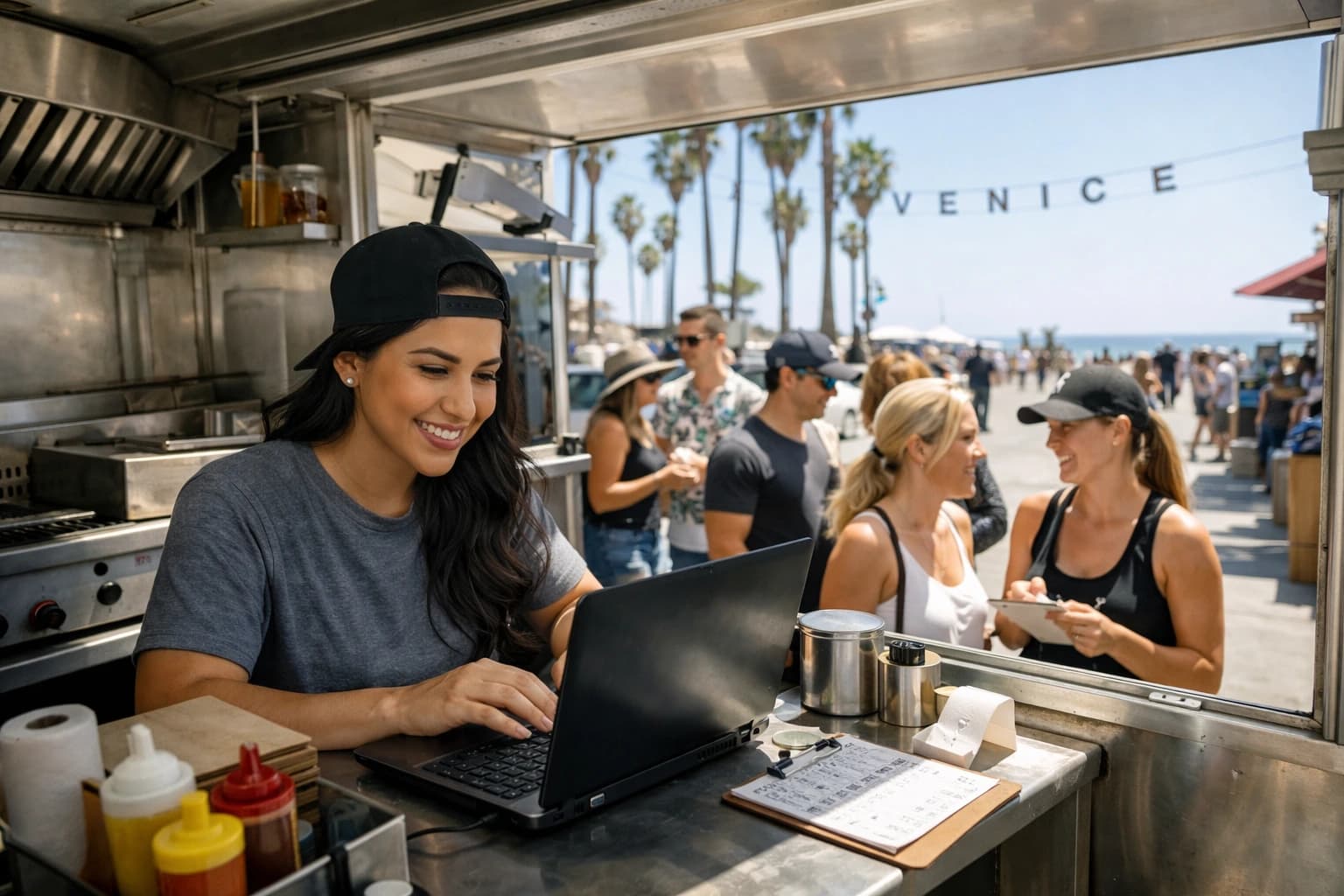
It is 7:08 pm. A server tells you the short rib is 86’d, the bar is out of that seasonal IPA, and you just changed the lunch pricing yesterday but one table is still seeing the old numbers.
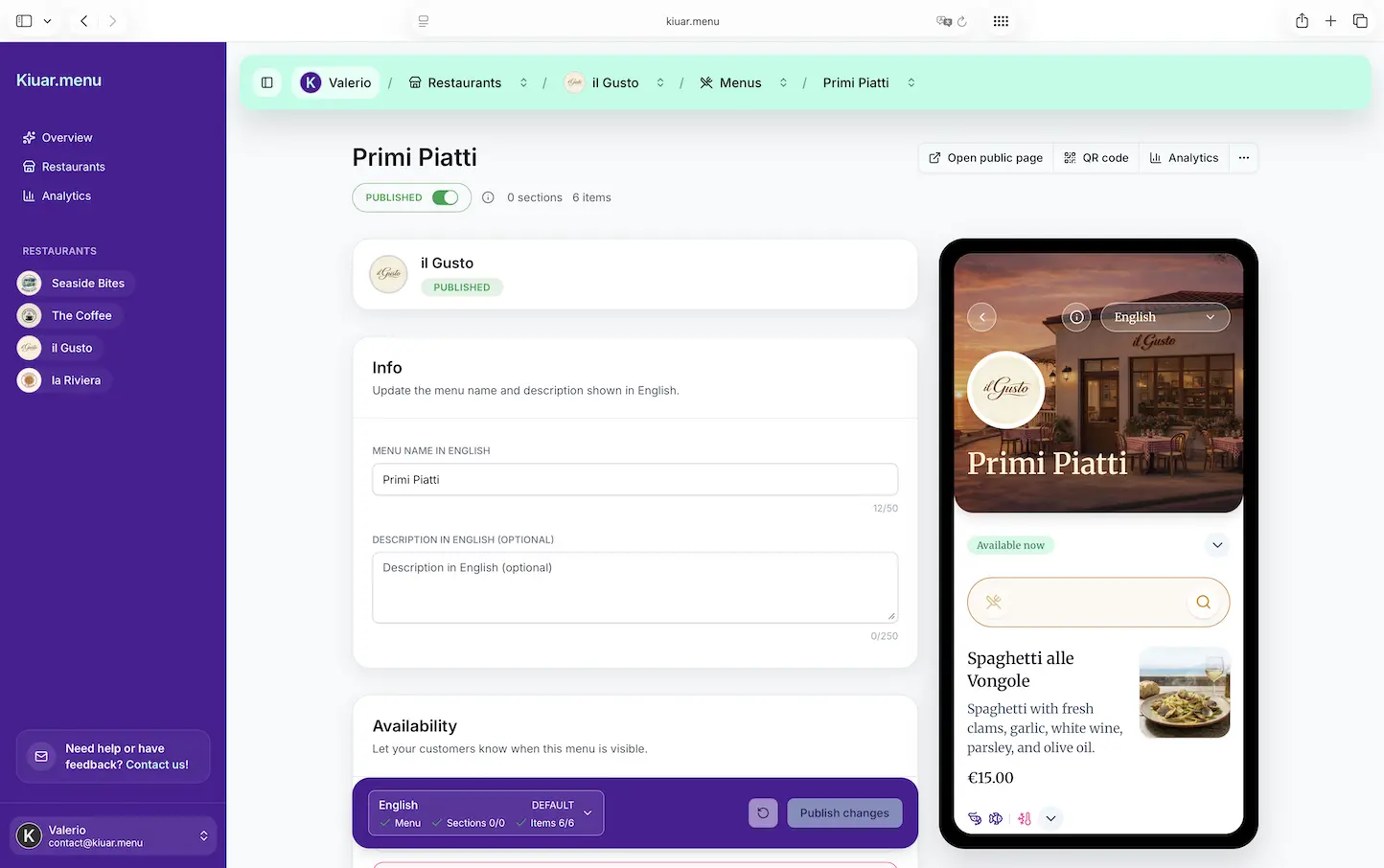
This is the exact moment a QR menu either saves service or creates a new problem. A menu builder with custom branding is not about making something pretty for Instagram. It is about controlling what guests see, across every table and every location, without running around the dining room or reprinting anything.
Why a menu builder with custom branding matters in real service
Branding in restaurants is not a logo in the corner. It is trust. Guests decide in seconds whether a digital menu feels like a real extension of your place or a random web page they landed on by accident.
When the menu looks off-brand, the experience gets shaky fast. Guests hesitate. They ask for a printed menu “just in case.” They miss upsells because the layout is confusing. And when the menu is hard to edit, operators start delaying updates, which leads to the bigger issue: inaccurate information during service.
Custom branding and fast editing belong together. One without the other is a trade-off you feel on the floor.
What “custom branding” should include (and what can be overkill)
Operators usually want two things: consistency and control. The best branding controls support both without turning menu setup into a design project.
At a minimum, you want your colors, fonts, and logo to carry through the guest experience so the menu feels like your restaurant. You also want clean spacing, readable typography, and smart section headers so people can scan quickly on a phone. That is not a “nice-to-have.” It affects ordering speed and confidence.
Where it can get overkill is when a tool pushes you into pixel-level design. If you are adjusting margins, building layouts from scratch, or exporting assets, you are doing designer work. For most restaurants, that time is better spent dialing in the menu itself: descriptions, modifiers, dietary labels, and which items are featured.
The sweet spot is a builder that gives you brand controls that matter, then handles the rest like a polished template that still looks like you.
The operational test: can you update once and be done?
If your menu changes weekly, daily, or mid-service, the real value is not “digital.” It is instant distribution.
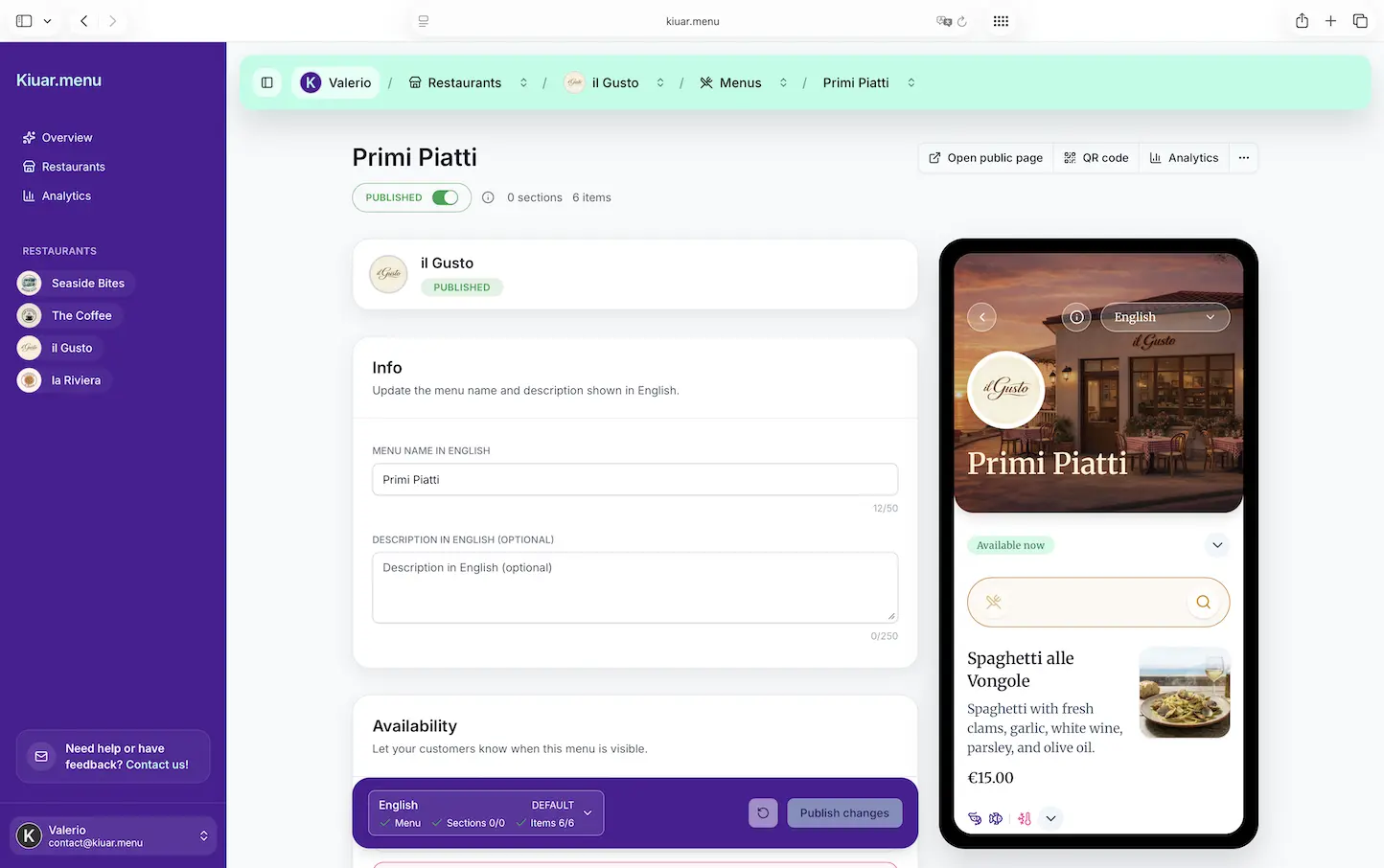
A strong workflow looks like this: you edit an item once, hit publish, and every QR code reflects the change immediately. No new codes. No staff instructions. No “make sure table 12 refreshes.”
This matters more as you scale. One location is already enough chaos. Multiple locations turns menu management into version control, and guests will always find the outdated version.
Custom branding plays a role here too. If each location hacks together its own look, you lose consistency. If corporate controls the brand but the tool is slow to edit, GMs start working around it. The right builder keeps both sides happy: brand stays tight, edits stay fast.
Guest experience: branded does not mean busy
On a phone, clarity is the brand.
The best digital menus feel like a good host: they guide, they do not shout. A branded menu should keep the focus on items, prices, and choices. That means readable text sizes, strong contrast, and a layout that makes it easy to find sections fast.
If your branding relies on light text on dark backgrounds, or trendy fonts that look great on a poster but not on an iPhone at 10% brightness, you may need to compromise. This is one of those “it depends” moments. A moody cocktail bar can lean darker than a daytime cafe, but every concept still needs accessibility. When guests struggle to read, they stop exploring, and that costs you.
A smart menu builder lets you keep your look while staying legible across devices.
Translation is part of branding if you serve real people
If you serve tourists, international students, or a diverse neighborhood, translation is not a bonus feature. It is guest care.
The catch is that translation done badly is worse than no translation. You do not want staff apologizing for weird phrasing, and you definitely do not want allergen info getting lost.
A menu builder with custom branding should keep the same branded experience across languages. Guests should not feel like they were kicked into a different website just because they switched to Spanish, French, or Chinese.
Also consider workflow. If you are exporting text to a separate translation tool, then pasting it back in, the system will break the first time you make a mid-service change. The whole point is speed and consistency, and language support has to match that reality.
Dietary and allergen labeling: where accuracy beats aesthetics
Branding sells vibe. Labeling sells confidence.
Allergen and dietary tags need to be obvious, consistent, and easy to maintain. If your menu builder makes it painful to mark items as gluten-free, vegan, contains nuts, or spicy, your team will eventually skip it. Not because they do not care, but because service is busy and the tool is fighting them.
The trade-off here is screen space. Too many icons can clutter a phone view, especially if you have long item names and modifiers. The best builders handle this with clean tag systems that are visible when needed without overwhelming the layout.
This is also where custom branding should stay restrained. You can keep your color palette and icon style consistent, but do not hide critical tags behind subtle design choices.
Analytics: branding is what you show, analytics is what you learn
Once your menu is digital, you have a new lever: you can see what guests actually engage with.
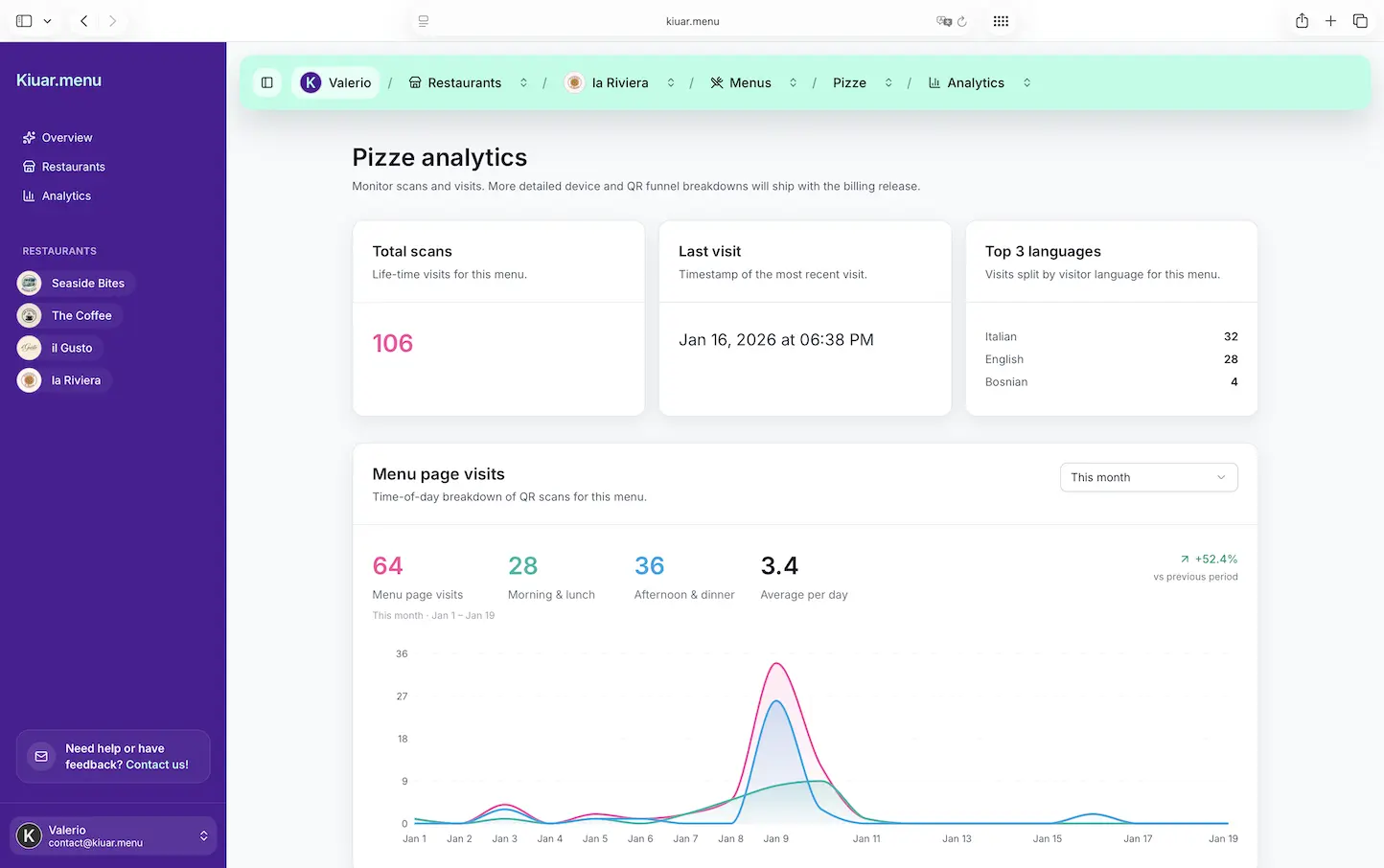
Menu analytics can tell you which sections get attention, which items get tapped, and where interest drops off. That is useful for more than marketing. It informs pricing strategy, menu layout, and whether your specials are getting noticed.
Branding and analytics work together when you treat the menu as a living sales tool, not a static document. If you run a new cocktail feature, you can brand it as a seasonal highlight, place it where it will be seen, and then check whether guests are engaging. If they are not, you adjust. No reprint. No waiting.
Just keep expectations realistic. Analytics will not replace POS data, and it will not magically fix a menu that is too big or poorly described. It is guidance, not a verdict.
What to look for in a menu builder with custom branding
You are not shopping for software features. You are buying time back during service.
A good fit usually comes down to a few practical questions. Can you publish changes in seconds? Can you keep branding consistent across every menu and location? Can you support multiple languages without duplicating work? And can your staff handle edits without training videos and a support ticket?
Also check the pricing model. Operators hate surprise limits. If you need multiple menus, multiple locations, or unlimited QR codes, the plan should support that without making you negotiate a custom contract.
If you want an all-in-one option built for operators, Kiuar.menu combines a menu builder, custom branding controls, translation up to 29 languages, dietary and allergen labeling, and analytics with a free-to-start, pay-when-publishing approach and plans starting at $2.99/month.
Common pitfalls that make “branded” menus fail
Most QR menu failures are not technical. They are operational.
One is treating the menu like a one-time project. If the tool is hard to update, you will avoid updates, and your menu will drift out of sync with reality.
Another is over-designing. Heavy graphics, giant hero images, and fancy layouts can slow load times and bury key information. Guests are standing in line, sitting at a bar top, or trying to order with one hand. Speed wins.
The last is inconsistent ownership. If nobody owns menu accuracy, the digital menu becomes a suggestion instead of a source of truth. The best systems make ownership easy: one workspace, clear edits, instant publishing.
The simplest way to decide
Ask yourself what problem you are solving this month.
If it is brand consistency across locations, you need strong branding controls and centralized management. If it is constant 86s and specials, you need fast edits and instant publishing across every QR code. If it is guest confusion, you need better structure, clearer item descriptions, and language and dietary support that does not break the flow.
A menu builder with custom branding earns its keep when it reduces friction for guests and reduces effort for staff at the same time.
Choose the tool that lets you change your mind at 7:08 pm and still look like you planned it that way.