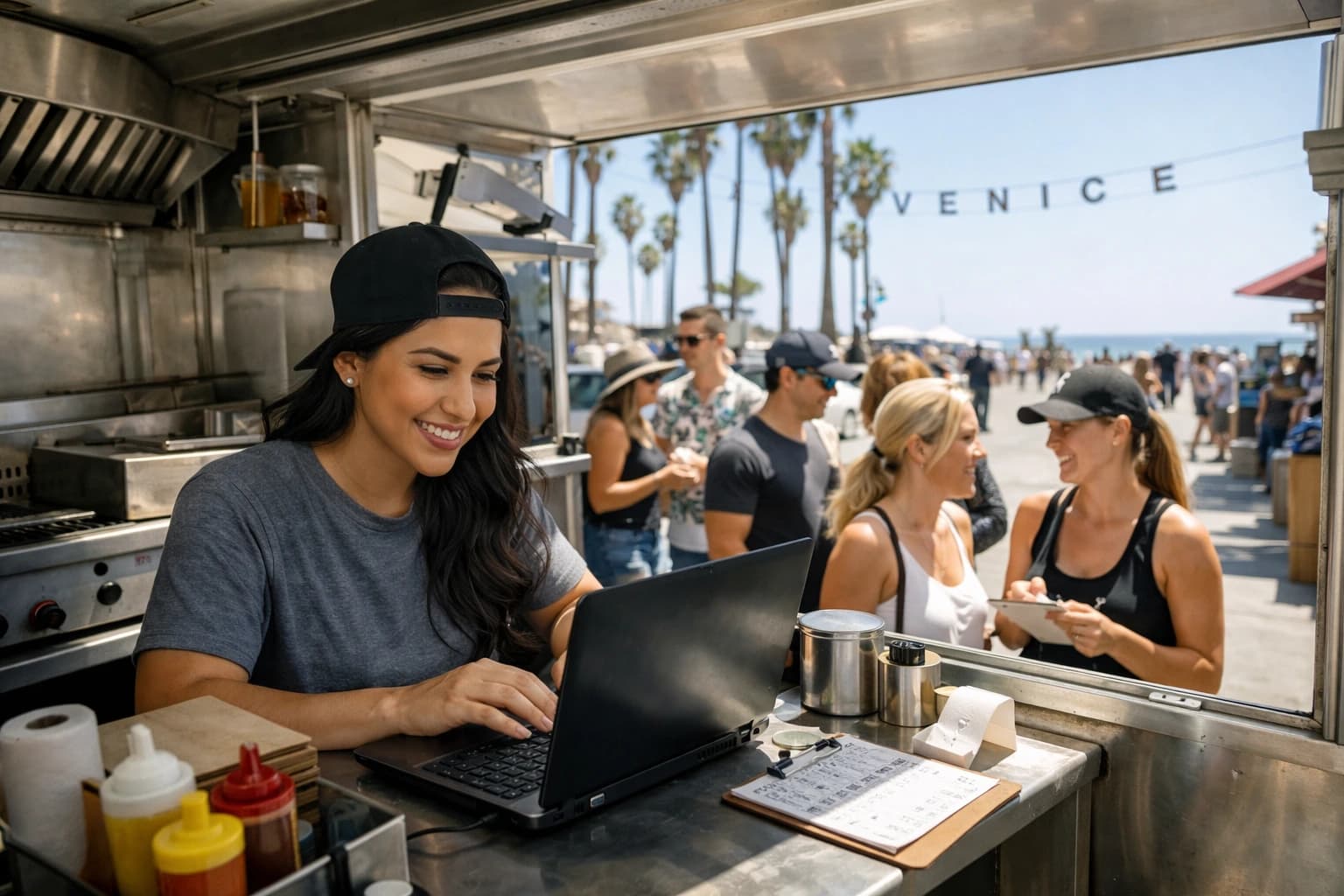
The lunch rush is half over, and your top-selling sandwich is suddenly off the board. Not “we’re low.” Not “86 in 20 minutes.” It’s gone. Now you’re choosing between letting servers explain it table by table, taping a note to the host stand, or printing a quick-and-ugly insert that makes your menu look like a workaround.
This is the exact moment a qr menu platform either earns its place in your operation or becomes another tool you stop using.
A QR menu is not the point. Control is the point. Speed is the point. Consistency is the point. The right platform lets you run your menu like you run service - quick decisions, clean execution, no drama.
What “qr menu platform” actually means in real service
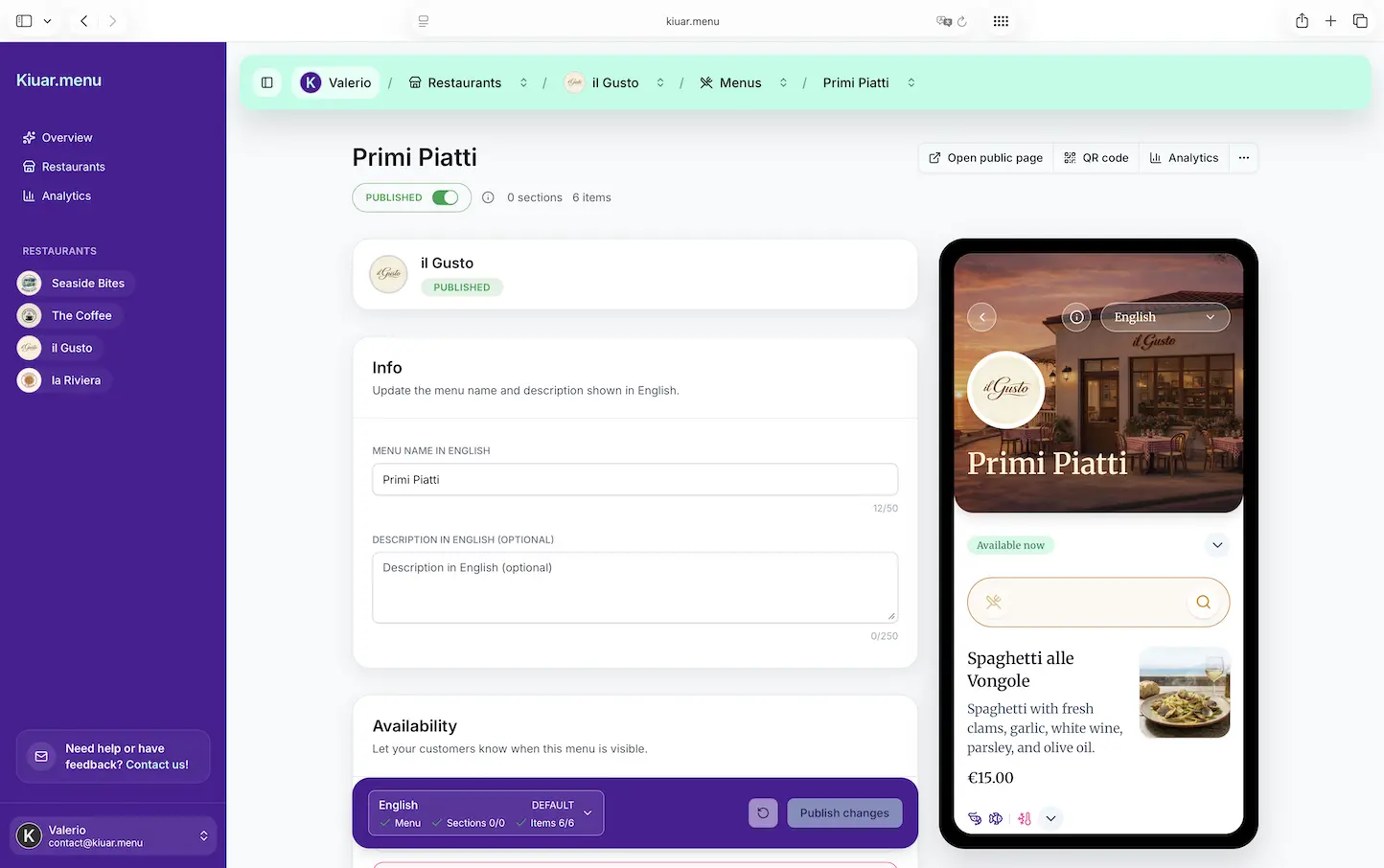
A qr menu platform is the system behind the QR code. The QR code is just a doorway. The platform is where you build the menu, organize categories, add photos or not, set pricing, label allergens, translate items, and publish updates.
The difference between a “QR code menu” and a platform shows up when things change. Most restaurants do not run a fixed menu forever. You swap a side. You adjust pricing. You run seasonal cocktails. You sell out of an item at 7:12 pm on a Saturday.
If your workflow is “edit a PDF, re-upload, reprint QR table tents because the link changed,” you don’t have a platform. You have a fragile workaround.
A real platform keeps the QR code stable and lets the content change instantly.
The operator test: edit once, update everywhere
Here’s the simplest standard that matters: can you make one edit and have it reflected across every table, every location, and every guest view immediately?
If yes, you reduce three common service problems in one move: front-of-house confusion, guest disappointment, and the awkward moment where the menu says one thing and your staff has to say another.
If no, you’ll still end up with the old habits: verbal disclaimers, apologetic comps, and the constant tension between what’s listed and what’s real.
That “edit once” requirement becomes even more critical if you operate multiple locations. When brand standards matter, you can’t afford one store listing a price from last month while another has today’s pricing. A qr menu platform should give you one workspace that keeps everything aligned without turning menu updates into a mini project.
Guest experience: fast, readable, and not an app
Guests don’t wake up hoping to “experience a digital menu.” They want to order quickly and feel confident.
The best QR menus load fast, look clean on a phone, and don’t force a download. If your menu takes too long to render or requires a clunky app step, guests blame you, not the tool.
A platform should give you a web-based menu that works on standard phone browsers, with typography that’s actually readable, tap targets that aren’t tiny, and categories that make sense. This is where a lot of DIY options fall apart. A menu is a sales tool - if it’s hard to scan, guests default to the same “safe” items or ask a server to translate what they’re seeing.
That’s not hospitality-forward, and it’s not efficient.
Branding: you should not need a designer for a menu refresh
Operators care about brand consistency because it shows up in trust. If your dining room looks intentional but your QR menu looks like a generic template, it creates friction.
A qr menu platform should let you control the basics without dragging a designer into every change: colors, logos, fonts, layout choices, and a URL that feels like your business - not a random file name.
Trade-off: the more custom you want (bespoke animations, unusual layouts, hyper-specific typography), the more you’ll drift into custom development. Many independent restaurants don’t need that. They need “clean and on-brand” with the ability to move quickly.
If your brand is “high-end,” your digital menu should feel high-end. If your brand is “fast casual,” it should feel quick and clear. The platform should make that easy, not a separate project.
Translation: not a nice-to-have if you serve real neighborhoods
If you serve tourists, international students, bilingual communities, or even just a diverse city block, translation isn’t a marketing add-on. It’s service.
A good platform supports multiple languages in a way that doesn’t duplicate your work. You shouldn’t have to maintain separate menus manually, hoping they stay in sync. Translation should sit inside the menu workflow so when you update an item name, description, or price, you’re not chasing the same change across versions.
It also needs to be guest-friendly: a clear language switch, not hidden in a corner. And it needs to handle menu reality - dishes with names that shouldn’t be translated literally, modifiers that need clarity, and ingredients that guests recognize.
Trade-off: automated translation can be fast, but you still want the ability to override phrasing for accuracy. “Short rib” and “rib short” are not the same thing in a guest’s mind.
Allergen and dietary labeling: protect guests and save staff time
This is where QR menus can quietly upgrade your operation.
If allergen information lives only in someone’s memory, you’re relying on the busiest people in the building to deliver medical-grade accuracy during peak stress. If dietary tags are inconsistent, guests with restrictions either over-order (risk) or under-order (lost sales).
A qr menu platform should let you label items clearly: allergens, vegetarian, vegan, gluten-free where appropriate, and any notes you want to standardize. Done right, this reduces repetitive questions and gives guests confidence to decide faster.
Trade-off: you have to maintain the data. A platform can’t invent what’s in your food. But it can make the process structured enough that keeping it accurate is realistic.
Analytics: if you’re guessing, you’re leaving money on the table
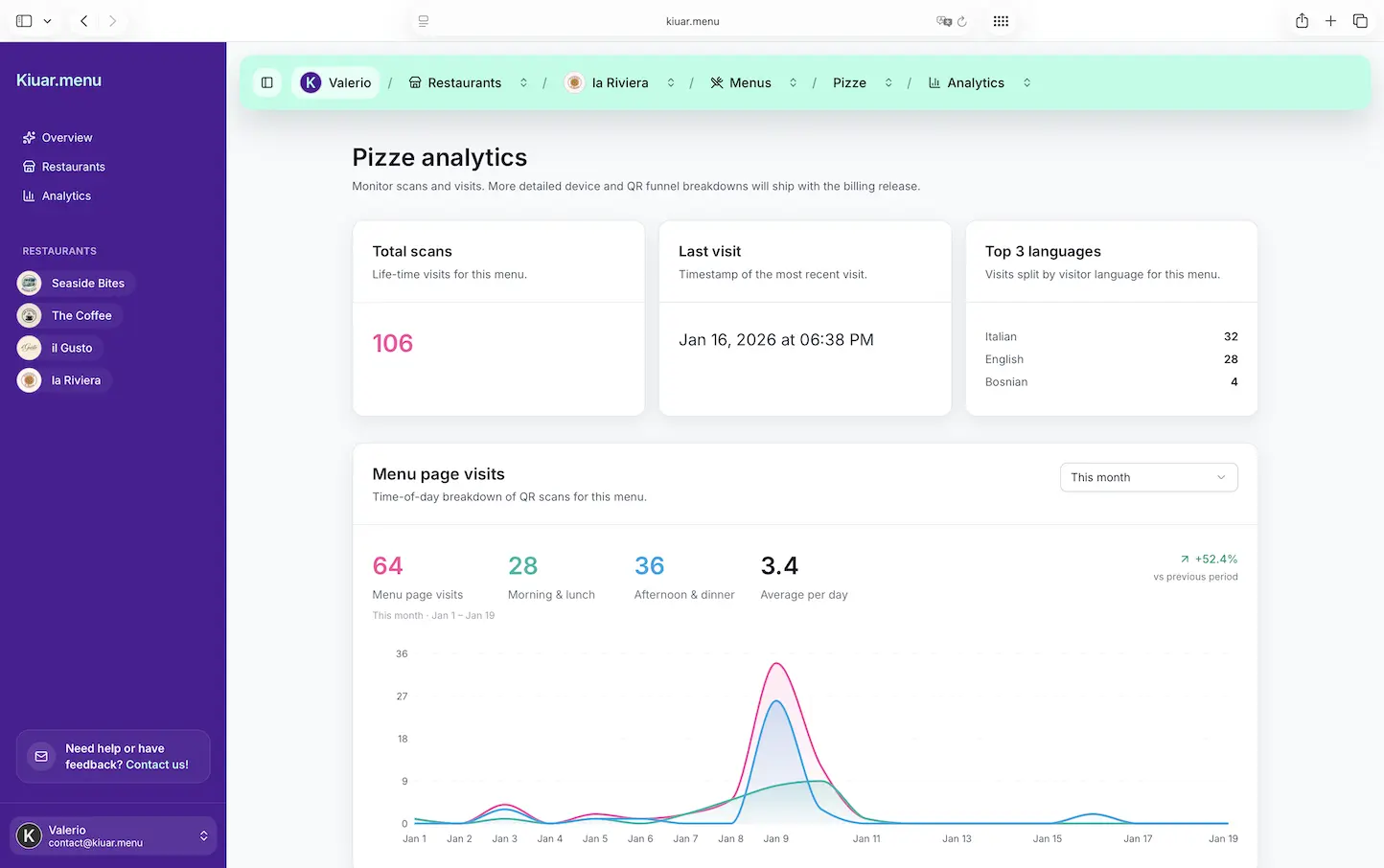
Most menu decisions are made with a mix of instinct, vendor pricing, and whatever your staff is hearing from guests. That’s normal. But when you have a QR menu, you can also see what guests actually engage with.
Analytics should answer practical questions:
- What items are viewed most?
- Which categories get ignored?
- Are guests scrolling to cocktails but ordering beer?
- Do your specials get attention or disappear at the bottom?
This is not about turning your restaurant into a spreadsheet. It’s about catching obvious misses quickly. If your best-margin appetizer is buried, you can fix that today. If a seasonal special isn’t getting taps, you can rename it, move it, or drop it - without printing anything.
Trade-off: analytics are only useful if they’re easy to read and tied to actions you can take in minutes. If the reporting feels like enterprise software, it won’t get used.
Pricing and plans: watch for hidden “gotchas”
A lot of QR menu tools look cheap until you hit the limit that matters to you.
Common traps include per-location fees, per-menu caps, charges for additional languages, limits on QR codes, or “premium” gates for branding.
Before you commit, map your real operation to the plan:
If you’re a bar with rotating cocktails, you need frequent edits. If you’re a food truck, you need quick changes and a menu that works in bright outdoor light. If you’re multi-location, you need centralized control and consistency.
The best fit is a platform that matches your pace, not one that charges you every time you grow.
What to look for when you’re choosing a platform
You don’t need 50 features. You need the few that eliminate friction every single week.
Start with how it handles change. Can you mark an item unavailable mid-service without breaking the menu layout? Can you publish in seconds? Can you schedule seasonal switches so you’re not doing it at 10:58 am?
Then check how it handles scale. Even if you’re single-location now, your menu should not be built like a one-off. You want repeatability: categories that stay organized, modifiers that are consistent, translations that follow along.
Finally, judge it like a guest. Scan the code and see how it feels. Is it fast? Is it readable? Does it look like your restaurant or like a generic template?
If you want an all-in-one option built specifically for operators - with branding controls, translation support (up to 29 languages), allergen and dietary labeling, analytics, and instant updates across every QR code - [Kiuar.menu](https://kiuar.menu) is designed for exactly that workflow, with a free-to-start model and subscriptions starting at $2.99/month.
When a QR menu platform is not the right move
It depends on your concept and your guests. If your dining room is intentionally analog - a tasting menu with guided service where the menu is part of the theater - QR might not be the primary experience. You may still use it for accessibility, translations, or wine lists, but it doesn’t have to replace everything.
Also, if your staff relies heavily on upselling through conversation, your menu still needs to support that. A QR menu should make it easier to sell, not turn ordering into a silent transaction. The platform should let you feature high-margin items, add concise descriptions, and keep the flow simple so guests aren’t lost in their phones.
The goal is not “digital.” The goal is fewer mistakes and faster decisions.
The real win: fewer menu problems, more control
When your menu is easy to update, you stop treating it like a static document and start treating it like an operational tool. You can react to shortages without chaos. You can test pricing without reprints. You can serve more guests accurately across languages and dietary needs.
A qr menu platform should make your menu feel alive in the best way - current, consistent, and clear - so your staff can focus on hospitality instead of damage control.
Pick the system that lets you change your mind quickly, because restaurants change their minds for good reasons every day.