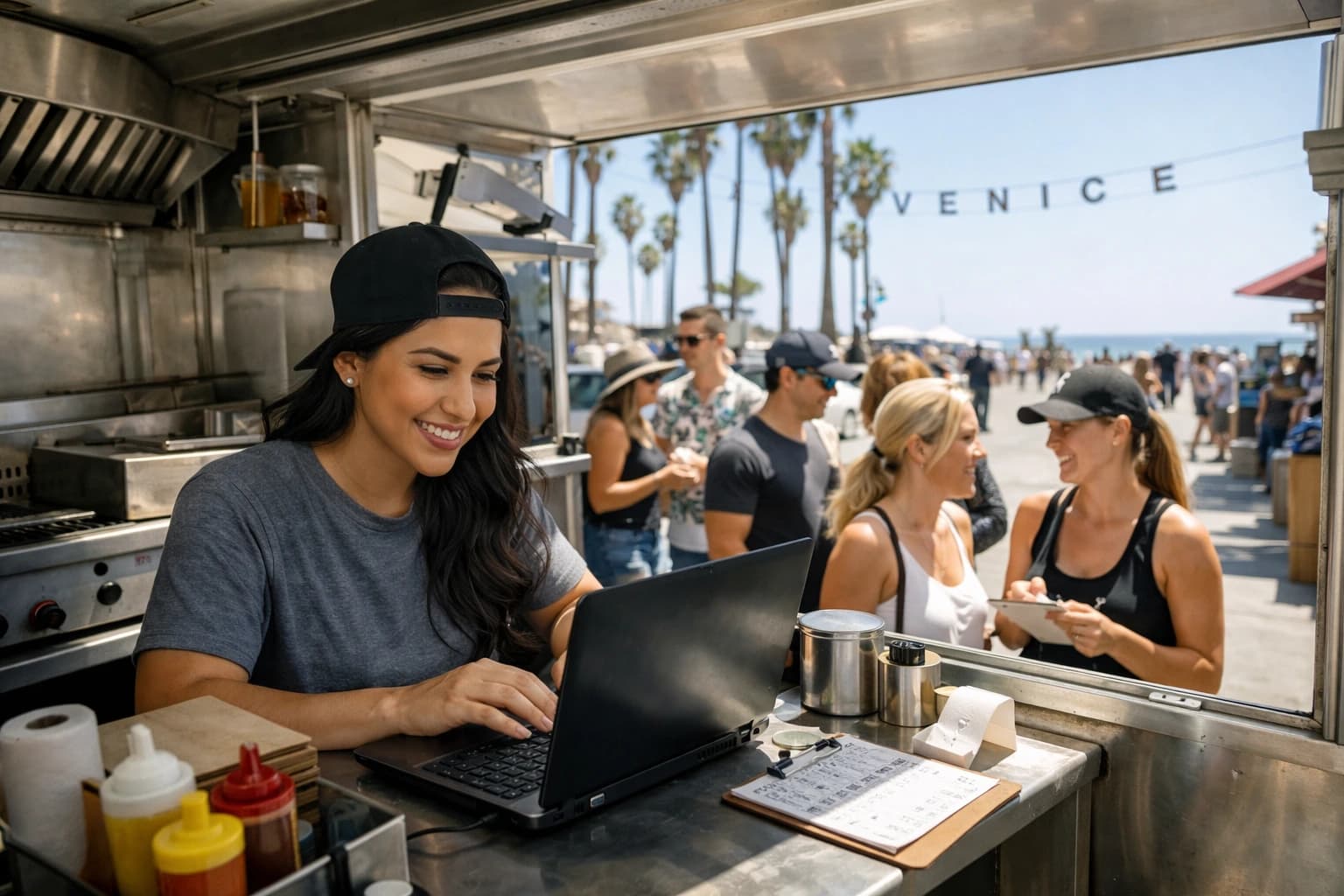
Your line is 12 people deep, you just ran out of the birria special, and someone is asking if the slaw has dairy. If your menu is a laminated sheet taped to the window, you have two options: keep taking orders and disappoint the next five guests, or stop everything and explain changes one-by-one.
A qr menu for food truck service fixes that exact moment. Not because QR codes are trendy, but because food trucks live on fast decisions: what’s available right now, what it costs today, and how to help a guest choose in 20 seconds without slowing the window.
What a qr menu for food truck service really solves
Food trucks don’t have the same menu problems as dining rooms. You don’t have table tents, hosts, or time to talk through every item. You have a window, a line, and a team that’s already multitasking.
The most practical benefit is control. When you can edit one menu and have every QR scan show the update instantly, you stop leaking time. That matters when inventory changes mid-service, prices shift with supplier costs, or you test a weekend-only item.
The second benefit is clarity. Guests can zoom in, read descriptions, and check allergen or dietary notes without you repeating yourself. That cuts friction for people with restrictions and makes your operation feel more professional.
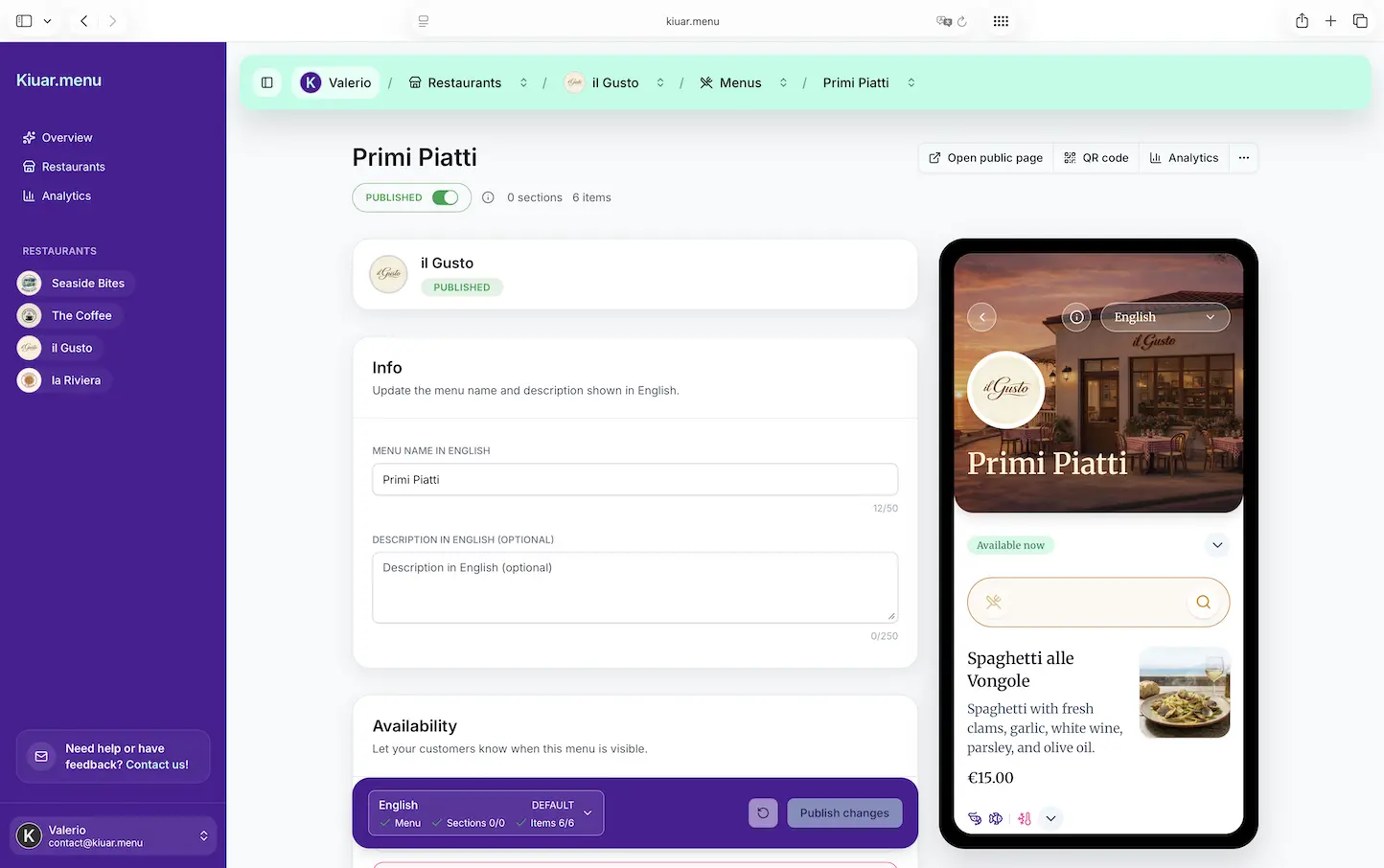
The third benefit is speed at the point of decision. A good digital menu reduces the “what’s that?” loop. Photos, modifiers, heat level notes, and clear categories help guests decide before they reach the window.
None of this requires online ordering. Some trucks want ordering, some don’t. A QR menu stands on its own as a better, faster way to publish what you’re selling.
When QR helps most (and when it doesn’t)
QR works best when your menu changes or your line gets stuck on questions. If you run rotating specials, sell out early, or do pop-ups with different offerings, instant edits are a real operational advantage.
It also helps when you serve a mixed crowd. Breweries, campuses, events, and tourist zones bring guests who may not speak English as their first language or who need allergen clarity. A translated, well-labeled menu is an easy way to be more accessible without adding staff.
There are trade-offs. Some guests hate scanning codes, or they have low battery, or they don’t want to use their phone. You still need a fallback: a small printed menu board, a few paper handouts, or a “top sellers” sign. QR should reduce friction, not create it.
And if you operate in a dead zone, you need a plan. Most guests will have cell service, but events and rural stops can be unreliable. In those cases, a lightweight menu page that loads fast matters more than fancy design.
What makes a food truck QR menu good
A truck menu is not a restaurant PDF shrunk onto a phone screen. The best QR menus are built for one-handed scrolling in a noisy line.
Start with structure. Your top categories should match how people order at the window: mains first, then sides, then drinks, then extras. Don’t bury your best sellers under clever names. If your signature item is the reason people showed up, it should be visible in the first few seconds.
Then focus on decision support. Short descriptions beat long stories. “Smoky chipotle crema, pickled onions, gluten-free option” is more useful than a paragraph. If you offer spice levels, label them consistently. If you have add-ons, make them obvious.
Photos are powerful, but only if they’re honest and quick to load. A couple of clean, real photos of your hero items can lift confidence and reduce questions. Ten heavy images can slow down the page and frustrate people in line.
Dietary and allergen labels are where a QR menu can quietly do a lot of work. You don’t need to promise a medical guarantee, but you can clearly mark common needs like vegetarian, vegan, gluten-free option, nuts, dairy, and shellfish. When guests can self-serve those answers, your team stays focused on production.
How to set up a qr menu for food truck operations
You can build this in a way that’s low effort to maintain, or you can build a digital mess you’ll never update. The difference is your workflow.
First, decide who owns menu changes. If it’s the owner only, updates may be accurate but slow. If it’s anyone on the team, edits may be fast but inconsistent. Many trucks land on one primary editor plus one backup.
Next, build your menu around real service scenarios. Create items the way guests order them. If people always ask, “Can I get that without cheese?” don’t rely on verbal communication. Add a note or modifier.
Then set a standard for availability. The whole point is being able to say “sold out” without saying it 50 times. Your system should let you quickly hide an item, mark it unavailable, or move it to a “limited” section. If updating takes more than a minute, it won’t happen during rush.
Pricing deserves its own moment. Food trucks adjust prices more often than many restaurants. If changing a price means reprinting signage, you’ll procrastinate and lose margin. With a QR menu, you can adjust prices as needed and keep every QR code accurate.
Finally, publish the QR where it gets scanned. Put it where the line naturally pauses: on the order window, on stanchions, on an A-frame at the start of the line, and on your social profiles for people deciding before they walk over. The goal is simple: guests should read the menu before they reach the window.
Branding matters more than you think
Trucks live and die on memory. People need to recognize you from 20 feet away at a crowded event.
A branded QR menu helps in two ways. First, it reassures guests they’re looking at the real menu, not a random link. Second, it reinforces your identity while they decide. Colors, logo, item names, and tone all add up. If your truck is premium, your menu should feel premium. If you’re playful, let that show in item descriptions.
This doesn’t mean you need a designer. It means your menu should look intentional: clean fonts, consistent formatting, and a layout that feels like your truck.
Translation is a quiet revenue lever
If you work festivals, tourist areas, or downtown lunch, you’re serving more languages than you think. A guest who can’t confidently read your menu becomes a slow order, a wrong order, or a walk-away.
Translation isn’t about being fancy. It’s about reducing uncertainty. When a guest can switch languages and understand what they’re buying, they order faster and with more confidence. That can lift average ticket in a way that’s hard to get from discounts or bigger portions.
If you translate, keep it consistent. Item names can stay branded, but ingredients and modifiers should be clear. Also watch cultural assumptions. A term like “slaw” or “aioli” may need a simple explanation to be useful.
Analytics: know what sells without guessing
Food trucks make daily purchasing decisions. You’re balancing prep time, cooler space, and what will actually move.
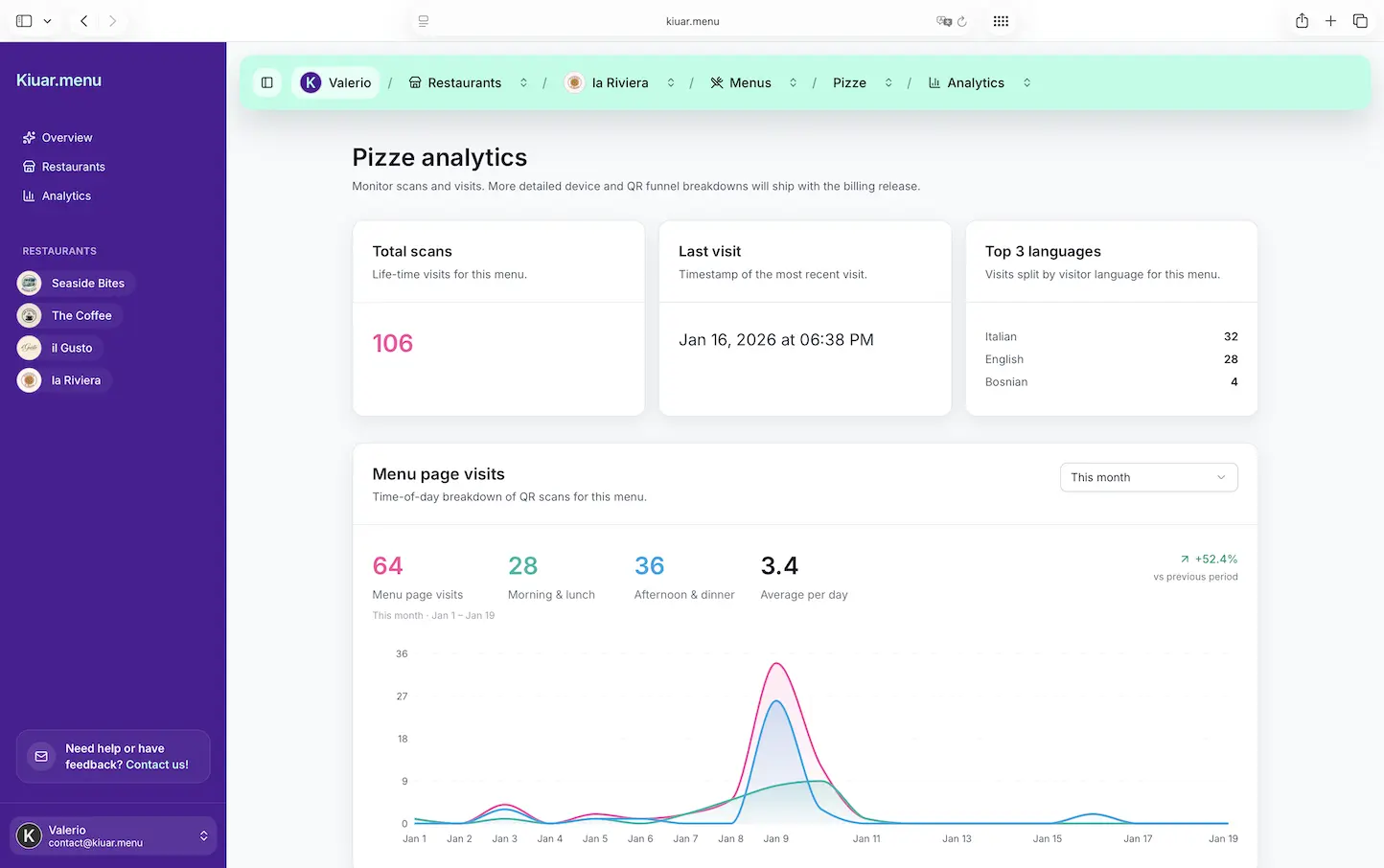
Menu analytics can help you stop guessing. If you can see which items get the most views, which categories are ignored, or which add-ons get attention, you can adjust placement and pricing. Sometimes the fix isn’t changing the recipe. It’s moving the item higher, renaming it, or adding one line of description.
This is where digital menus beat printed ones. A printed menu gives you vibes. A digital menu can give you signals.
Choosing a platform: what to look for
For a truck, the right tool is the one you’ll actually use during service. Look for a web-based menu that loads fast and doesn’t require guests to download an app. Make sure you can edit once and have updates reflected everywhere immediately.
You’ll also want unlimited QR codes so you can put them in multiple places without managing versions, and multi-location support if you run more than one truck or do regular pop-ups. Translation, branding controls, allergen labels, and analytics are not “extras” in a truck context. They’re operational features that save time and reduce mistakes.
If you want an all-in-one option built for operators who need fast edits and consistent QR menus, Kiuar.menu is designed for exactly that, with a free-to-start, pay-when-publishing approach and plans starting at $2.99/month.
The small details that keep lines moving
Once your QR menu is live, the biggest wins come from tiny adjustments. Put your “sold out” process into muscle memory. If you run out of an item, update it immediately, then tell the team to stop offering it verbally. Let the menu do the work.
Add one section for “Today” or “Limited.” It helps regulars spot what’s new, and it gives you a controlled place to test specials without rewriting your whole menu.
Keep modifiers tight. Too many choices slow down ordering. A QR menu should clarify decisions, not create a choose-your-own-adventure.
And keep your fallback visible. A small printed board with top items and prices helps the QR-resistant guest. You’re not choosing between digital and physical. You’re using each where it performs best.
A QR menu doesn’t make your food better. It makes your operation calmer. When guests can browse, translate, and confirm details before they reach the window, you get fewer bottlenecks and more clean, confident orders - and that’s the kind of upgrade you feel on your busiest day, not your slowest one.