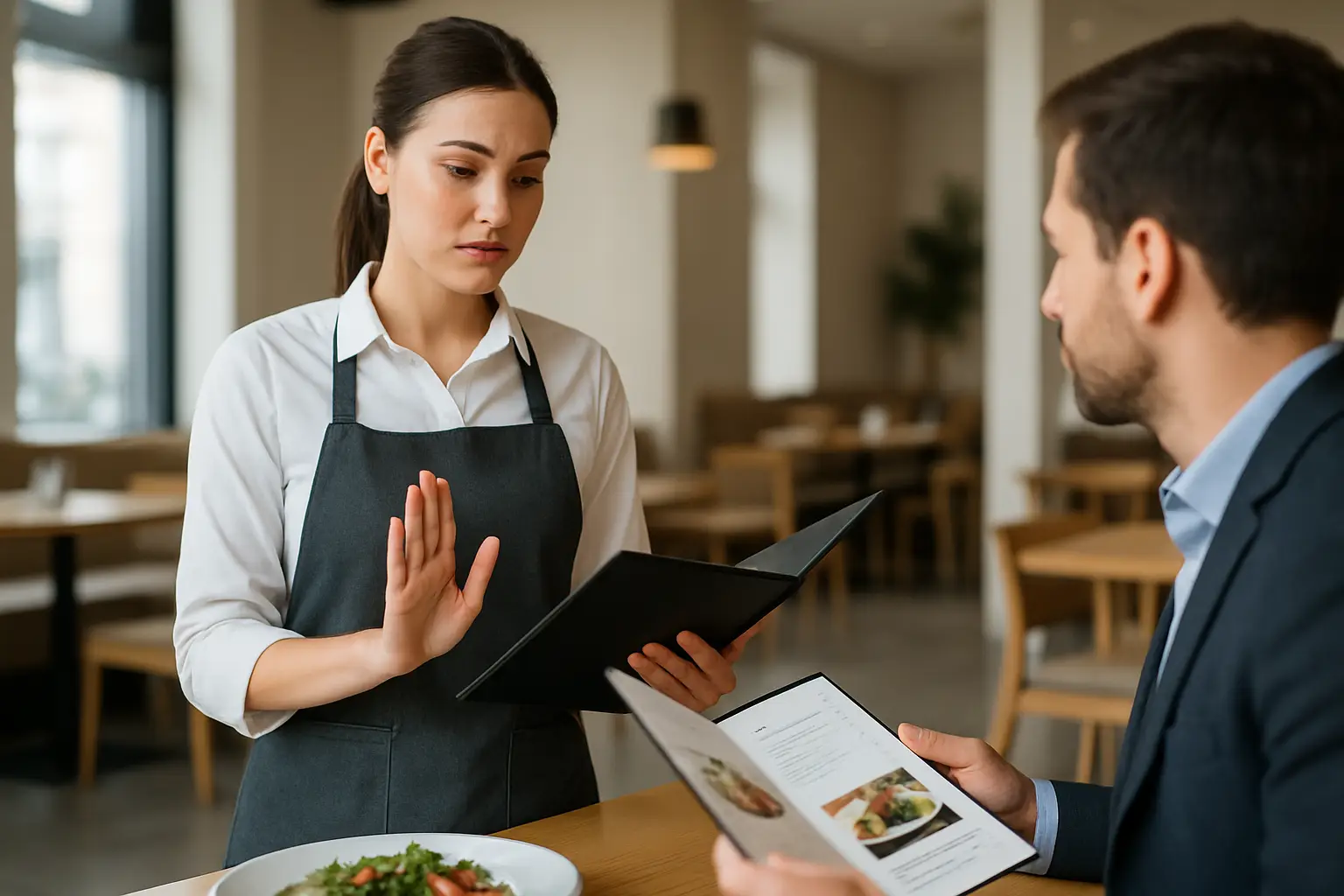
A server walks up to table 12, takes an order for the special, then has to do the awkward walk-back: “Sorry, we’re out.” That moment costs you twice - you lose trust and you lose time. And it almost always happens when the dining room is busiest, the kitchen is stressed, and the line is longest.
Out of stock item menu handling is really just this: controlling disappointment. Not eliminating it - you can’t - but shaping it so guests still order confidently and your team keeps moving.
What “out of stock” really breaks
Running out of an item isn’t the real problem. The real problem is the gap between what the guest thinks is available and what you can actually serve.
That gap shows up as longer ticket times, more comped items, more table touches, and more frustrated staff. It can also mess with reviews. Guests rarely write, “They ran out of short ribs at 8:15.” They write, “They had nothing we wanted,” or “We waited forever.”
The fix is not a single setting like “mark item unavailable.” The fix is a policy - a consistent way your menu communicates availability, sets expectations, and offers a next-best choice.
The three ways to handle an out-of-stock item
There are only three guest-facing options that work. Which one you choose depends on your concept, how often the item returns, and how much you want to control the decision.
1) Hide it completely
If the item is truly gone for the night (or the week), hiding it prevents false hope. This is the best move when the item is a high-intent magnet - the one people came for - and you don’t want a guest to anchor on it and feel like they “lost.”
The trade-off is merchandising. If you hide too aggressively, your menu can look thinner, and you lose the chance to steer guests to profitable alternatives. Hiding also works best when your staff already knows the 86 list and doesn’t need the menu as a reminder.
2) Keep it visible, but clearly labeled
This is the “we’re transparent” option. You keep the item on the menu with an “Out of stock” label (or “Sold out”) so guests don’t wonder if you forgot to list something. It’s helpful for limited releases, bakery cases, rotating drafts, and anything guests expect to sell out.
The trade-off is temptation. Some guests will still ask anyway, either because they didn’t notice the label or because they want to be the exception. If your dining room is slammed, that extra conversation can add up.
3) Swap to a controlled substitute
Sometimes the best out-of-stock handling is not telling guests the item is gone - it’s updating the menu so the “same slot” is still orderable. That could mean changing the side, switching the fish, or replacing the sauce, while keeping price and positioning consistent.
The trade-off is operational discipline. You need the kitchen and FOH aligned on what the substitute is, and you need to be comfortable that the new version still meets your quality bar. This is common with seasonal produce, market fish, and fast-moving cocktail ingredients.
The rule that keeps it simple: decide by guest intent
Instead of debating every time, use one deciding factor: how specific is the guest’s intent?
If the item is a destination order (specific intent), hiding it is usually best. If the item is part of browsing (general intent), labeling or substituting is usually better.
A guest who came for your “24-hour ramen” will feel the loss. A guest choosing between “three salads” just wants a good option that fits their mood.
Out of stock item menu handling for QR menus
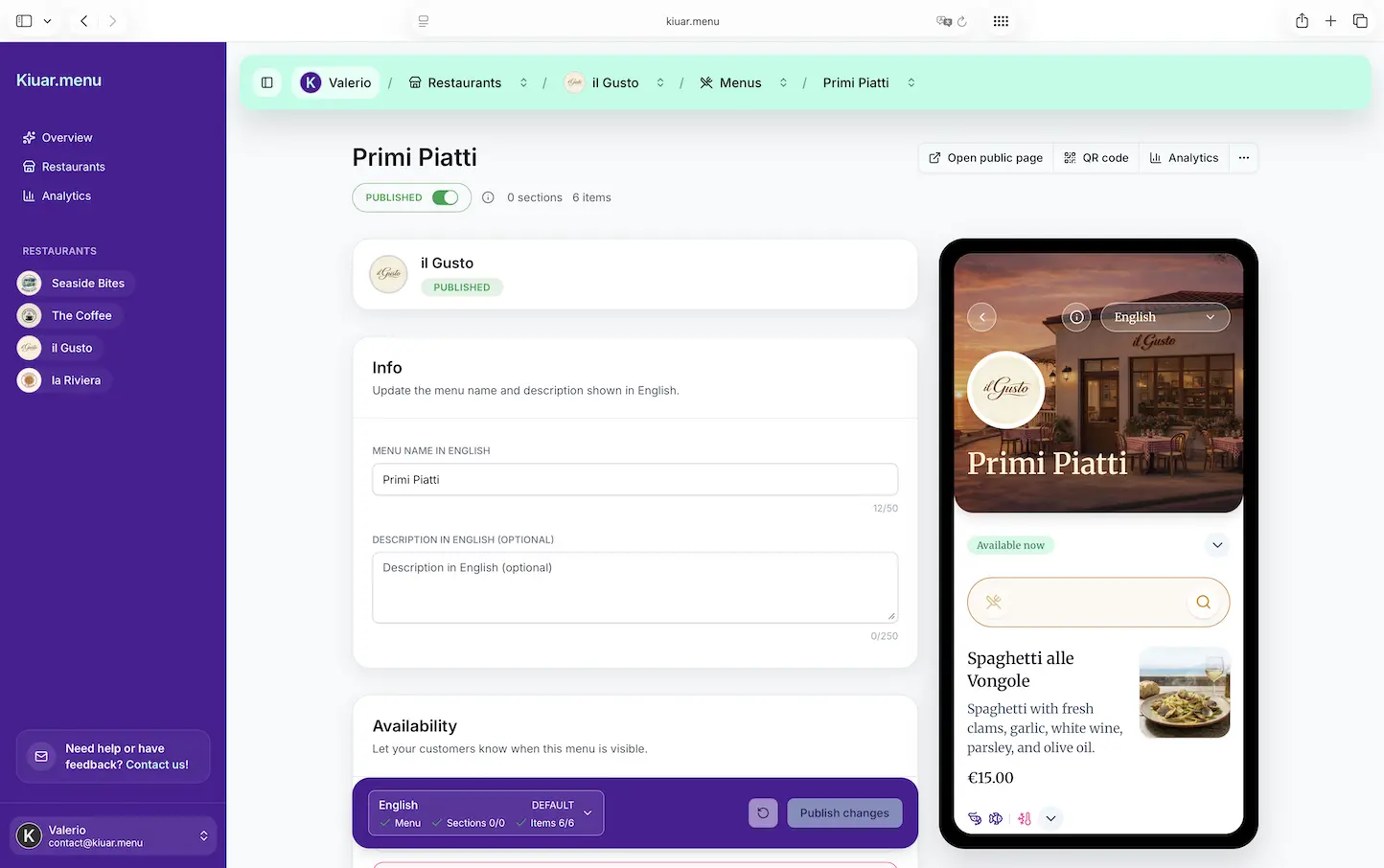
QR menus give you one huge advantage: you can change what every table sees instantly. That’s the whole point. But to actually benefit from that speed, you need a system - not a frantic scramble.
Use a single source of truth
If your menu lives in multiple places (printed menus, PDFs, social posts, third-party listings), guests will always find the outdated one. Your goal is to make one menu the authoritative version during service.
For many operators, that means the QR menu becomes the “truth,” while everything else is treated as marketing that may not be perfectly current.
Make the out-of-stock state unmissable
If you choose the “labeled” approach, the label needs to be obvious. Subtle gray text can look like a design choice, not a status.
Also think about where the label appears. Guests scroll fast. If they only see “Out of stock” after opening an item detail view, you’ll still get bad orders.
Don’t punish the guest for choosing wrong
If someone taps an unavailable item and hits a dead end, you’ve created friction. The better move is to guide them into a new decision.
The cleanest pattern is: show it’s unavailable, then immediately suggest a close alternative in the same category and price range. That turns a negative into momentum.
Keep modifiers consistent
Out-of-stock problems often hide in modifiers: “choose your bread,” “pick a side,” “add protein.” If one modifier option is gone, guests can still build an order you can’t fulfill.
Your handling needs to include modifier-level availability. Otherwise you’ll still be running food back to the kitchen and starting over.
What to do when you’re out mid-service (without blowing up the line)
Most restaurants don’t run out at 3:00 pm when everyone is calm. They run out at 7:30 pm when you’re 30 minutes deep on tickets.
A workable mid-service process has three steps: confirm, update, and communicate.
Confirm means the kitchen (or bar) makes a clear call: “86 short ribs. No more tonight.” Not “we’re low.” “Low” creates guessing and inconsistent messaging.
Update means the menu changes immediately in the same place staff and guests rely on. If the menu is updated once but the host stand still hands out old paper menus, the problem stays.
Communicate means FOH gets one sentence to use at the table, plus the recommended pivot. “We just sold out of the short ribs - the braised pork shank is the closest match and it’s excellent tonight.” You’re not asking the server to improvise; you’re giving them a line.
The wording that reduces complaints
Guests don’t mind “sold out” as much as they mind feeling tricked. Your language should be direct, calm, and specific.
“Sold out for the night” sets a clear boundary. “Unavailable” can sound vague, like you just don’t want to make it.
If you want to protect brand perception, avoid blame language like “we didn’t get our delivery” or “the kitchen ran out.” Keep it guest-centered: “Sold out,” then offer the next-best option.
And if the item will be back tomorrow, say that. The promise of return changes the emotional temperature.
Handling seasonal and limited items (where selling out is part of the story)
For specials, selling out can be a feature - but only if you frame it correctly.
If you run limited batches, label them as limited before they’re gone. That way “sold out” feels expected, not disappointing. It also helps you avoid the guest who plans their whole meal around a special they saw online hours ago.
Just be careful: if everything is “limited,” nothing is. Use that language sparingly so it stays credible.
The analytics angle: stockouts are data, not just headaches
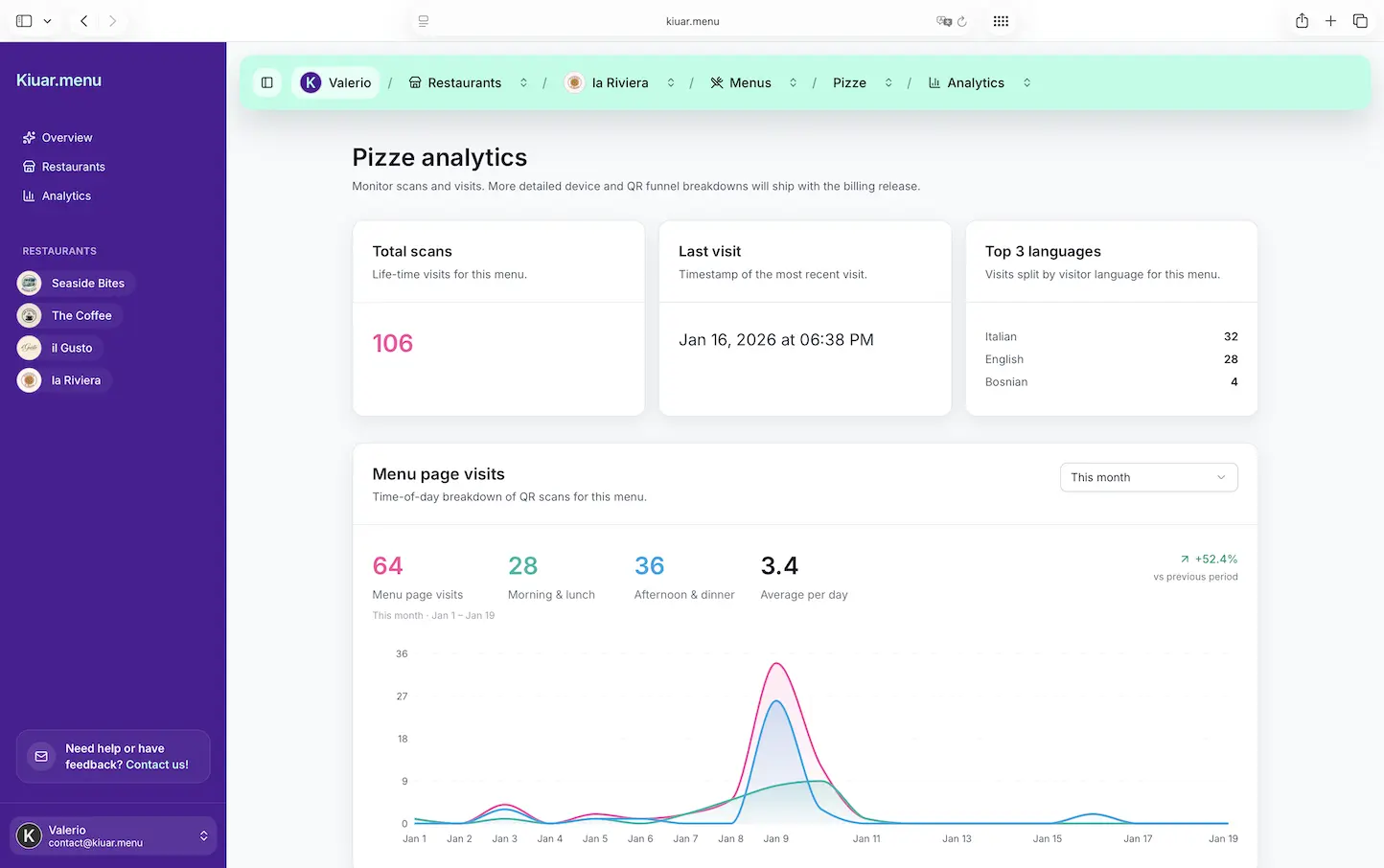
Every stockout is a signal. Sometimes it tells you demand is higher than expected. Sometimes it tells you your par levels are too low. Sometimes it tells you an item is popular because it’s underpriced.
If you track how often items go out of stock, when it happens, and what guests buy instead, you can make smarter calls: prep more, adjust ordering, tweak pricing, or reposition the substitute as the new star.
The key is consistency. If you handle stockouts differently every night, you can’t learn from them.
A practical policy you can actually run
You don’t need a binder. You need a simple set of rules your team can follow under pressure.
Decide in advance which items get hidden when they’re gone, which stay visible as “sold out,” and which can be substituted without a meeting. Your burger bun might be substitutable. Your signature dessert might not be.
Then decide who has the authority to make the call. If three people can mark items unavailable, you’ll get accidental 86s. If only one person can, you’ll get delays. Most operators land on a small set: a manager on duty and one kitchen lead.
Finally, set a check-in rhythm. A quick 86 check at shift change and one more around peak can prevent surprises.
Where Kiuar.menu fits in
If your priority is making mid-service edits once and having every QR code reflect it immediately - including item availability, translations, and labels - that’s exactly what a platform like Kiuar.menu is built for: speed, consistency, and control from one web workspace.
When you treat availability like part of the menu (not a separate whiteboard problem), your guests stop ordering ghosts and your staff stops apologizing for things they can’t fix.
Closing thought: the best restaurants aren’t the ones that never run out - they’re the ones that make the next choice feel just as easy as the first.