Your fryer oil spikes in price, your chicken delivery is short, and suddenly the sandwich that sells 40% of lunch is not happening today.
If your menu lives inside a PDF on your website, your options are awkward: hope guests do not notice, scramble to find the file, text your designer, or print a paper insert that looks like a panic move. If your menu lives in a tool built for operators, you change one line and every table sees it.
That is the real decision behind “menu builder vs web designer.” It is not about which looks prettier in a portfolio. It is about who controls the menu when service is live.
Menu builder vs web designer: what you are really buying
A web designer sells you a project. You agree on a scope, they create pages or a PDF embed, you approve it, and it ships. Updates are a new request. That can be a great fit when your menu is stable, your brand standards are complex, and you want a custom site that does more than display items.
A menu builder sells you an operating system for the menu itself. You log in, edit items, publish, and the guest-facing menu updates instantly. You are not paying for someone to “make changes for you.” You are paying for speed, consistency, and control.
Both can produce a good-looking menu. Only one is designed for the reality that menus change constantly.
When a web designer is the right call
There are situations where hiring a web designer is the practical choice.
If you are launching a new restaurant and you need a full website, brand identity work, photography direction, and a custom online presence, a designer can tie everything together. If your menu is one small part of a bigger marketing build, it can make sense to put it in the same project.
Designers also shine when you need a deeply custom experience that is not really “a menu,” like a chef’s tasting flow with storytelling, rich media, and interactive elements that go beyond categories and modifiers.
And if your menu barely changes, the update pain is lower. A fine-dining spot with a fixed prix fixe, or a bar with a locked-in list that only changes quarterly, might not feel the day-to-day cost of waiting on edits.
The trade-off is operational. Designers are not on the line with you at 7:14 pm when you 86 an item. Their workflow is built around requests, revisions, and timelines.
Where web design starts to break in restaurant operations
Most restaurants are not dealing with “quarterly updates.” They are dealing with reality.
Prices move. Vendors substitute. Seasonal items arrive early or late. Happy hour rules change. A manager wants to test a new bundle. An allergen callout needs to be crystal clear today, not after a week of back-and-forth.
When your menu is a file managed through a designer or a traditional website workflow, small changes create hidden costs: staff time chasing updates, guests ordering items you cannot fulfill, inconsistent menus across platforms, and the slow drift toward “we will fix it later.”
That last part is the killer. A menu that is not easy to update becomes a menu you stop improving.
What a menu builder does better (and why it matters to guests)
A good menu builder is not a design toy. It is a publishing system.
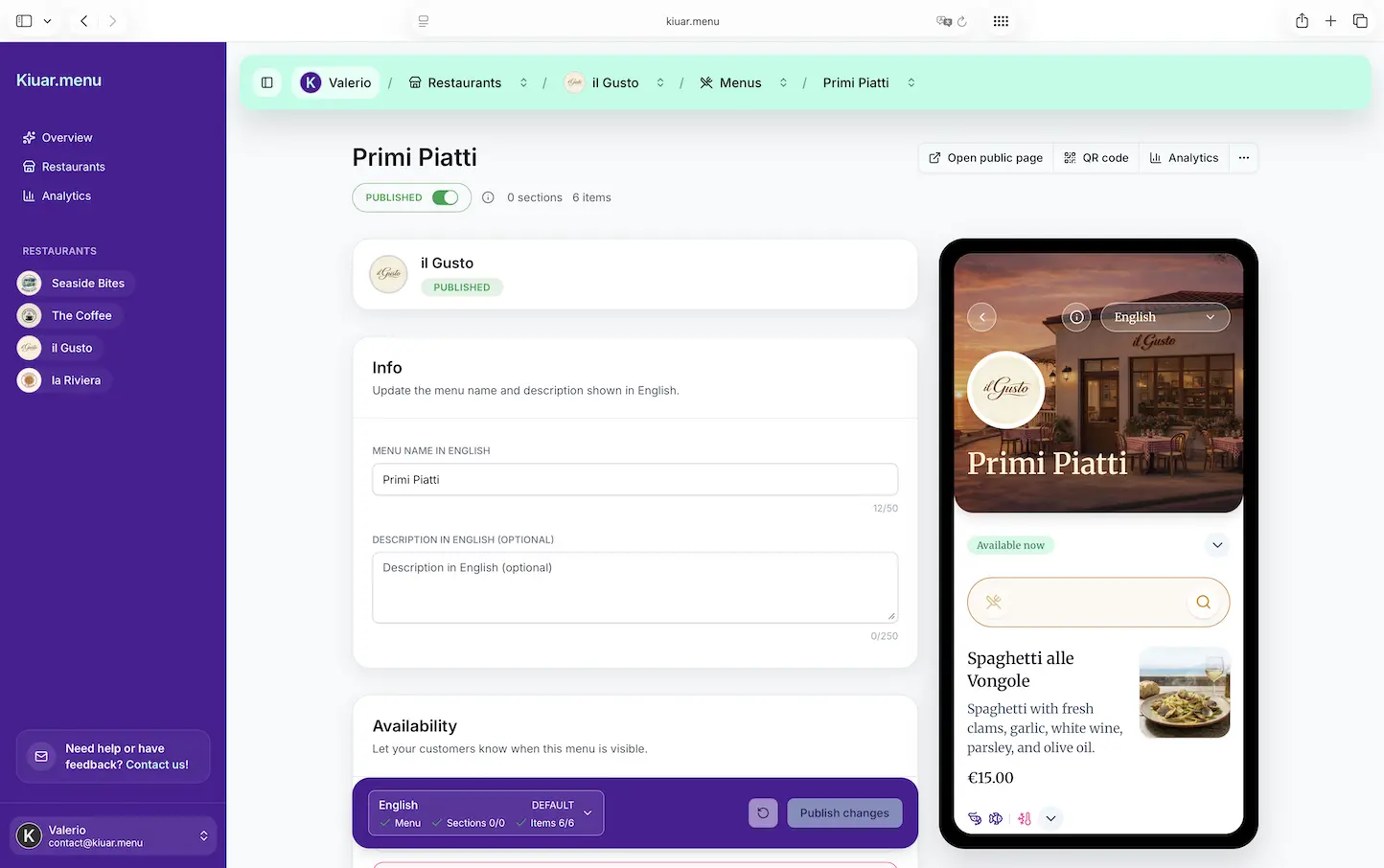
You edit once. Every QR code and digital view reflects it. That is the baseline expectation for modern QR menus, because guests assume what they see is current.
A menu builder also gives you guardrails that keep things consistent: the same item name, the same price format, the same dietary tags, the same category order. That consistency is not just “nice branding.” It reduces friction for guests who are scanning quickly and deciding fast.
You also gain the ability to make changes without turning every update into a paid request. Operators feel that difference immediately because menus are never finished. They are maintained.
The cost comparison: project fees vs subscription reality
On paper, a designer can look like a one-time cost: pay once, get a menu, done.
In practice, restaurants pay over and over. Even if the designer charges a modest hourly rate, frequent changes add up. And the soft cost - waiting - can be more expensive than the invoice.
Menu builders flip the model. You pay a predictable subscription and do the work in-house. That is not “free,” but it is controllable. It is also easier to justify because the value shows up in real operational moments: mid-service edits, instant publishing, and avoiding awkward guest conversations.
If you are running multiple locations, the math gets sharper. A designer workflow often multiplies with each location, each menu variation, each language, each seasonal rollout. A menu builder is built to scale those changes from one workspace.
Speed and control: the deciding factor for most operators
Ask yourself one question: who should be able to change the menu?
If the answer is “only the designer,” you are choosing a marketing workflow over an operations workflow. That may be fine if your menu is static and you have time.
If the answer is “my GM, my bar manager, or me,” then you want a system that makes edits safe and fast. You want updates that take minutes, not messages.
This is where the “menu builder vs web designer” decision usually lands. Restaurants do not lose money because their menu is not artistic enough. They lose money when the menu is out of date, unclear, or inconsistent across touchpoints.
Branding: custom look without custom code
One of the biggest objections to menu builders is fear of looking generic.
That is a fair concern if the tool has limited styling. But modern menu builders can match your brand basics - fonts, colors, layout choices, and a clean guest experience - without needing custom development.
A designer can absolutely create a unique look. The question is whether you need uniqueness, or you need a polished menu that feels like your restaurant and can be updated instantly.
For most independent operators, the winning combination is simple: a menu that looks intentional and reads well on a phone, with branding controls that do not require a design degree.
Translation and dietary labeling: where DIY web pages get risky
If you serve tourists, international students, or a multilingual neighborhood, translation is not a “nice to have.” It is guest care.
A web designer can help you translate, but translation usually becomes a separate workflow: separate documents, separate pages, more chances for mismatches. The same is true for allergen and dietary labeling. If you manage these details manually, it is easy to miss one update and end up with conflicting information.
A menu builder that supports multi-language publishing and consistent labels keeps everything aligned. When you change an ingredient note, you are not hunting through multiple pages and hoping you updated the right version.
The nuance here: translation still needs judgment. You may want to review phrasing for tone and accuracy. But having the structure built in makes it far easier to maintain across the year.
Analytics: designers build pages, operators need feedback
Most restaurant websites are not built to answer operator questions like:
Which items get the most views?
Where do guests hesitate?
Do people actually scroll to desserts?
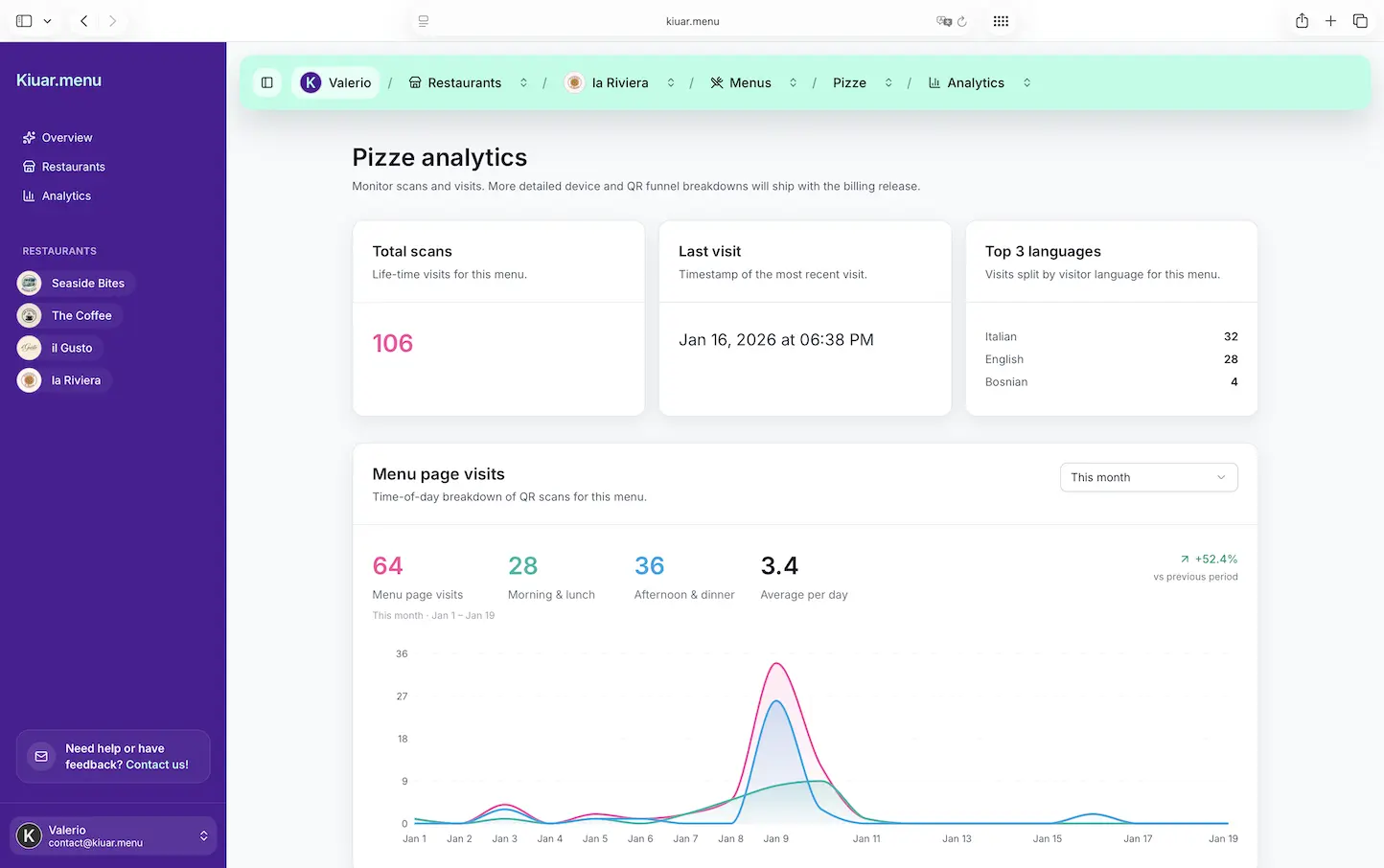
A designer can add analytics, but menu-level insights are rarely part of a typical web design deliverable. Menu builders are more likely to include menu analytics because it is directly tied to selling, not just traffic.
That matters if you are trying to make smarter decisions without guessing. If a high-margin item is buried, you want to know. If a category is ignored, you want to reorganize it today, not after the season ends.
The hybrid approach that often works best
This does not have to be a rivalry.
A common, practical setup is: keep your main website design with a web designer (for brand, story, SEO pages, catering, events), and run the menu itself through a menu builder that is built for constant updates.
That way, the designer is doing what designers do best, and your team is not stuck waiting on menu edits.
If you want a single workspace where you can brand, translate, label allergens, and publish QR-accessible menus fast, Kiuar.menu is built for exactly that operator reality: edit once and every table reflects the change, with a free-to-start, pay-when-publishing model.
A quick decision filter you can use today
If you change prices, availability, or specials weekly (or more), a menu builder usually wins because speed becomes a revenue and guest-experience issue.
If your menu changes monthly or quarterly and you want a fully custom web presence, a web designer can be the better first spend.
If you have multiple locations, multiple languages, or frequent 86s, the operational overhead of designer-managed updates tends to catch up fast.
And if you are trying to reduce mistakes, guest confusion, and staff time spent explaining what is not available, choose the option that keeps the menu current without friction.
A menu is not just content. It is a live promise to the guest. Build your workflow around the moments when that promise gets tested - the busy ones.