A QR code that does not get scanned is not a “digital menu problem.” It is usually a placement problem.
You see it in the first two minutes of service: guests sit, look around, pick up the tent, then set it down because the code is sideways, glossy, too small, or competing with five other table messages. Meanwhile your server gets the same opener again: “Do you have a menu?”
This is exactly where restaurant qr code placement best practices earn their keep. Good placement makes scanning feel obvious and low-effort, even for guests who do not love QR codes. Bad placement adds friction at the worst time - right when you are trying to seat, greet, and start the order flow.
What “good placement” actually does
Great QR placement is less about aesthetics and more about throughput. It should reduce the time from “sat” to “first decision” without creating new guest confusion.
A well-placed code answers four silent questions instantly: Is this the menu? Is it for me (this table)? Will it work on my phone? What happens after I scan?
If your placement does not answer those questions, you will get slower turns, more server interruptions, and more “can I get a paper menu?” requests. Sometimes that is fine. Many concepts still want paper as a backup. But you should not be forcing the request by hiding the QR.
The core rule: put it where hands and eyes go first
The most reliable scan zones are the places guests naturally look or touch when they sit down. On a table, that is the center area near condiments or the first thing placed during the greet. At the bar, it is the rail, the coaster, or the menu stand in the guest’s line of sight.
Avoid “technically visible but behaviorally invisible” spots, like the far corner of a two-top, the side of a host stand, or a poster near the restroom. People do not hunt for a menu. They accept what is presented.
If you run full-service, assume the QR needs to be discovered without staff explanation. If you run counter service, you can lean more on signage near the order point, but you still want a code at the table for add-ons and second rounds.
Table placement: center beats clever
Tables are where most scanning happens, and also where placement mistakes pile up across shifts.
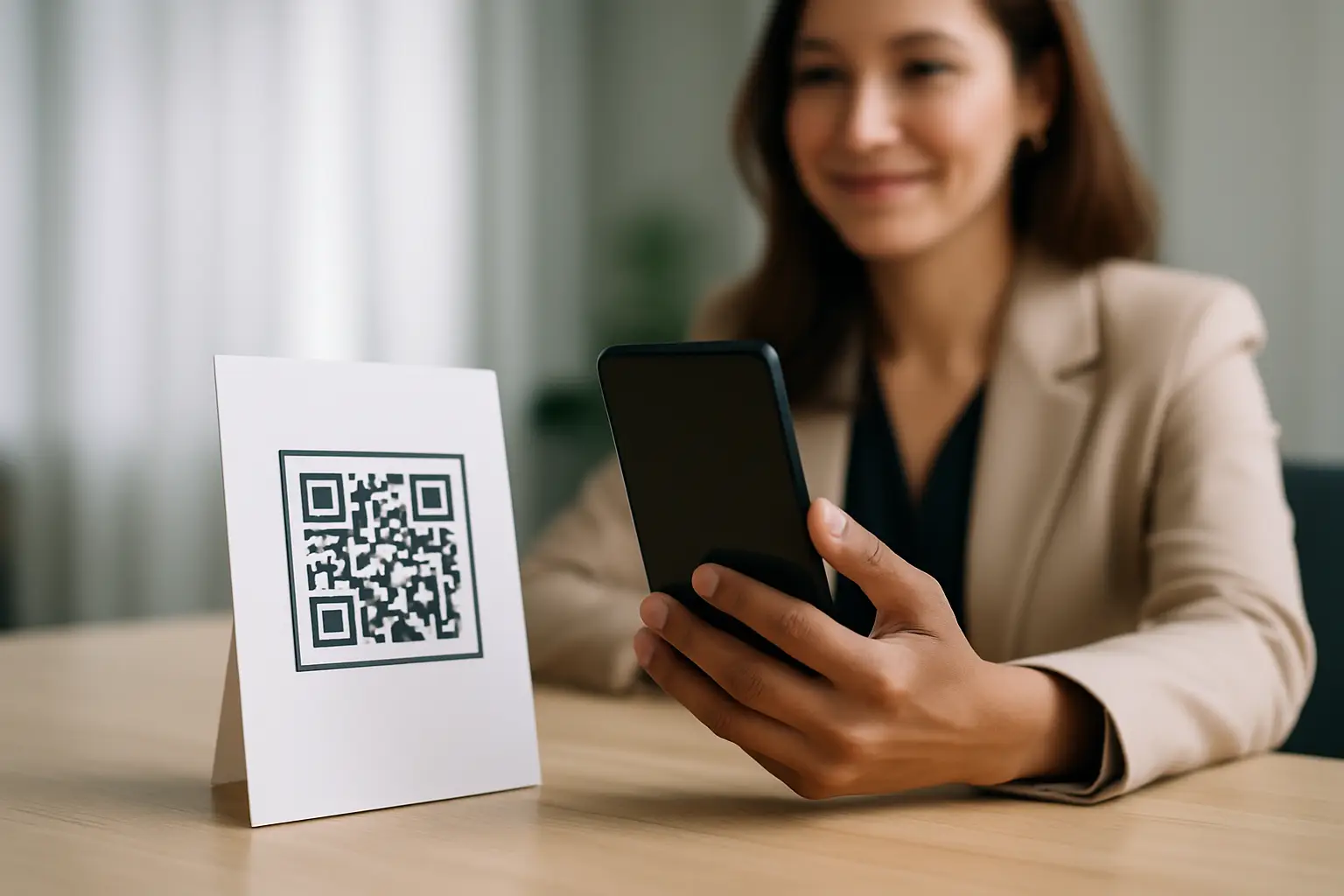
A table tent in the center is boring for a reason: it works. It stays in the guest’s field of view, it is easy to grab, and it does not get buried under phones and sunglasses as quickly as a flat sticker.
Stickers can work when you need speed and cleaning simplicity, especially for patios. The trade-off is discoverability. If you go with a sticker, do not hide it on the table edge. Put it where the guest places their phone anyway, and size it so it reads as “menu,” not “asset label.”
For two-tops, you can often get away with one code. For four-tops and up, one code can still work if it is centered and obvious, but parties naturally split attention. If you frequently serve groups, consider multiple codes per table or a tent that is visible from more than one seat.
Bar placement: fast scan, no wobble
At a bar, guests are closer to the surface and more likely to scan quickly, but they are also more likely to spill, slide, or move things.
Coasters with QR codes are effective because they are already “in hand.” The downside is rotation and replacement. Wet coasters curl, and the code can distort. If you do coasters, keep the print high contrast and expect to refresh them.
A small, stable stand near each station works well for premium bars where you want a clean look. Just make sure it cannot tip when someone sets down a drink. If your bartender has to re-stand it all night, you will lose the consistency battle.
Host stand and entry: for the wait, not the meal
Entry placement is great for two moments: guests on a wait who want to browse, and guests who want to check hours, specials, or happy hour before committing.
It is not a replacement for table placement. If the only QR is at the host stand, you are counting on guests to remember it, keep the page open, and not switch to texting while they walk to the table.
If you do place a code at the entrance, label it clearly so it does not look like a generic “follow us” QR. Tell guests what they get: “View the menu,” “Join the waitlist,” or “Order at the table.” One code should do one job.
Outdoor seating: plan for sun, glare, and weather
Patios are where QR code placement fails quietly. Bright sun washes out low-contrast printing. Glossy lamination reflects directly into camera lenses. Wind flips tents and rain ruins paper.
For outdoor use, matte finishes win. Larger codes win. And anything that can be secured wins. If you want to keep the table clean, a small weighted stand or a durable sticker under a protective matte layer tends to outperform a lightweight tent.
Also, assume guests will scan while wearing sunglasses. That is another reason contrast and size matter.
Size, contrast, and the “one-second test”
If a guest cannot identify the QR code and understand its purpose in one second, you are going to pay for it in questions.
A few practical standards help across almost every concept. Use a high-contrast code (dark on light). Leave white space around the code so phone cameras can detect it quickly. Do not shrink it to fit a design. And do not print it over patterns, wood grain, or marble textures.
If you are testing your setup, use the one-second test: stand where the guest sits, glance at the table like you are mid-conversation, and see if your eyes land on the “menu” instruction immediately. If you have to search, so will they.
Copy and labels: tell guests what happens after the scan
Placement gets the code in view. Copy gets the scan.
The best-performing labels are direct and benefit-led: “Scan for menu,” “Order and pay on your phone,” or “Menu in English and Spanish.” Avoid vague language like “Scan me” or “Learn more.” That reads like marketing, not service.
If your menu supports multiple languages or allergen info, say it right there. Guests who need it will self-select quickly, and guests who do not need it will still see the menu as more trustworthy.
Keep the instruction short, and put it above the code so it is readable before the scan.
Keep it consistent across shifts and locations
Consistency is the hidden ROI lever. If placement changes by server, section, or daypart, your guests re-learn the experience every time.
Standardize where the QR lives and how it is presented. If you use tents, pick one style and stick to it. If you use stickers, pick one placement point on every table and keep it there, even after table swaps.
Multi-location operators should treat QR placement like any other brand standard: the same guest expectation everywhere. The more consistent it is, the fewer staff prompts you need.
Avoid these common placement traps
Some QR setups look fine in a mock photo but fail during real service.
Codes placed under condiment caddies disappear fast. Codes printed too close to the table edge get cropped by phone cameras and take longer to scan. Codes on glossy acrylic reflect overhead lighting and force guests to tilt their phones like they are taking a panoramic shot.
Another trap is stacking too many actions on one table: one QR for the menu, one for loyalty, one for reviews, one for Wi-Fi. Guests cannot tell which is “the real menu,” and your staff ends up explaining it.
If you need multiple actions, prioritize the menu first and move the others to a receipt, a follow-up screen, or a small footer on the menu page. Menu access should be the clearest job on the table.
Make QR placement match your service model
It depends on how you run the floor.
If you are full-service with servers guiding the meal, QR codes should reduce friction, not replace hospitality. Put the code where guests can scan immediately, but train staff to offer a quick verbal handoff: “Menus are right here to scan - happy to answer questions.” That preserves pace and warmth.
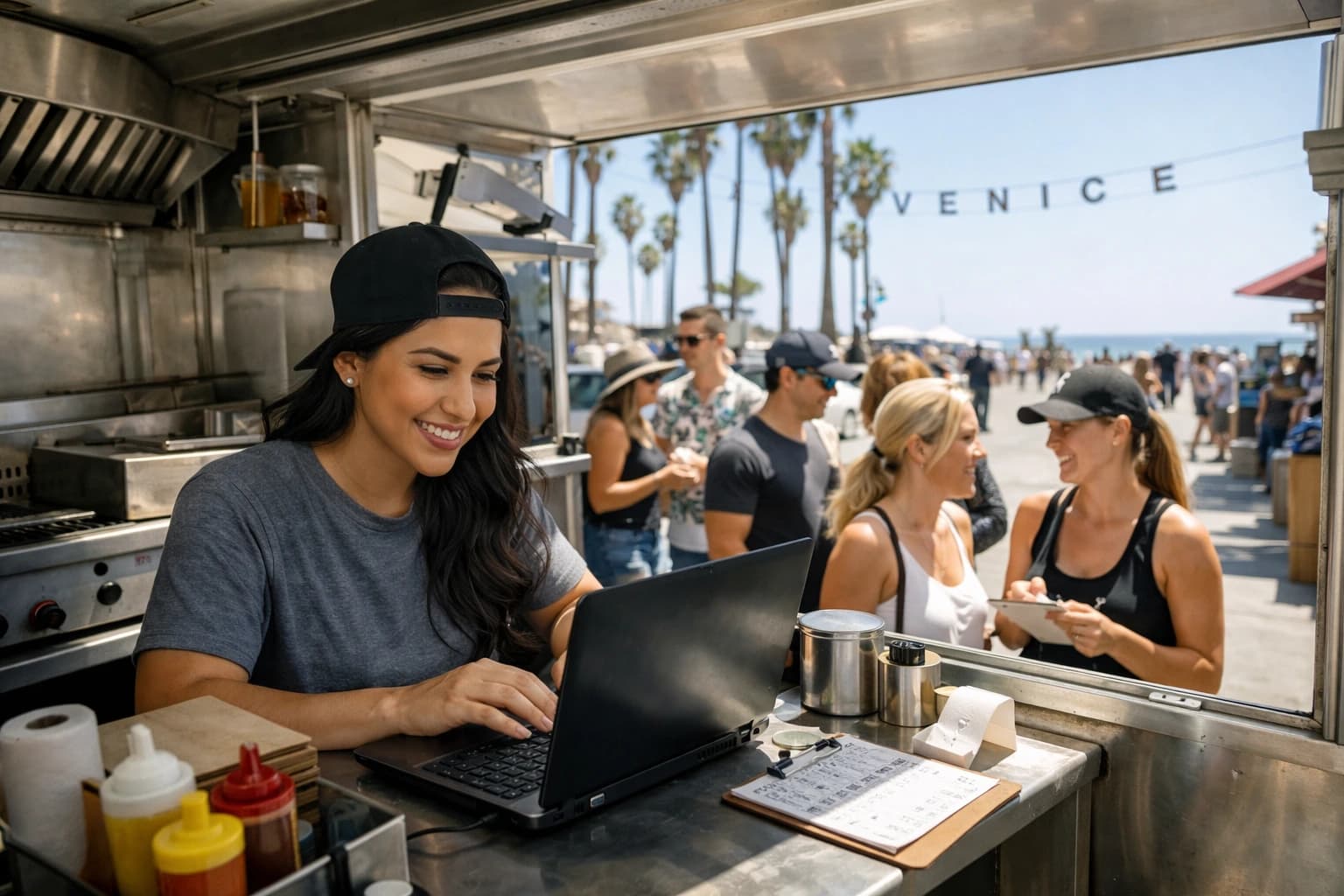
If you are fast-casual or food truck, QR placement should shorten the line. Put a large code at the ordering point and another at pickup or seating for reorders. For trucks, codes on the service window and a simple sign at eye level outperform small stickers on the side panel.
If you do table ordering, your QR placement needs to be even tighter. If scanning is slow or confusing, orders stall and the whole model suffers.
Use analytics to validate placement, not opinions
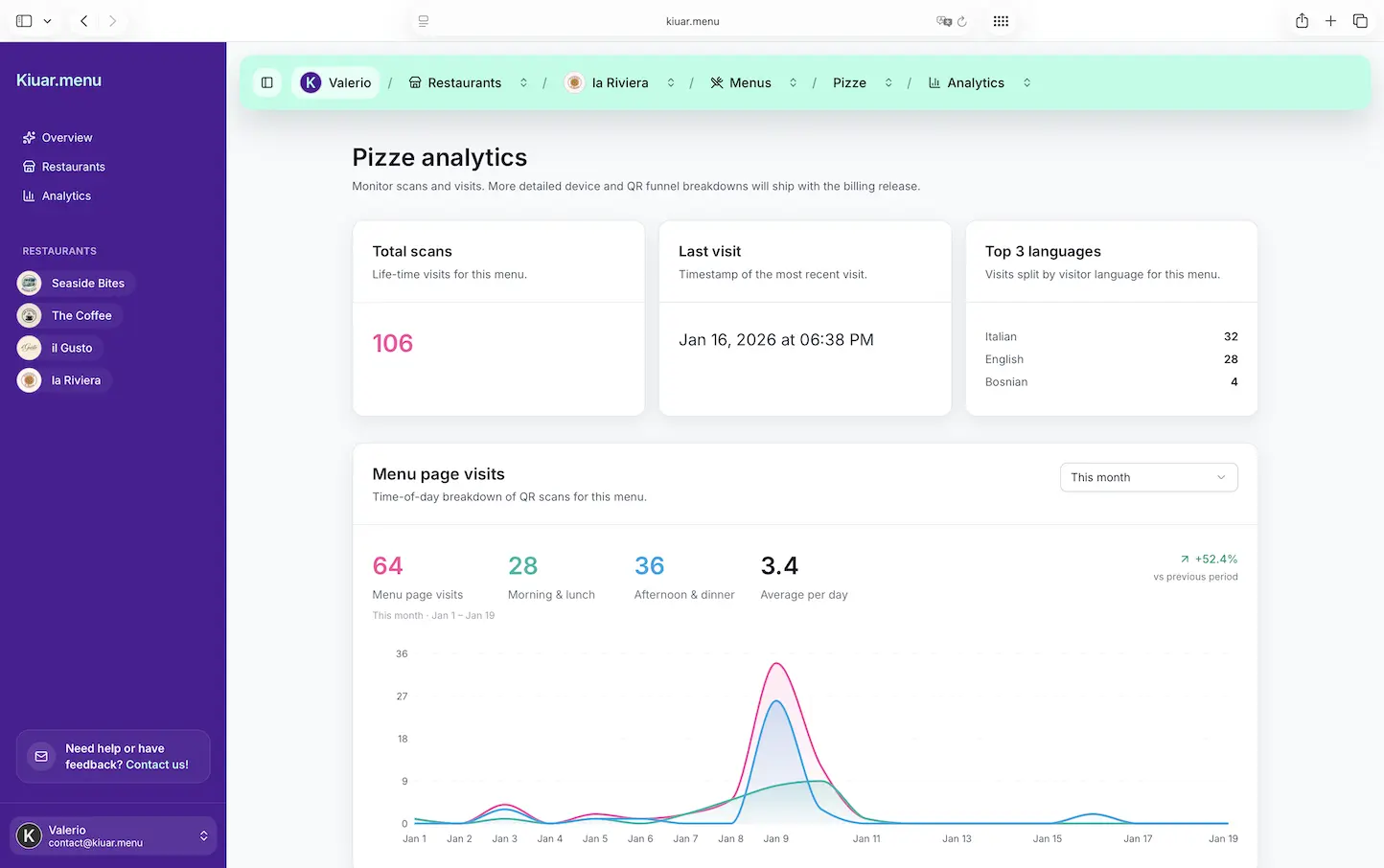
You can debate design all day, but scan behavior is measurable. When you change placement, you should see changes in scans per cover, time to first scan, and which sections of the menu get viewed.
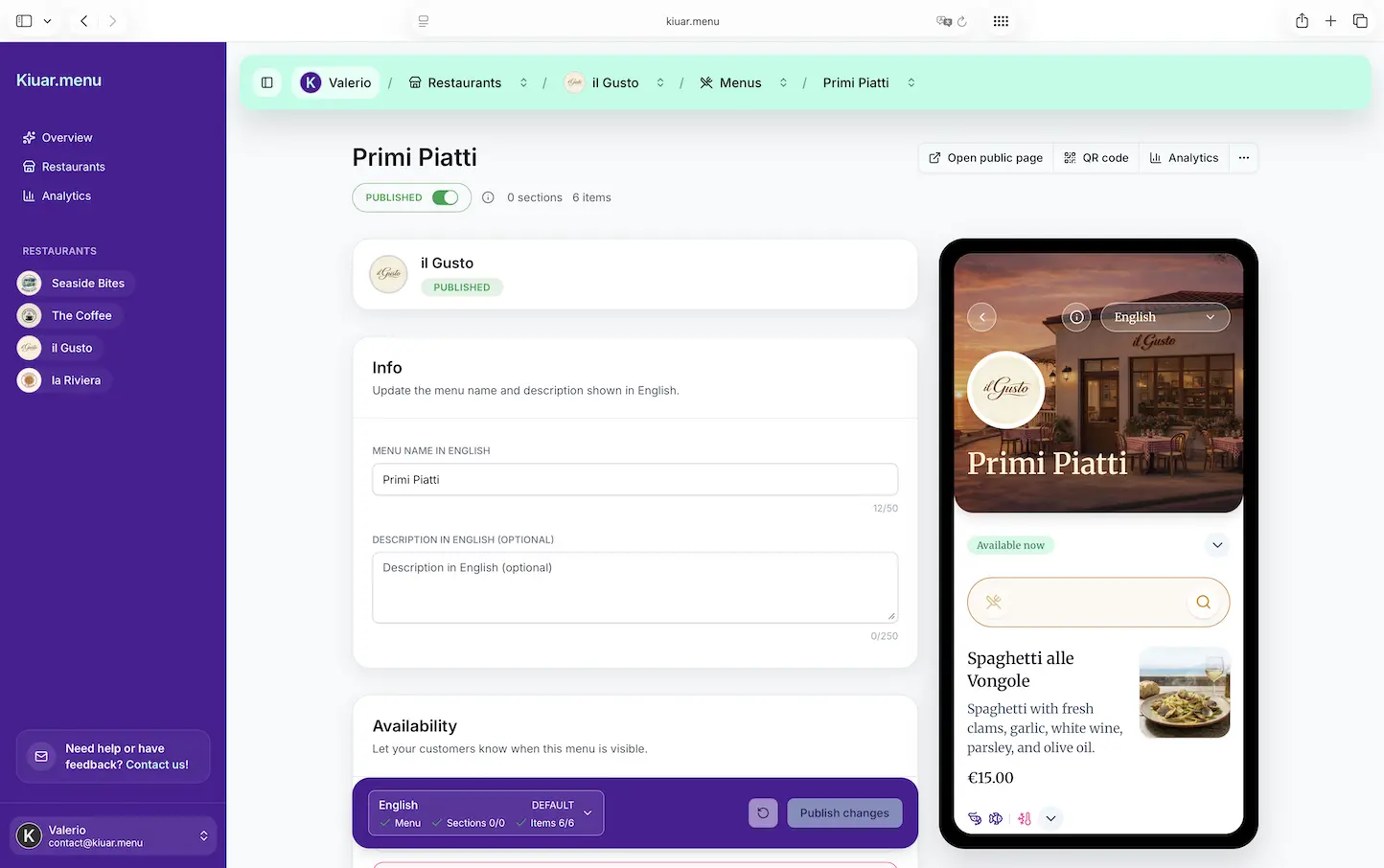
If you are running a digital menu through a platform like Kiuar.menu, you can update the menu instantly without reprinting codes and use built-in analytics to see what guests actually tap. That makes placement tests less risky because you can iterate quickly without tearing up your dining room.
A simple approach is to test one section for a week: move from flat stickers to a centered tent, or adjust the label copy, and watch what happens. Keep everything else the same so you know what caused the shift.
Staff-friendly operations: placement that survives cleaning
Your best placement strategy is the one your team can maintain on a busy Saturday.
If the QR is a tent, it has to be easy to wipe and quick to reset between turns. If it is a sticker, it has to survive sanitizer and scrubbing without peeling. If it is a stand, it has to be stable and not disappear into the bus tub.
Before you commit, run a real-world trial: a full service, a full clean, and a reset. If it looks worse after one night, it will look terrible after a month.
Accessibility and guest comfort
Some guests will not scan. That is normal.
Placement best practices include making the QR easy for most people while keeping a graceful out for everyone else. Have a small set of paper menus available, or a staff-ready fallback line: “If you prefer a paper menu, I can bring one right over.”
Also consider guests with low vision. Larger codes and clear “Menu” labeling help. And avoid placing the QR where guests need to lean far across the table to scan.
A QR menu should feel like an upgrade, not a hurdle.
If you are choosing just one improvement this week, make it this: put the menu QR where the guest’s eyes naturally go, label it with plain language, and keep it consistent. The fastest service moments are the ones where nobody has to ask what to do next.