At 6:42 pm, the manager changes the price of the steak, hides a sold-out dessert, and updates a service rule for large tables. The change is published from the back office in under a minute. But the restaurant tablet menus already sitting on tables 4, 9, and 11 still show the old version because those screens have been open since the first seating.
That is the real problem behind live menu updates. It is not enough to publish menu changes quickly if open guest devices keep showing stale information. When table tablets update automatically, operators do not need to send staff from table to table to refresh screens by hand, explain price mismatches, or apologize for items that were removed ten minutes ago.
This is where always-open menu screens create a different operational challenge than QR menus on guests' phones. A guest who scans fresh usually gets the current version. A tablet mounted on a table, bar, hotel breakfast station, or kiosk can sit open for hours. If that screen does not refresh after you publish menu changes, the restaurant ends up running two realities at the same time: the current menu in the system and the stale menu in front of the guest.
Why table tablets create a different update problem
Restaurant tablet menus are useful because they reduce friction. Guests do not need to pull out a phone, find the camera, and rescan every time they want to check a dish, compare prices, or place another order. The menu is already there, already open, and always available.
That convenience is exactly what creates the update problem.
With a standard QR workflow, the guest often lands on a fresh page load. With table tablets and other always-open menu screens, the device may have loaded the menu thirty minutes ago, two hours ago, or before a shift change. If the page stays open, it can drift away from the current published menu unless the system knows how to refresh the screen when something public changes.
This affects more than dining room tablets. The same issue shows up on:
- bar tablets used for casual ordering
- self-service kiosks
- hotel breakfast menu screens
- host-stand tablets used to show today's offers
- digital displays in lounges, patios, or pool bars
In each case, the screen is meant to stay open and ready. That makes speed important, but freshness matters even more.
What auto-updating restaurant tablets actually solve
When table tablets update automatically, restaurants eliminate a set of small but expensive service failures.
The first is stale pricing. If the kitchen or manager updates a price and the tablet still shows the old one, the guest sees one amount while the staff and POS operate on another. Even a small mismatch slows service because someone has to explain, override, or comp the difference.
The second is sold-out confusion. If an item is gone, the guest should see that immediately. Otherwise servers are forced into reactive service: taking an order, walking it to the kitchen, and coming back with bad news. That wastes steps and damages trust.
The third is menu structure drift. If you publish a new section, move a special, hide a seasonal list, or clean up a category, open guest screens should reflect the new structure. Otherwise the team is effectively serving from two different menus at the same time.
The fourth is operational policy changes. Restaurants often update service rules, minimum spend notes, cover-charge details, or promo visibility based on the shift, the weather, or local demand. Those changes only help if guests actually see them on the screens already in front of them.
In other words, live menu updates are not only about convenience. They protect consistency across what the restaurant publishes and what the guest can actually read.
How Live updates works in practice
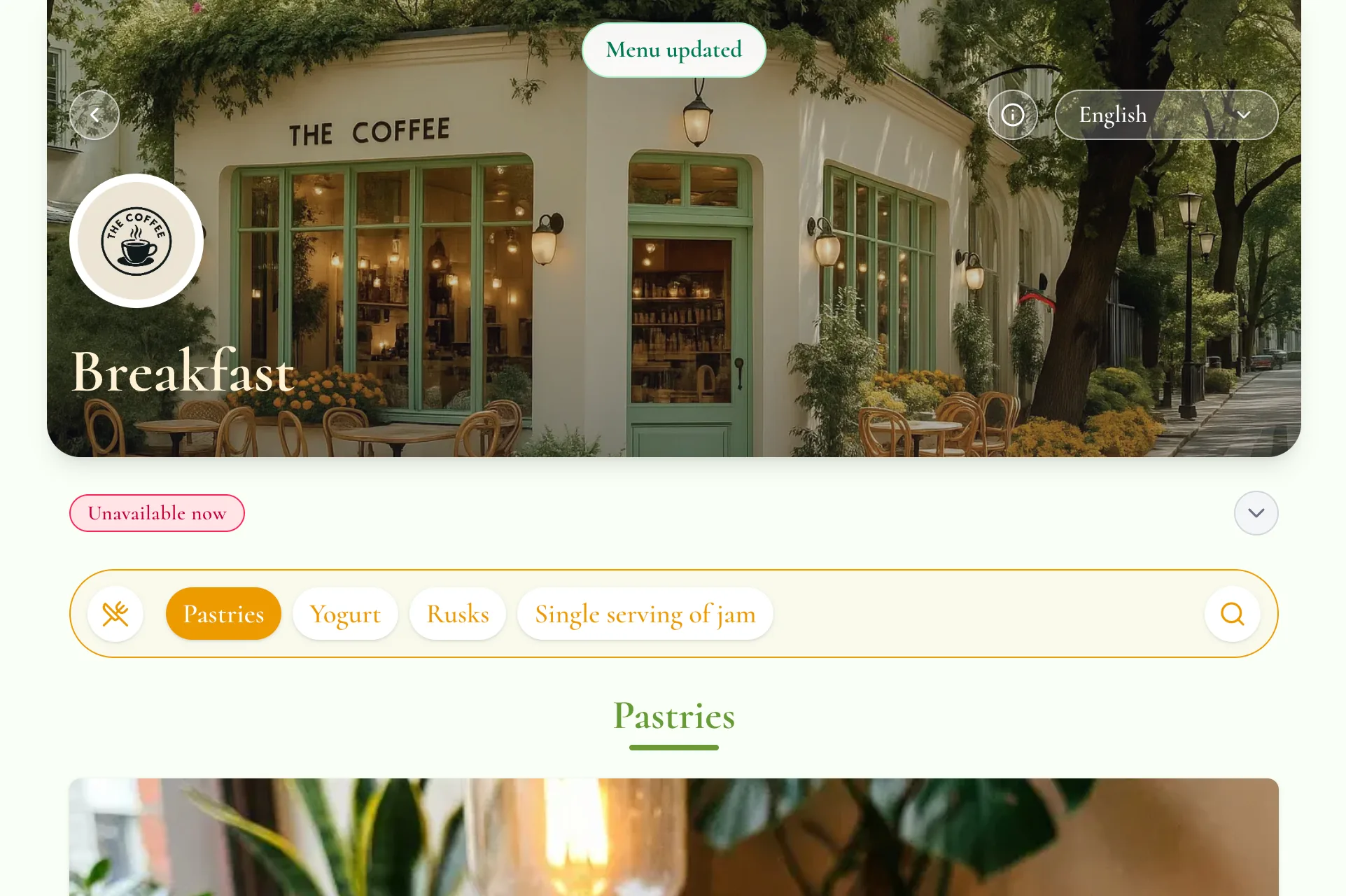
The cleanest workflow is simple.
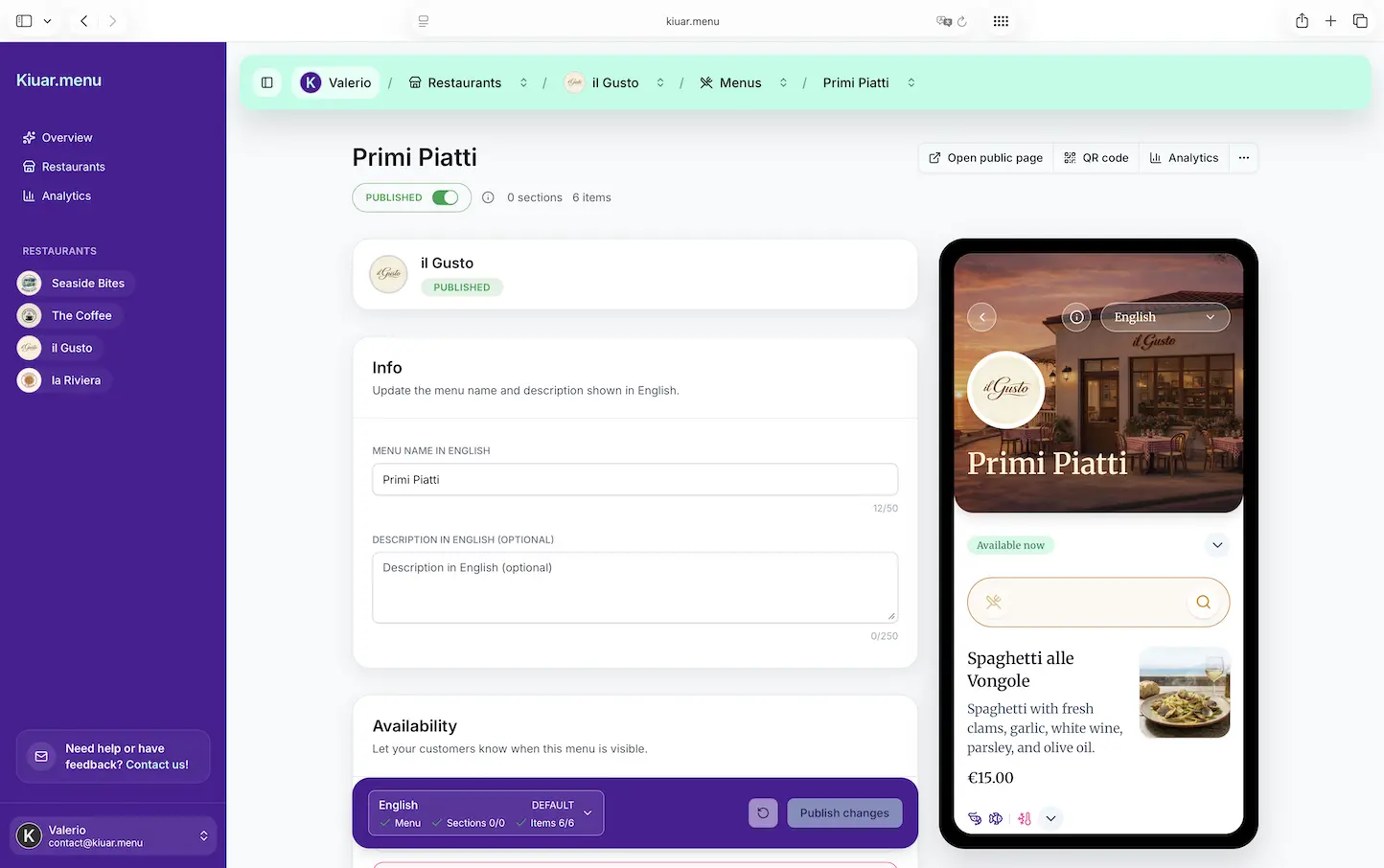
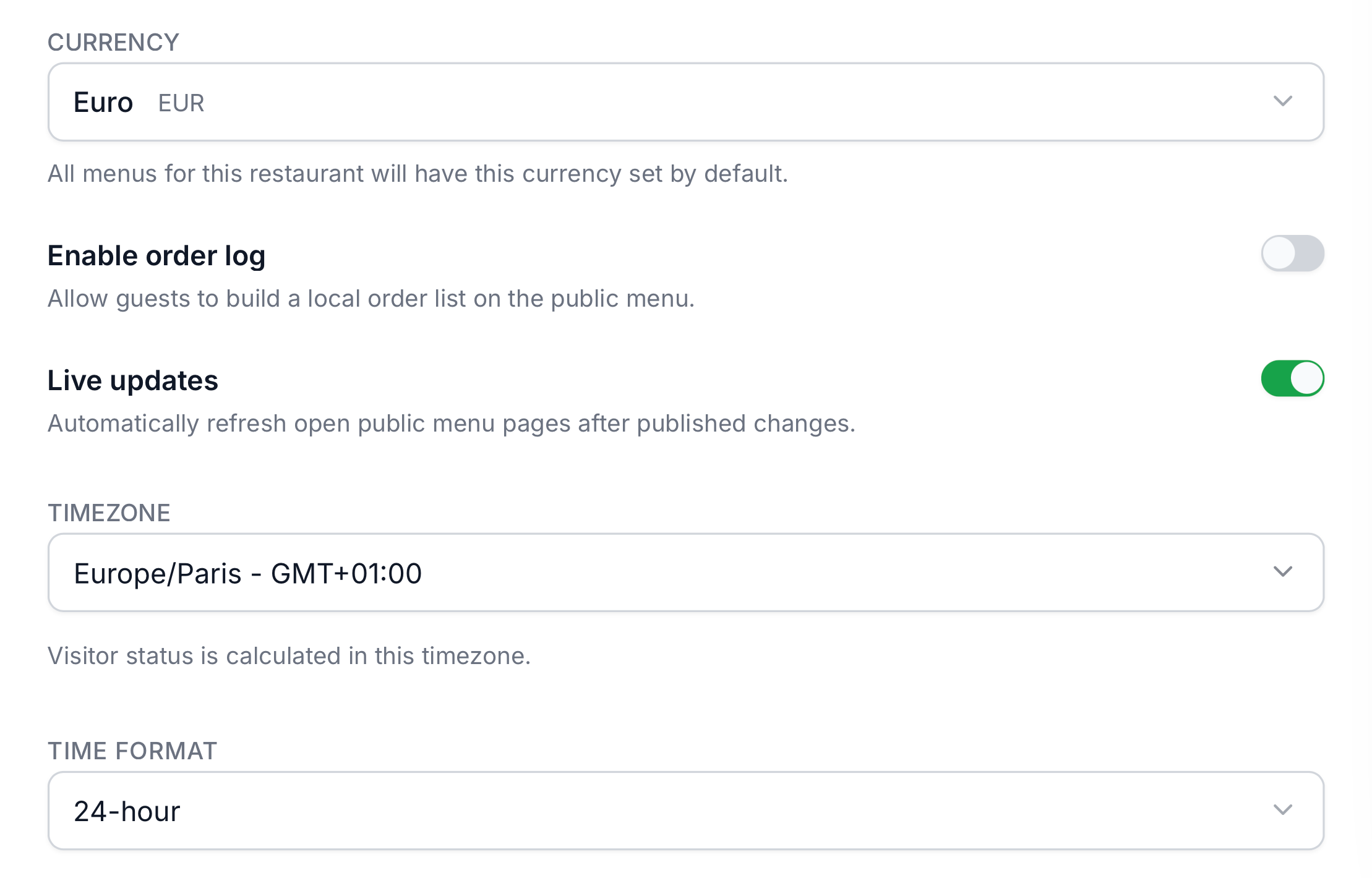
The restaurant edits the menu in draft, reviews the changes, and publishes when ready. Once the publish step completes, open guest screens can refresh automatically if Live updates is enabled for that restaurant. Staff do not need to touch every table tablet manually, and guests do not need to close and reopen the menu to catch up.
That distinction matters because this should not behave like uncontrolled live editing. Restaurants still need a safe editorial flow. A draft is where changes are prepared. Publish is the moment those changes become public. The refresh signal should follow the publish, not every unfinished edit made in the editor.
That is especially important during service. Managers want control over when public changes appear. They may need a few minutes to update several items, revise a rule, and double-check prices before pushing everything live. Once that publish happens, the system can then update restaurant tablet menus and other always-open menu screens without additional staff work.
The optional toggle matters too. Not every restaurant wants automatic refresh on every guest-facing screen. Some operators will want it on for table tablets and kiosks, while others may prefer manual refresh behavior. A restaurant-level setting keeps that decision practical instead of forcing one model on every venue.
What can refresh on open guest screens
For this kind of feature to be useful, it has to cover the public-facing changes restaurants actually make during the day.
In practice, the changes guests care about most are:
- price changes on existing items
- menu item additions, removals, and availability changes
- section renames, reordering, visibility updates, and removals
- rule changes such as cover charge notes or service information
- promo changes such as specials, limited-time offers, or highlighted sections
- other published menu content that alters what the guest can currently see
This should not be framed as a draft autosave system for diners. The guest-facing refresh is about published content only.
That distinction keeps the behavior predictable. Managers can edit in peace, publish menu changes when ready, and trust that open guest screens will then align with the new public state. Without that boundary, live menu updates become messy because diners might briefly see half-finished edits, incomplete sections, or prices that are still being adjusted.
When to enable it
Not every device in a restaurant needs automatic refresh behavior. But some setups clearly benefit from it.
Enable it when the restaurant relies on screens that stay open for long stretches of time, especially when staff are not going to revisit each device after every publish.
The best use cases are:
- dining room table tablets
- bar tablets used throughout the shift
- hotel breakfast and buffet menu screens
- ordering kiosks
- host-stand or waiting-area devices showing the current menu
- poolside, patio, or lounge displays that stay open all day
These environments reward automatic freshness because the guest is reading a screen that may have been loaded long before the latest publish.
There are also cases where a restaurant may leave the feature off. A venue that depends mostly on fresh QR scans from guest phones may not need it. A restaurant testing content changes slowly may prefer manual refresh behavior at first. And some operators may want automatic refresh only after staff are comfortable with the draft-to-publish workflow.
The point is not that every device must update in real time. The point is that restaurants should be able to choose it where the operational gain is clear.
Best practices for restaurants using always-open menu screens
The feature works best when the operational workflow around it is disciplined.
First, define who owns publishing during service. If too many people can push updates, screens may refresh often and unpredictably. In most restaurants, one manager or shift lead should own publish decisions once service starts.
Second, batch changes when possible. If you need to adjust three prices, hide two items, and add a promo, do the edits together and publish once. That keeps refresh behavior cleaner for guests.
Third, test important changes immediately after publishing. On one nearby device, confirm the updated public state is what you expected. This is especially important for price changes and rules.
Fourth, be realistic about connectivity. Table tablets update automatically only if the device can stay online reliably. Weak Wi-Fi, captive portals, or unstable kiosk hardware will create false blame on the feature when the real issue is connectivity.
Fifth, decide where always-open screens should be used in the first place. Not every table or location benefits equally. In some rooms, updating a QR code menu instantly mid-shift from guests' own phones is enough. In others, mounted screens or fixed tablets make more sense.
Sixth, keep related workflows aligned. If the team also updates prices during service, make sure they follow one standard process. The same logic that matters for changing restaurant prices mid-service applies here: accuracy beats speed when speed creates inconsistency.
Why this matters during service
Mid-service changes are not edge cases. They are normal restaurant operations.
A dish runs out faster than expected. A supplier substitution changes an allergen note. Happy hour goes live late because the floor opened slowly. A dessert section needs to be hidden because the pastry team is behind. The front-of-house lead decides to feature a special that needs more visibility right now.
Without auto-refresh, every one of those decisions creates extra human cleanup work. Staff must remember which tablets are open, which devices are still stale, and which guests might still be reading outdated information. In a busy service, that mental load is enough to create mistakes.
With live menu updates on always-open menu screens, the menu becomes a more reliable part of service instead of one more thing the team must manage manually. That means fewer interruptions for servers, fewer awkward clarifications, and fewer moments where the guest sees a version of the menu that the restaurant no longer stands behind.
It also improves confidence. When a restaurant publishes menu changes, the team should trust that the dining room sees the same public truth. That is especially important for availability and pricing because those are the details that cause the most visible friction when they fall out of sync.
This is the same operational mindset behind keeping out-of-stock menu items without the chaos under control. The faster the guest-facing menu catches up, the less cleanup the staff has to do.
Why Kiuar.menu built this feature
Kiuar.menu already helps restaurants edit fast, publish cleanly, and avoid reprinting when menus change. The missing gap for tablet-heavy setups is that publishing alone is not enough if the screen was already open before the change happened.
That is why Live updates exists.
The goal is practical: when a restaurant chooses to enable it, published public changes can automatically reach table tablets and other always-open menu screens without forcing manual refresh rounds across the floor. It is meant for operators who need the menu to keep up with service, not for marketing copy or novelty.
This fits the broader product direction behind Kiuar.menu: one place to update menu content, one public version guests can trust, and fewer manual handoffs between the person making the change and the device showing it.
Conclusion: restaurant tablet menus work better when they stay current
Restaurant tablet menus only reduce friction when they stay aligned with the menu that is actually live.
If a venue relies on table tablets, kiosks, or other always-open menu screens, the real problem is not whether the team can publish menu changes. The real problem is whether those devices reflect the publish without extra staff intervention. When table tablets update automatically, the restaurant removes one more layer of manual cleanup from service.
That means fewer stale prices, fewer sold-out surprises, fewer rule mismatches, and less time spent walking around refreshing devices by hand. It also means the guest sees a menu the restaurant can actually stand behind.
If your operation uses always-open screens and you want live menu updates without the manual refresh work, Kiuar.menu is built to make that workflow practical. Publish once, keep guest-facing screens accurate, and let the dining room stay focused on service instead of device maintenance.